About
About Pavr.
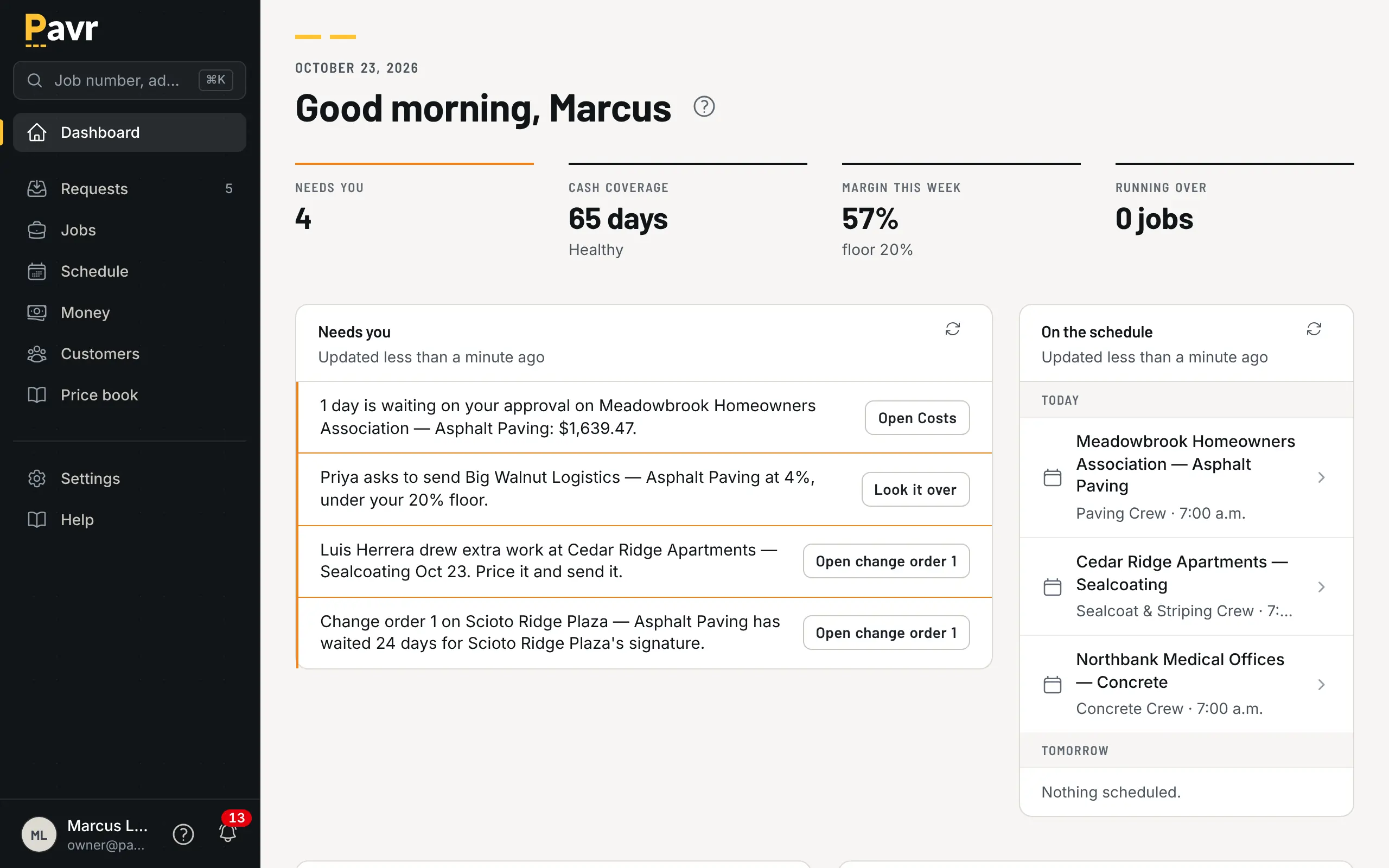
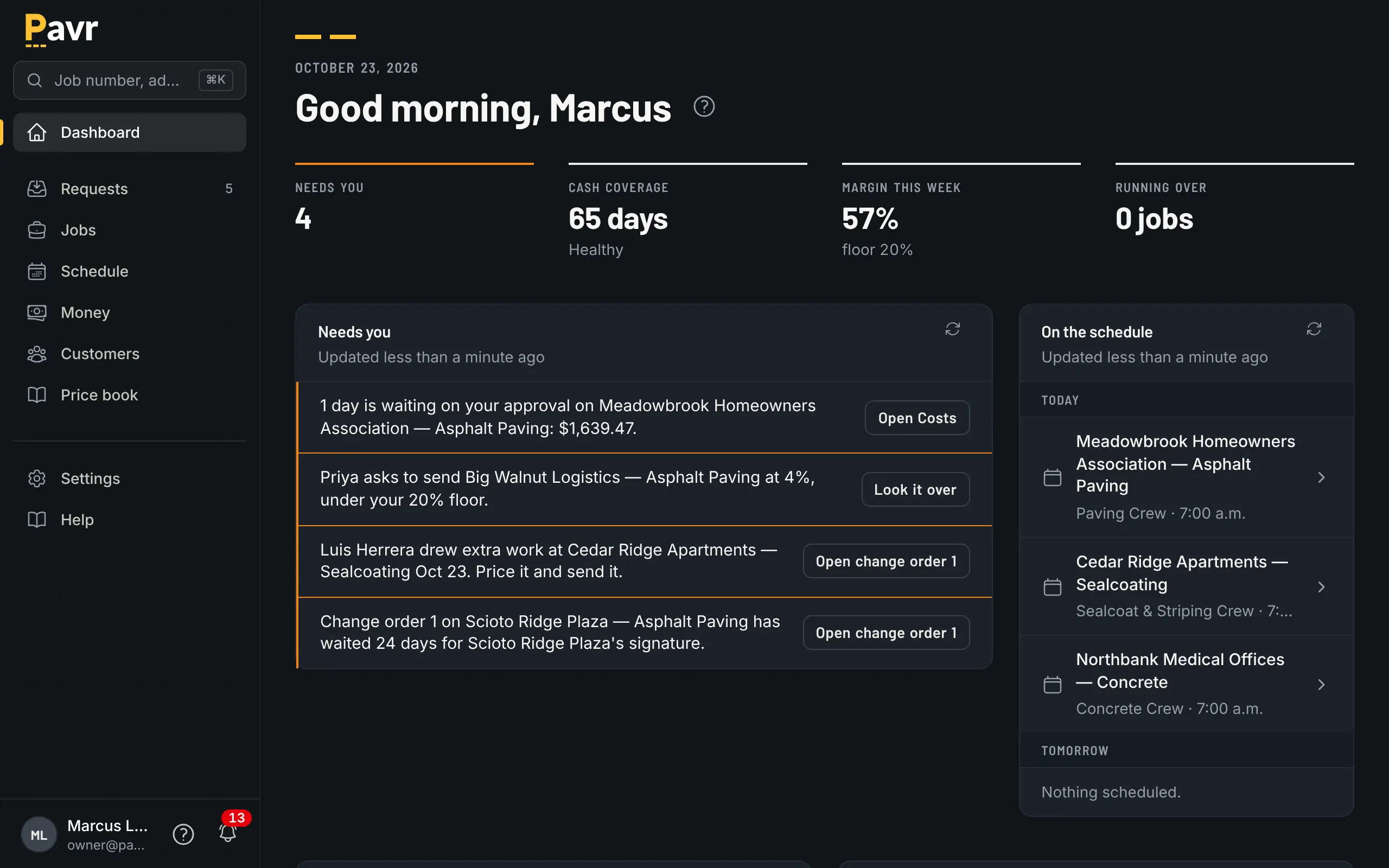
Pavr is software for paving, sealcoating, striping and concrete contractors. It covers a job from the lot you measure to the invoice you send, and it's made for that work and nothing else.
Who it's for
Who it's for.
A company with somewhere between five and sixty people. There's an owner who still walks lots and writes most of the estimates, or one estimator who does. There's an office manager, a foreman on each crew, a sub for the milling or the striping, and QuickBooks Online.
Most of those companies run on a spreadsheet, a Word proposal, a whiteboard and a group text with the foremen. It works because the owner remembers everything. It stops working the day the owner is at a different lot: the change order agreed on the phone, the crew at a lot full of cars, the invoice with last month's tonnage.
Why only this trade
Why only this trade.
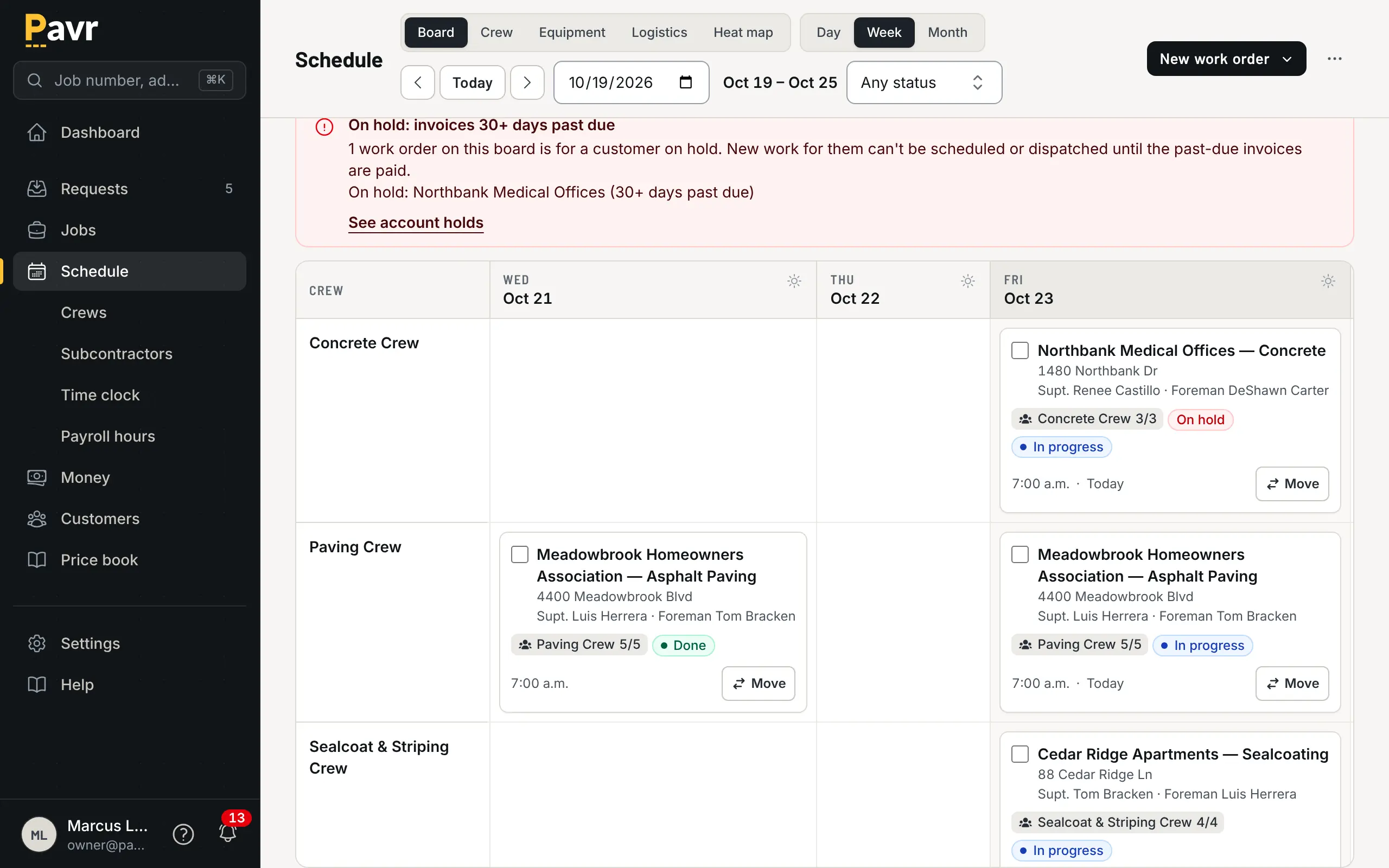
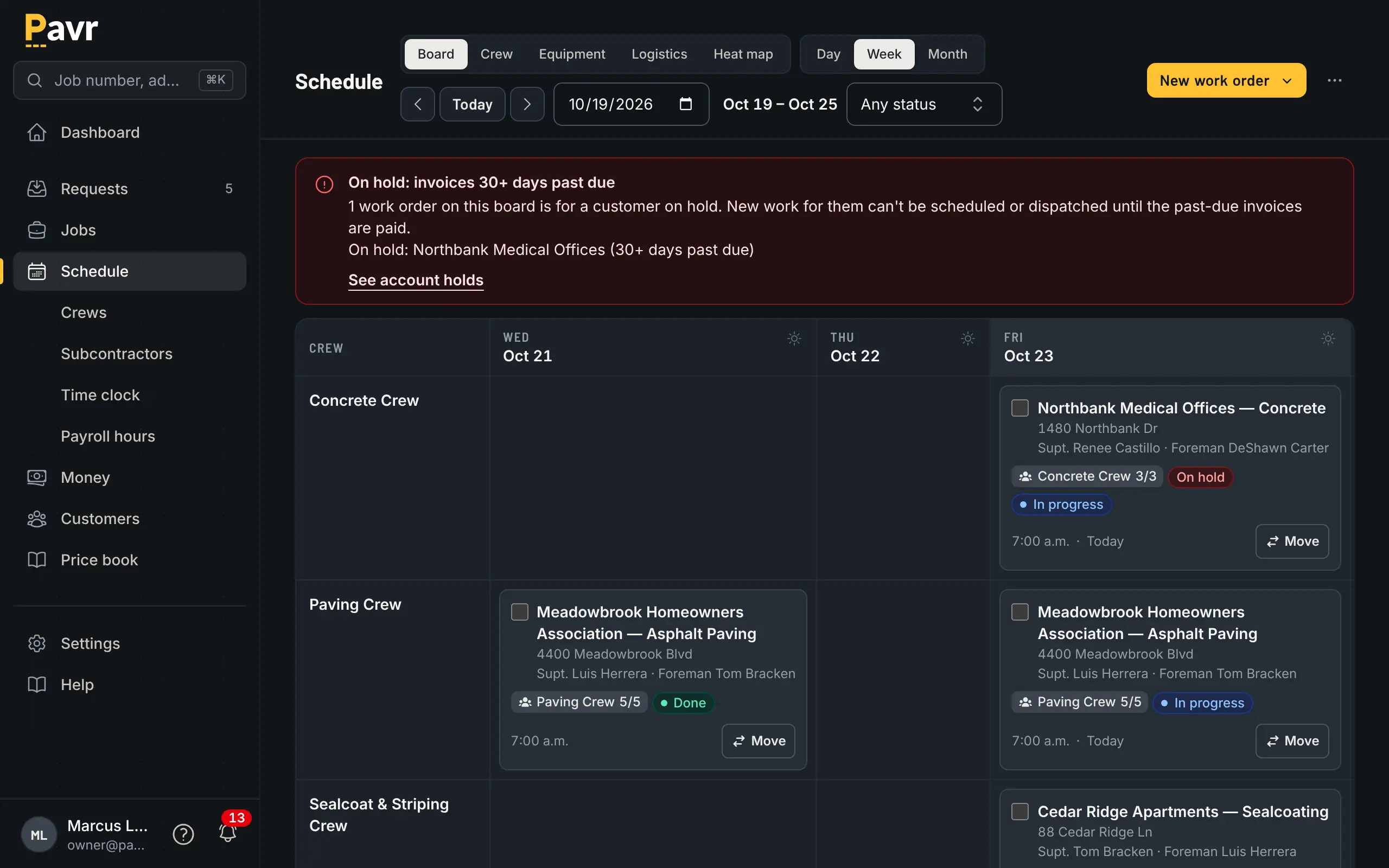
A sealcoat job isn't a kitchen remodel, and a parking lot isn't scheduled like drywall. The estimate counts tons, square yards and stalls. The schedule has to know that asphalt needs 50°F and no rain and concrete needs 40°F. The striping crew can't start until the paving's down, and the pay app has to carry retainage.
Pavr is built around that work. You measure the lot once. That number prices the proposal, prints on the foreman's work order and bills on the invoice, and nobody retypes the tonnage along the way.
Straight answers
The short version.
- What it doesn't do
- Pavr doesn't run payroll. It takes nothing on your customers' payments unless you turn on Pavr Payments; then it's 1% plus Stripe's rates, into your own Stripe account. It works with QuickBooks Online, not QuickBooks Desktop. It doesn't pull tickets from the plant: the foreman logs the material used on the daily log.
- What it costs
- Pavr is $85 a month for each person who estimates, schedules or runs jobs in it. Crew who only clock in, and customers who sign and follow their jobs, are free. Try it for 14 days with no credit card.
- Whose name is on it
- Yours. Proposals, emails and the page your customer signs on carry your logo and your colors, on your own web address if you want one.
- Your numbers
- Invoices go to QuickBooks Online as you finish them. Job costs and reports export to CSV, and the owner can download every record in the account any day.
Questions? Ask.
Ask about pricing, a lot you're pricing, or whether Pavr fits how your company runs jobs. We answer at the email address you give us.