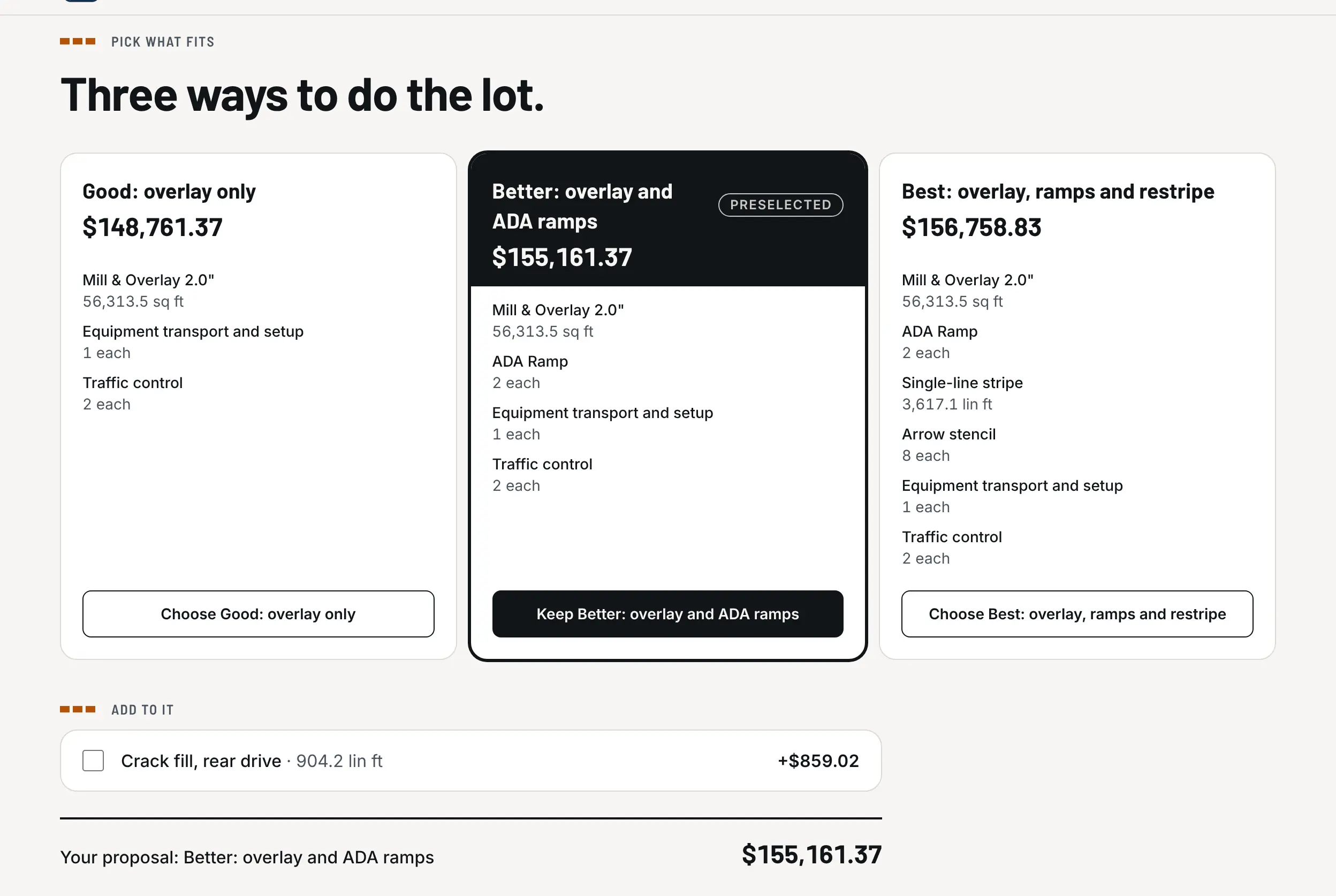
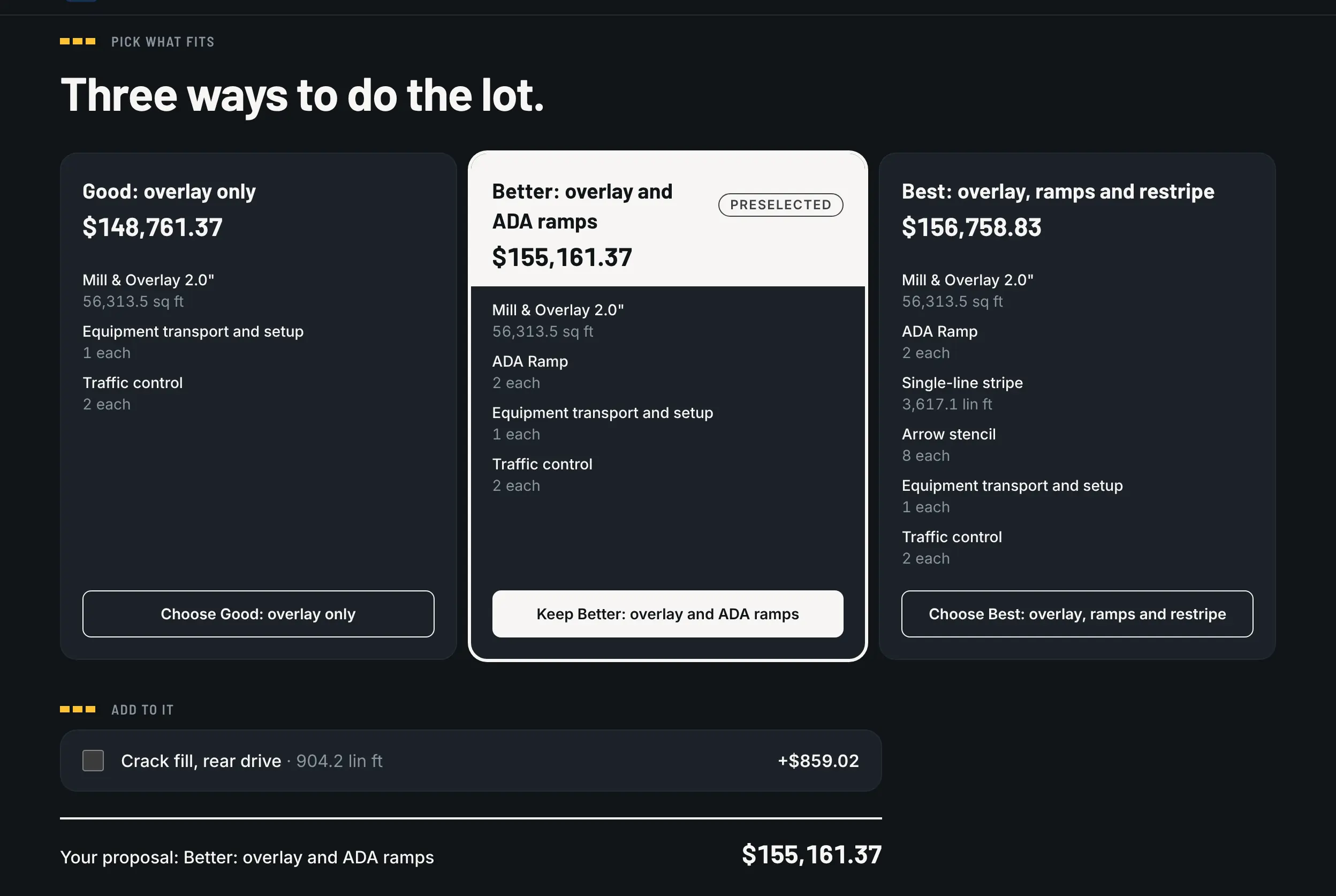
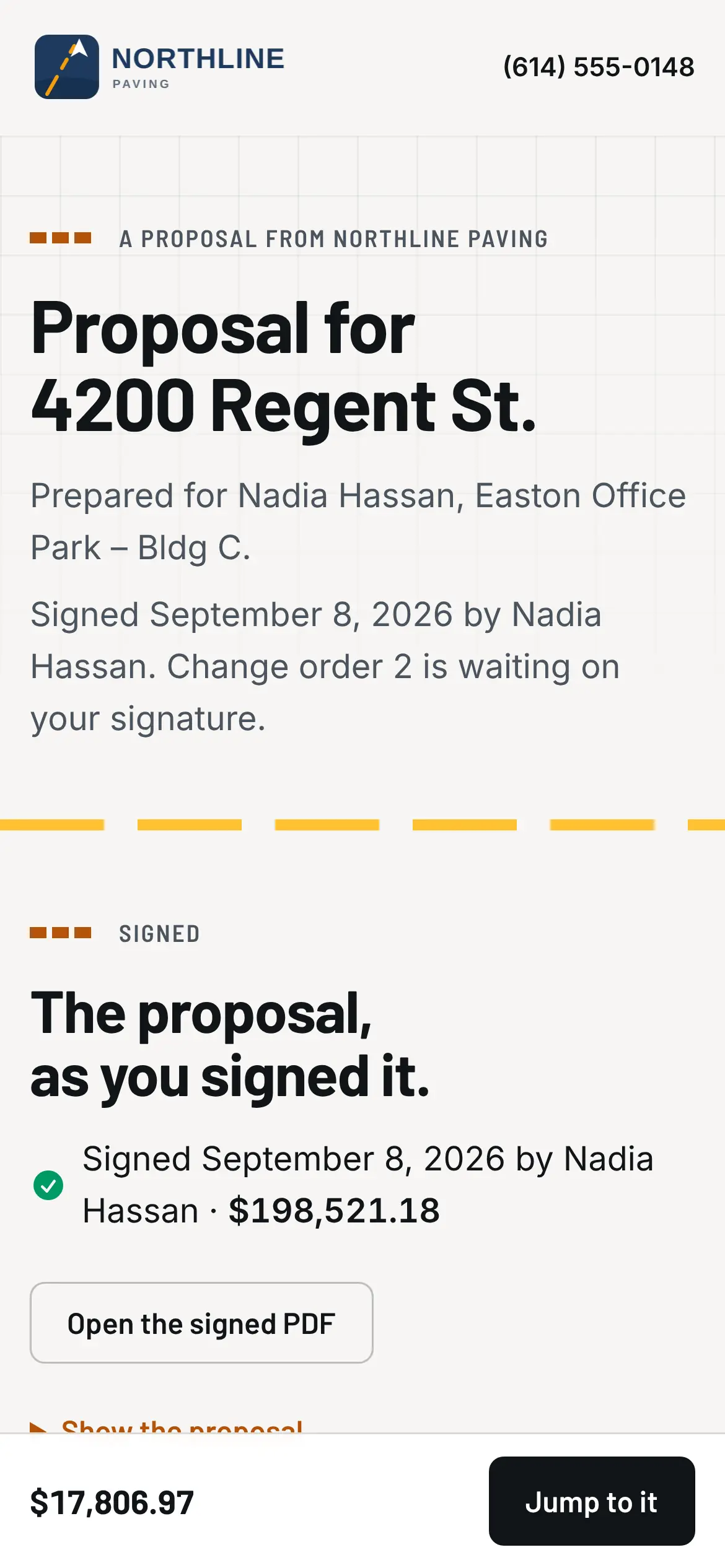
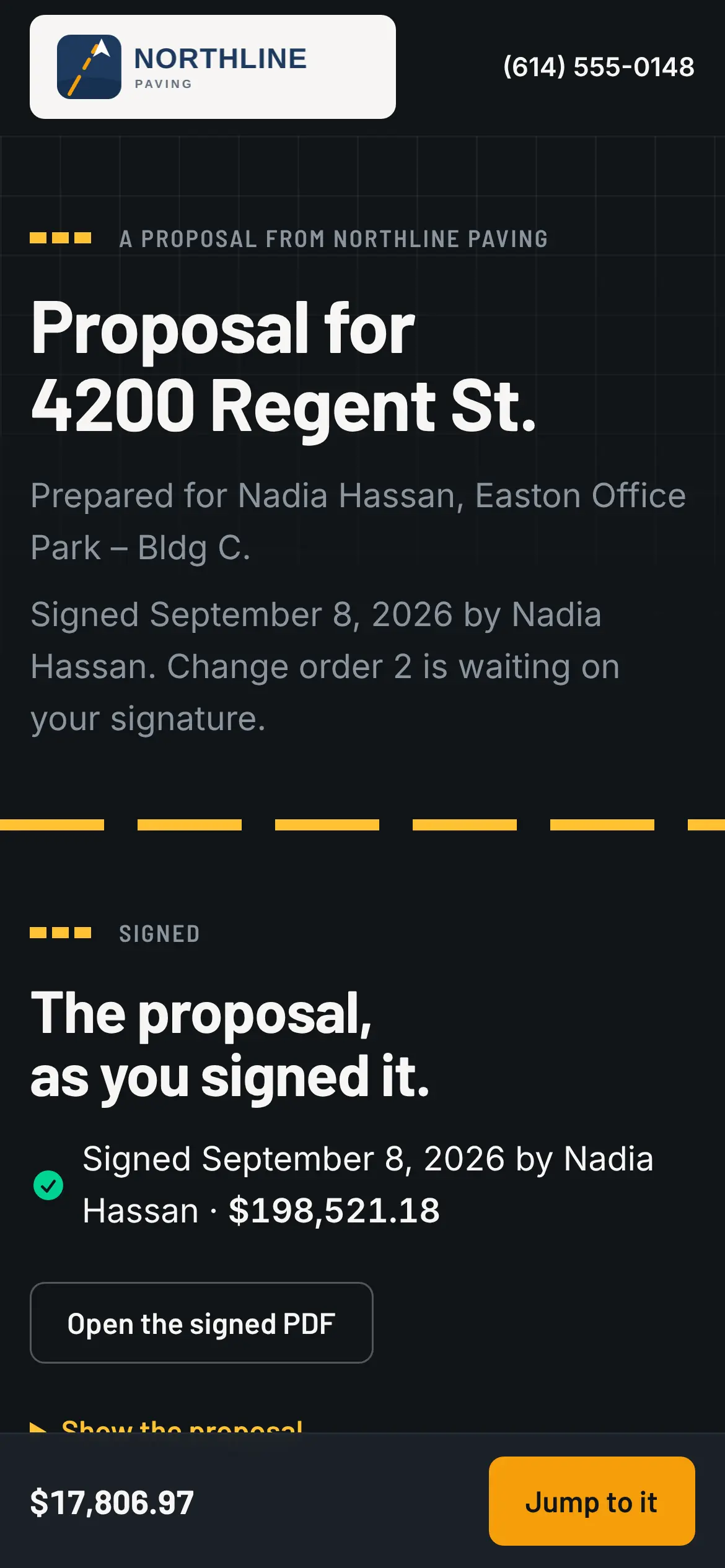
The proposal goes out by email under your name and logo, as one link. On their phone the customer sees the lot with the work outlined, the price and the lines by trade, your terms, and Sign. If you offered options, such as good, better and best or a base package with add-ons, they pick one and the map and the price follow. Nothing is signed until the Sign step, and what they picked is what gets frozen.
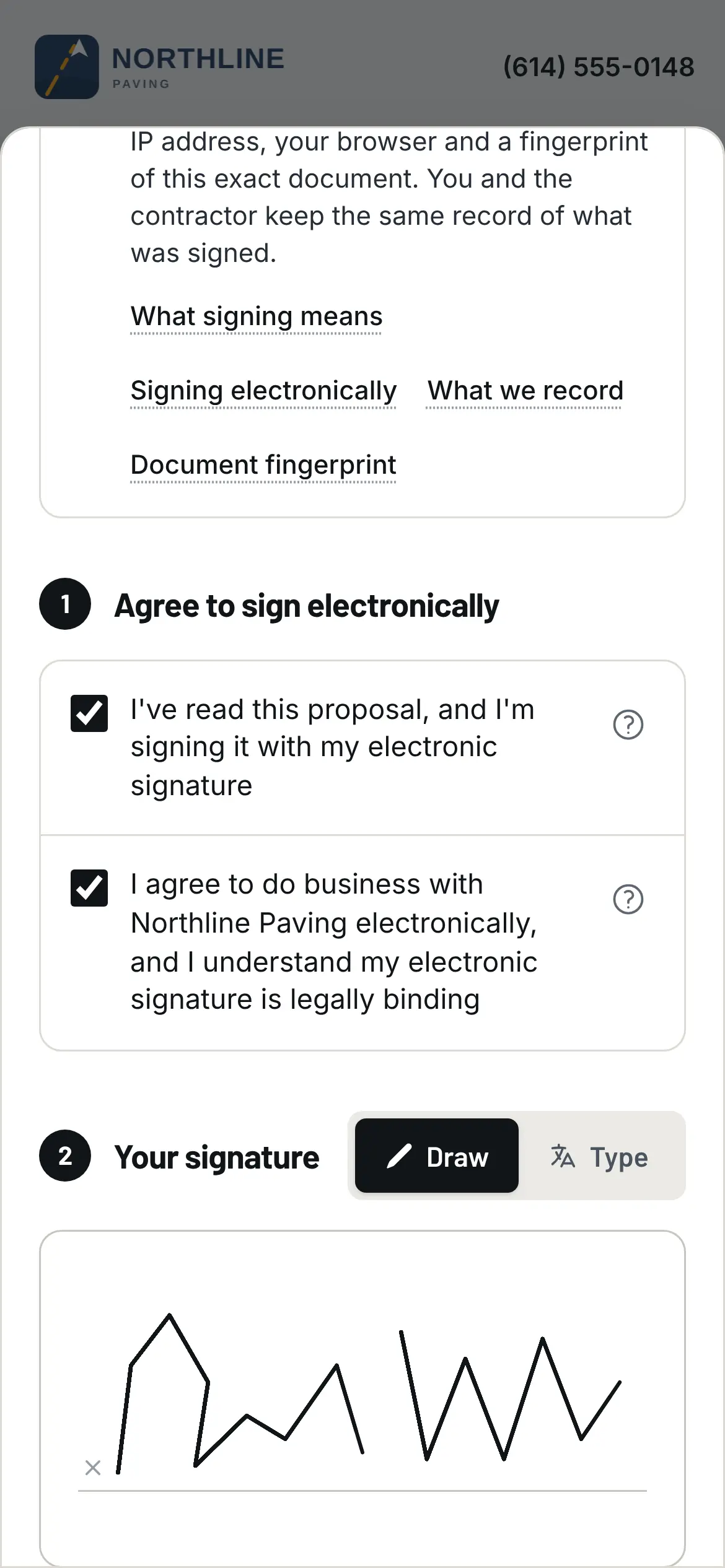
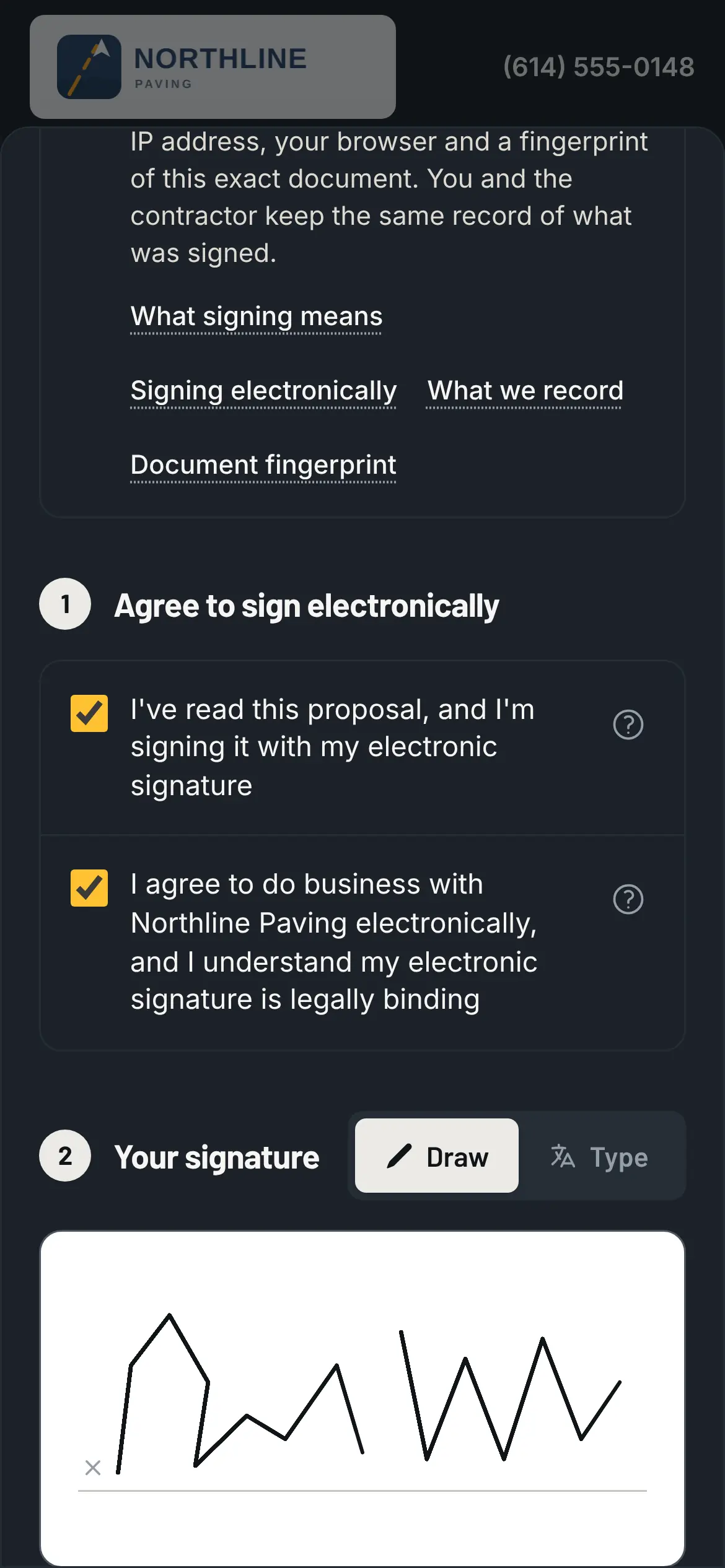
They sign with a code from their email, not a password. They check the consent boxes and sign with a finger, and the record keeps the time, the device and a fingerprint of the exact document they saw, so what they signed is never in question. The moment they sign, the job is won. Nobody marks it won by hand.
Their link doesn't run out
The link isn't single-use and doesn't expire. Anyone with it can open the page and look around; signing or paying is the part that takes the code. The proposal itself holds its price for 30 days unless you set it otherwise, and a reminder goes out three days before the date. Past it, the page says so and gives your phone number. Change the price after it's out, send again, and the link they already have opens the new version.
What grows on the same page
After they sign, the signed proposal stays on top exactly as they saw it. Below it, as the job moves along:
- Change orders waiting for a signature: the original lot dimmed, the extra work lit on the map, the change to the total, and Sign. A question or a change request goes to you as a message on the same page; the first message takes a code from their email.
- The schedule, with the next visit.
- The crew's photos from the lot, and where each area stands. A photo shows only if you switched on Customer sees this.
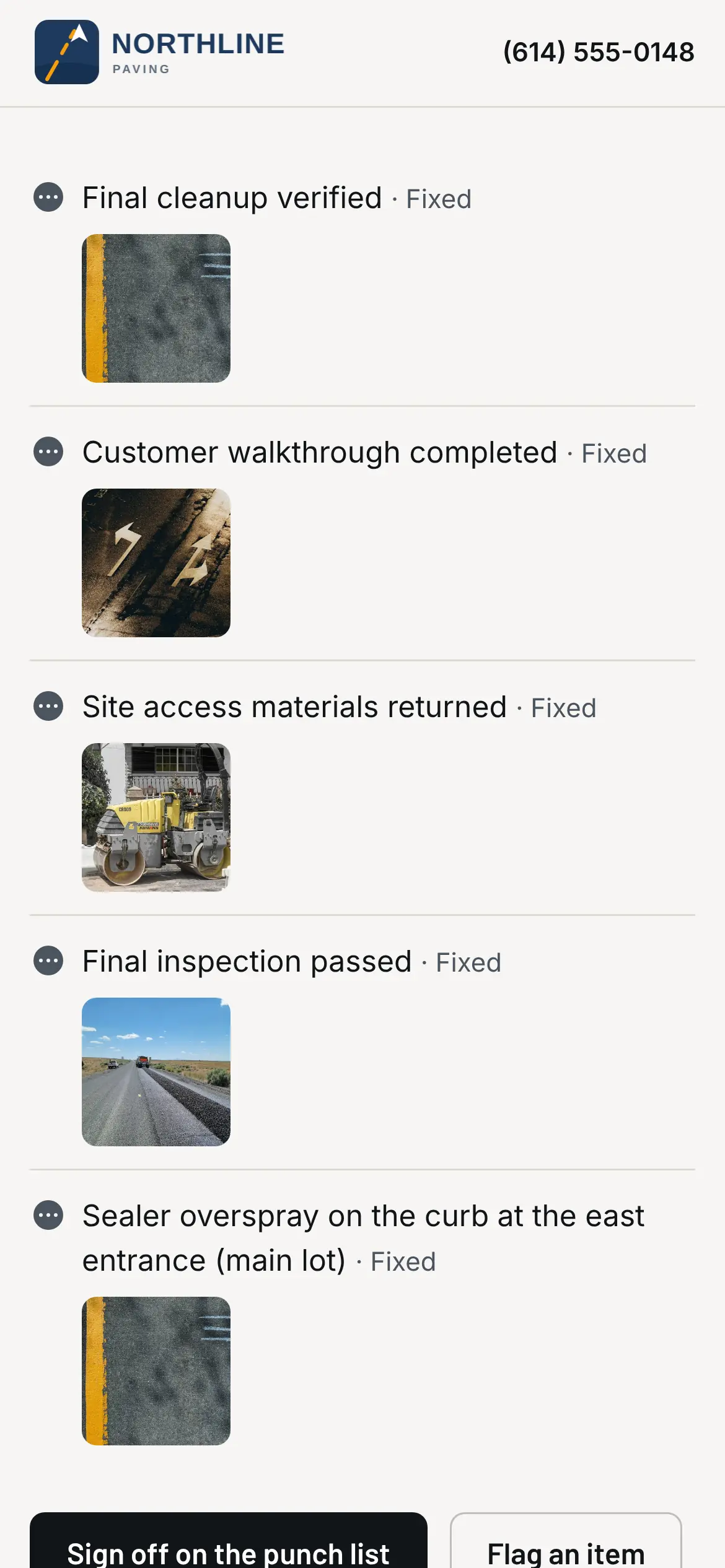
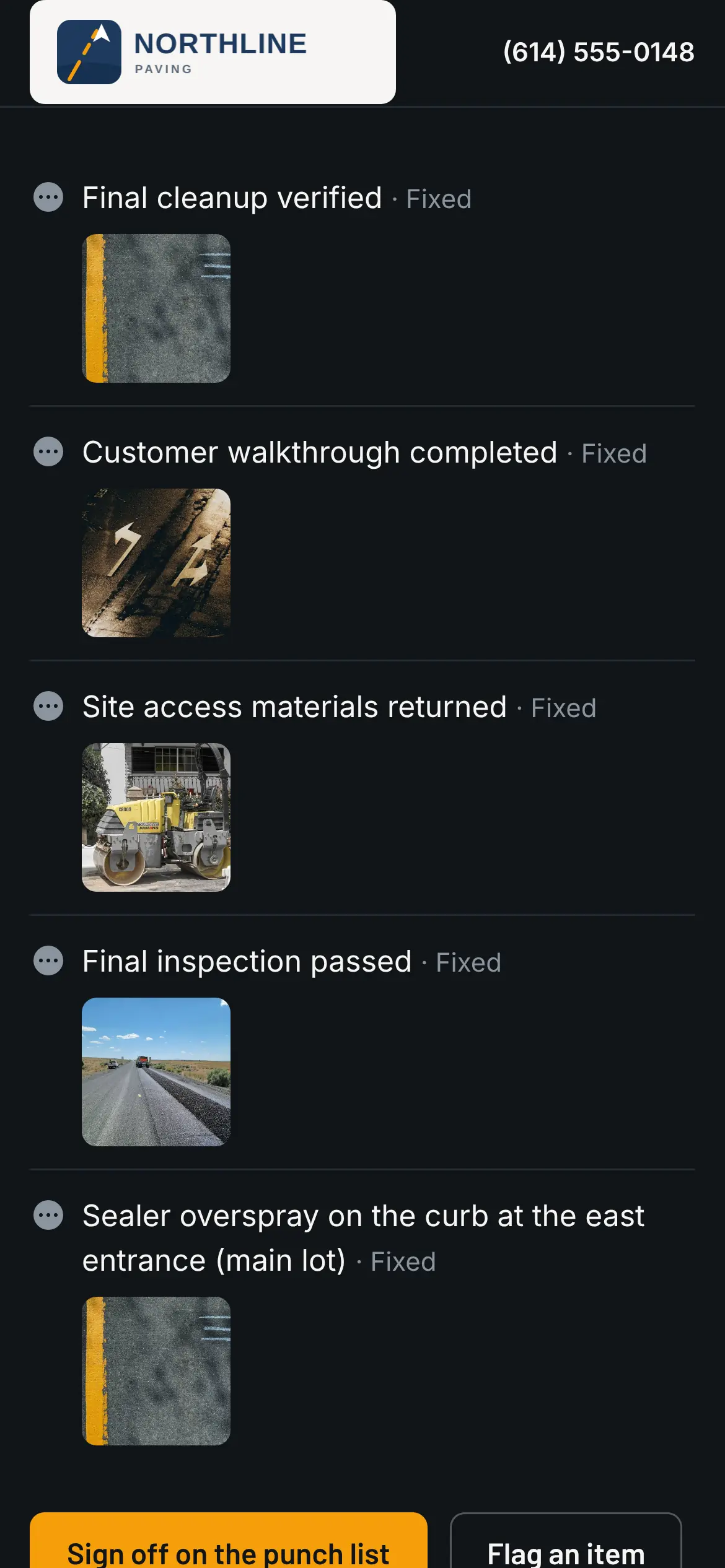
- The punch list, item by item, to sign off or flag with a note.
- Invoices, with Pay on each one. Pay opens checkout right there if you take Pavr Payments, or your own payment page if you take payments another way.
An empty section doesn't show. Nobody sees a "coming soon."
What they never see
Your costs and your margin. Photos you haven't switched on for them. Marks you drew on a photo for the team only. What they get is a proposal, a change order and an invoice, with your name and phone number on every one.
Whose name is on it
Yours. The page, the emails and the PDFs carry your logo and colors. Point your own web address at the customer page and send the email from your own domain, so nothing your customer sees says Pavr.
Share a map or a set of photos without sending the page
From the job you can also send a PDF or picture of the site map, or a set of photos, as its own link, by copying it or emailing it to a contact on the job. Anyone with the link sees it, with your name and logo. Turn the link off whenever you want and whoever opens it is told it was turned off and who to call.
Who needs a seat
Nobody on the customer's side. Customers who sign and follow their jobs are free, and so are the extra contacts you add to a job: the property manager's assistant, the billing office, the on-site super.