Product
What's in Pavr.
Everything below is in the one plan, told in the order a job happens. Anything that costs extra says so where it appears.
Estimating
The map and the price.
Work comes in as a request. Draw the lot from the office, price it from your numbers, and see what it makes before it goes out.
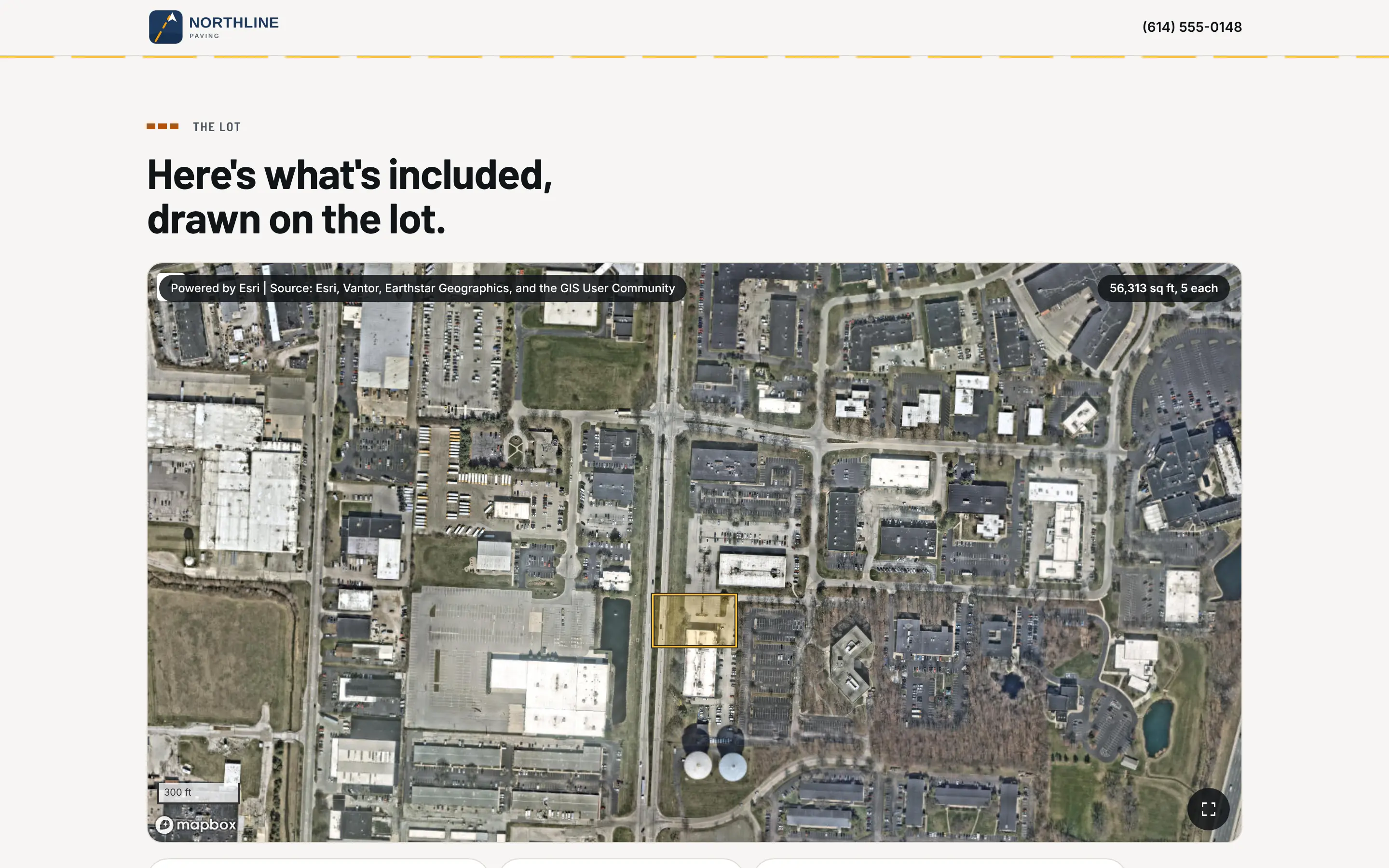
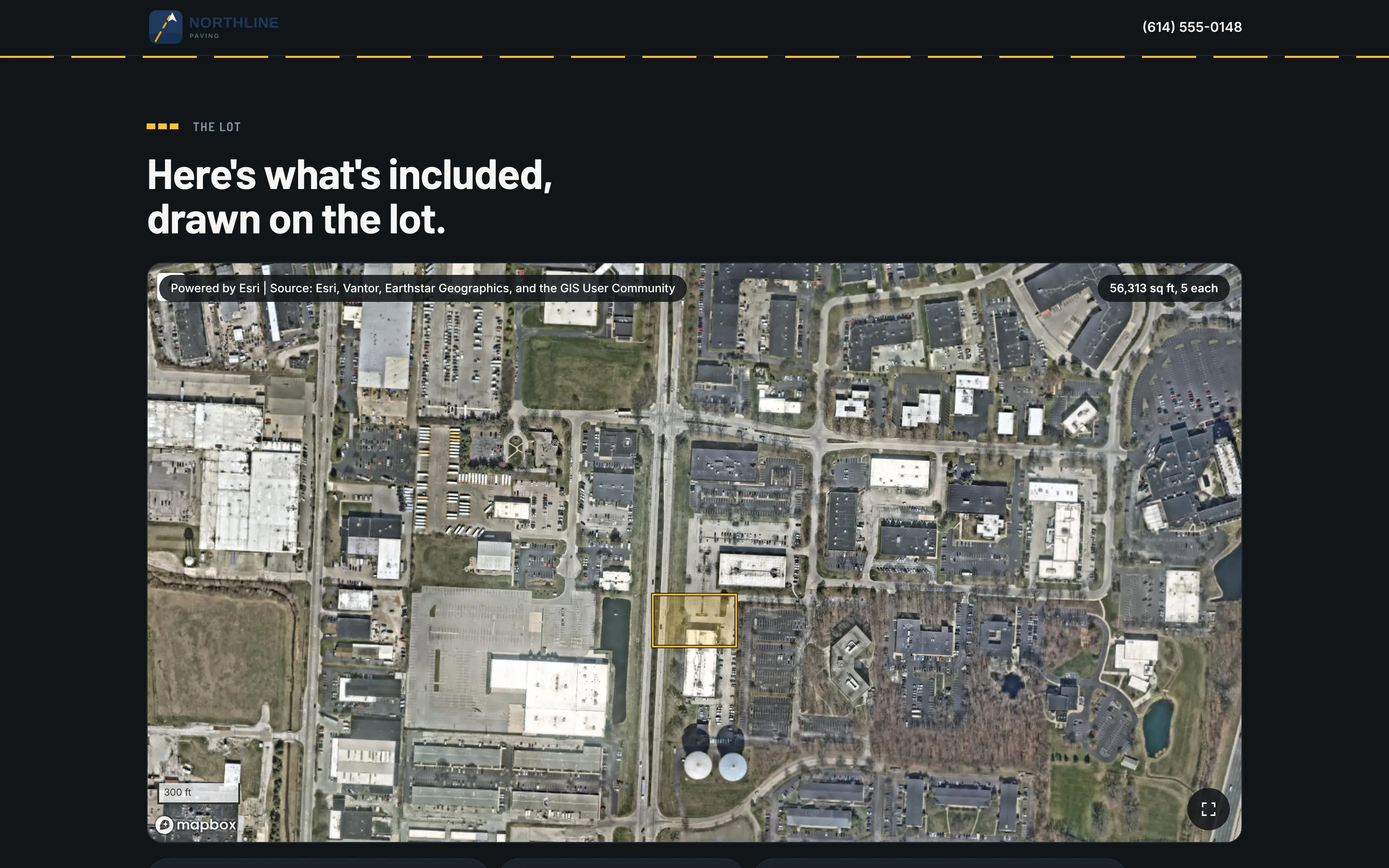
Draw the lot on the satellite view, or on the GC's plan.
Pull up the address and outline the area to pave, the curb line and the stalls. If the GC sent a PDF plan, set its scale and draw on that. Or type in what you walked with the wheel. Square feet, linear feet and counts come off the drawing.
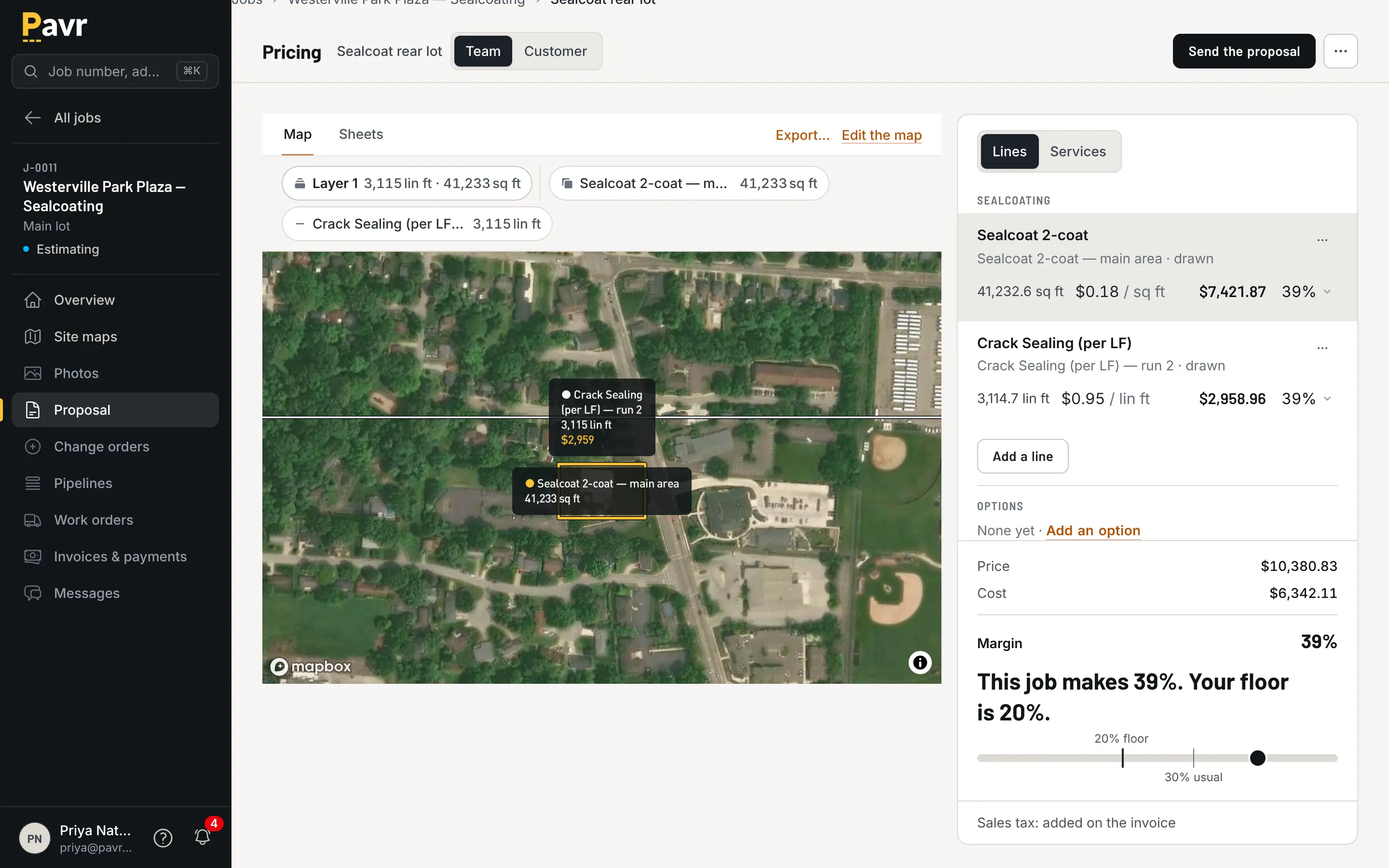
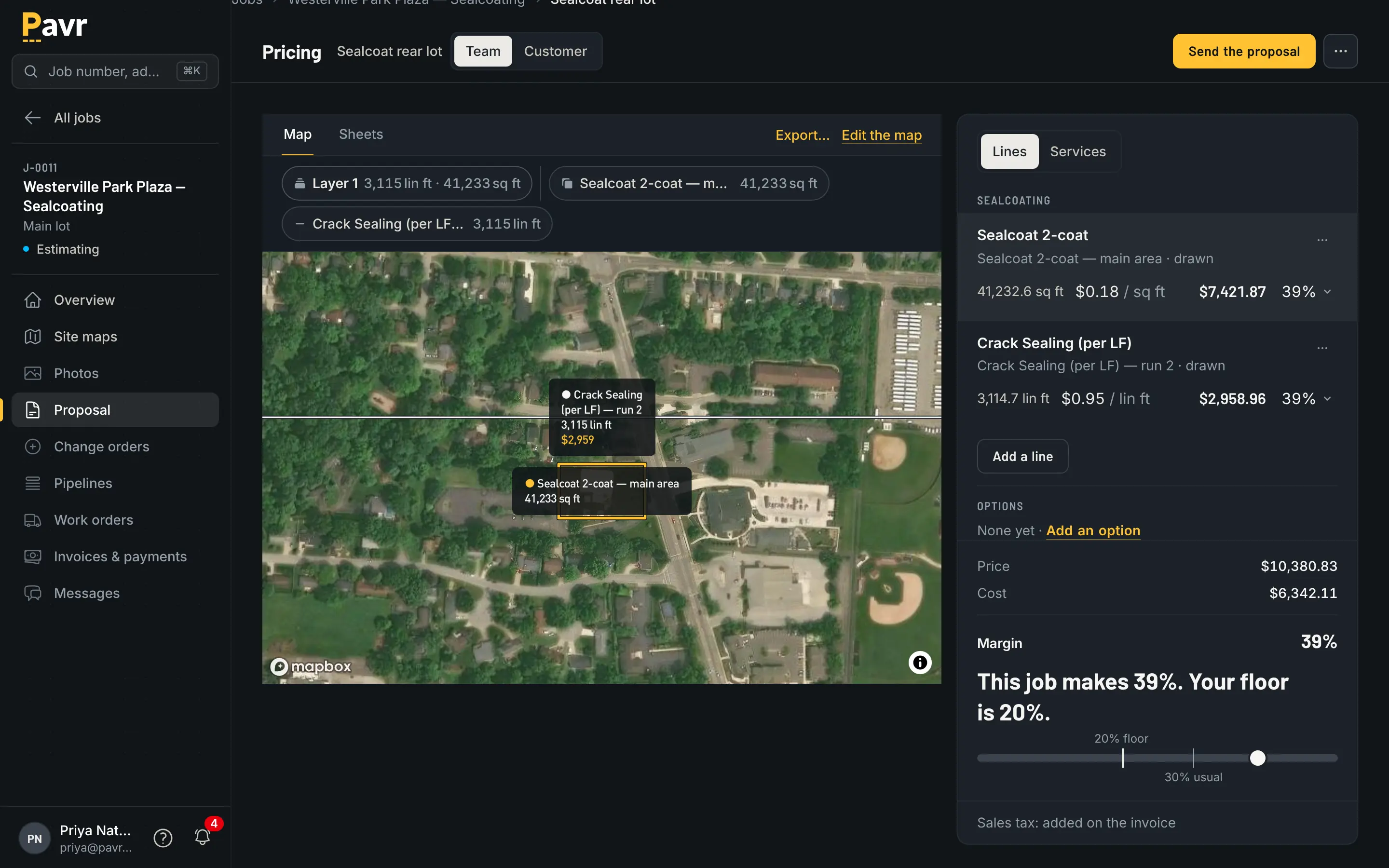
Priced from your plant, your crews and your equipment.
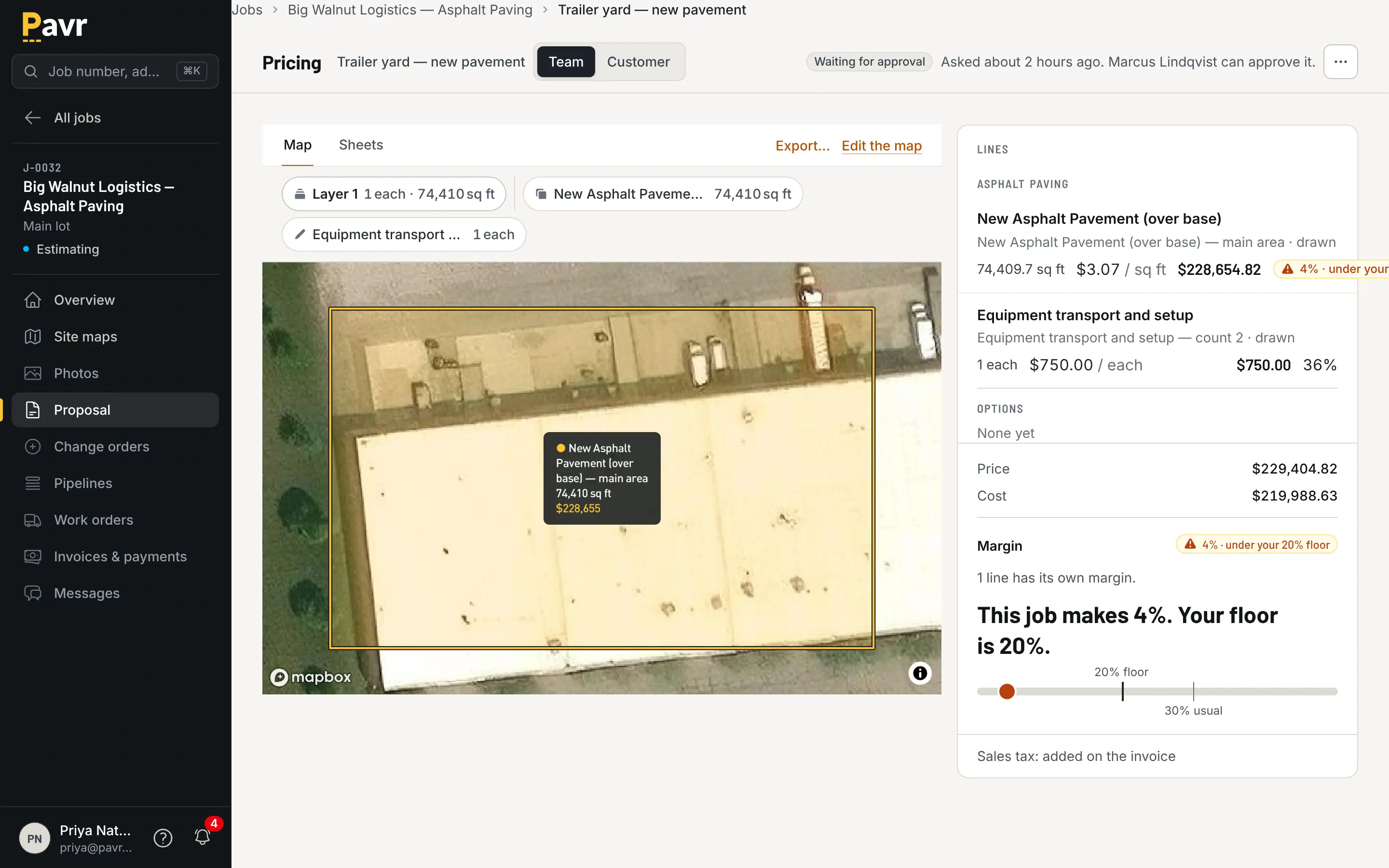
More than 130 paving, concrete, sealcoat, striping and site services come built in, from mill and overlay by depth to crack fill and restripe. Each one prices from your plant prices, crew rates and equipment, and the margin sits beside the price while you work. One proposal can carry paving, curb, sealcoat and striping together.
- A sent proposal keeps its prices when the plant raises theirs; a draft takes the new price when you tell it to
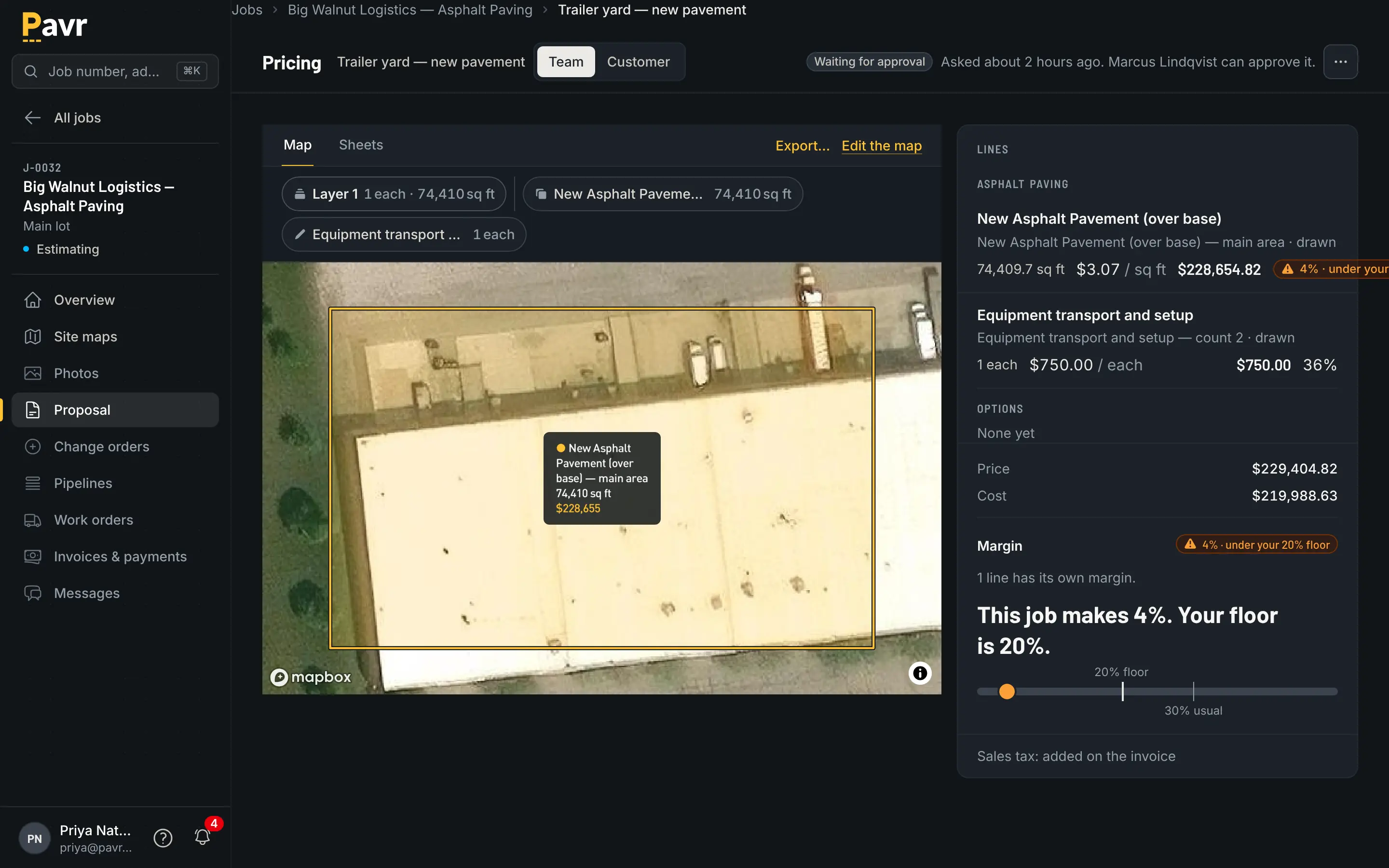
- A markup that drifts from your usual number gets flagged before you send
Proposals and signing
The proposal.
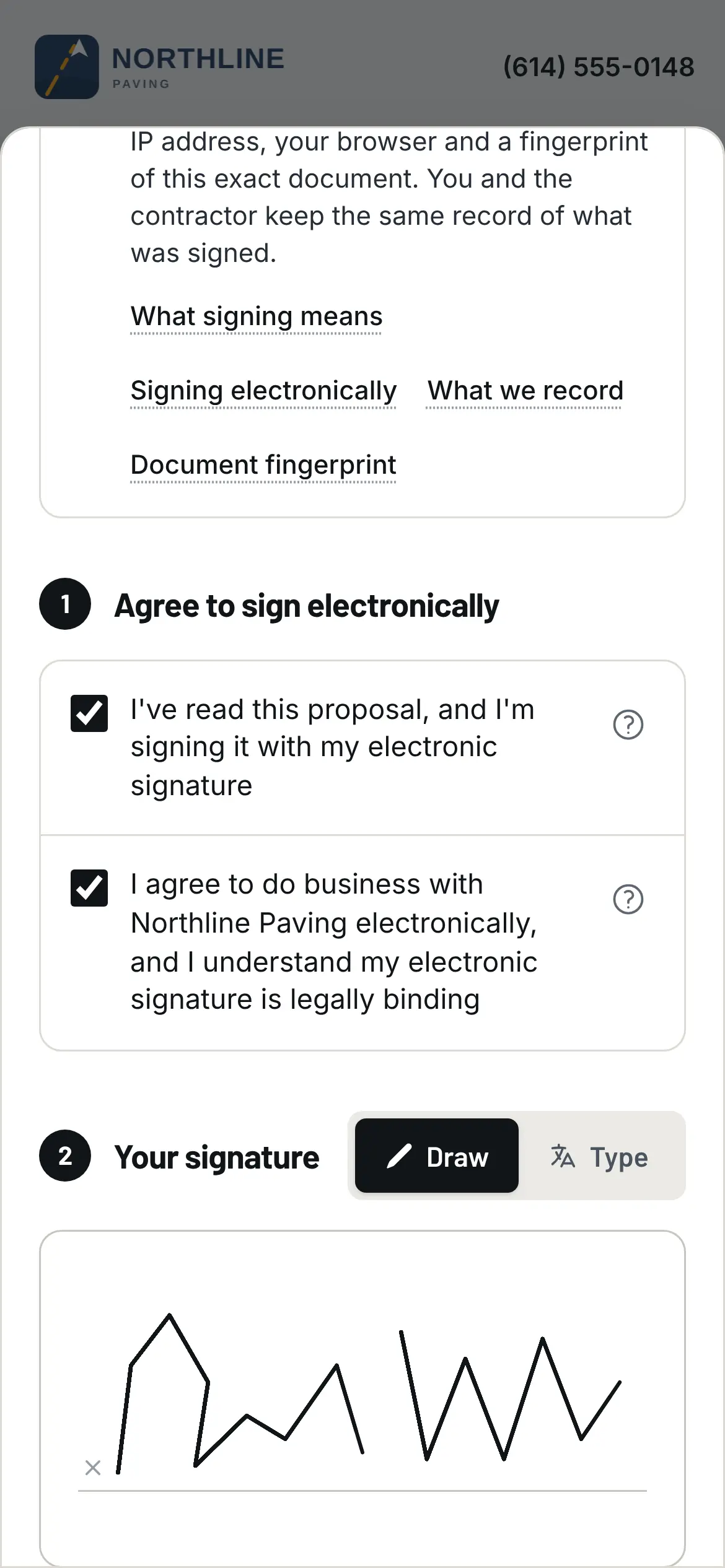
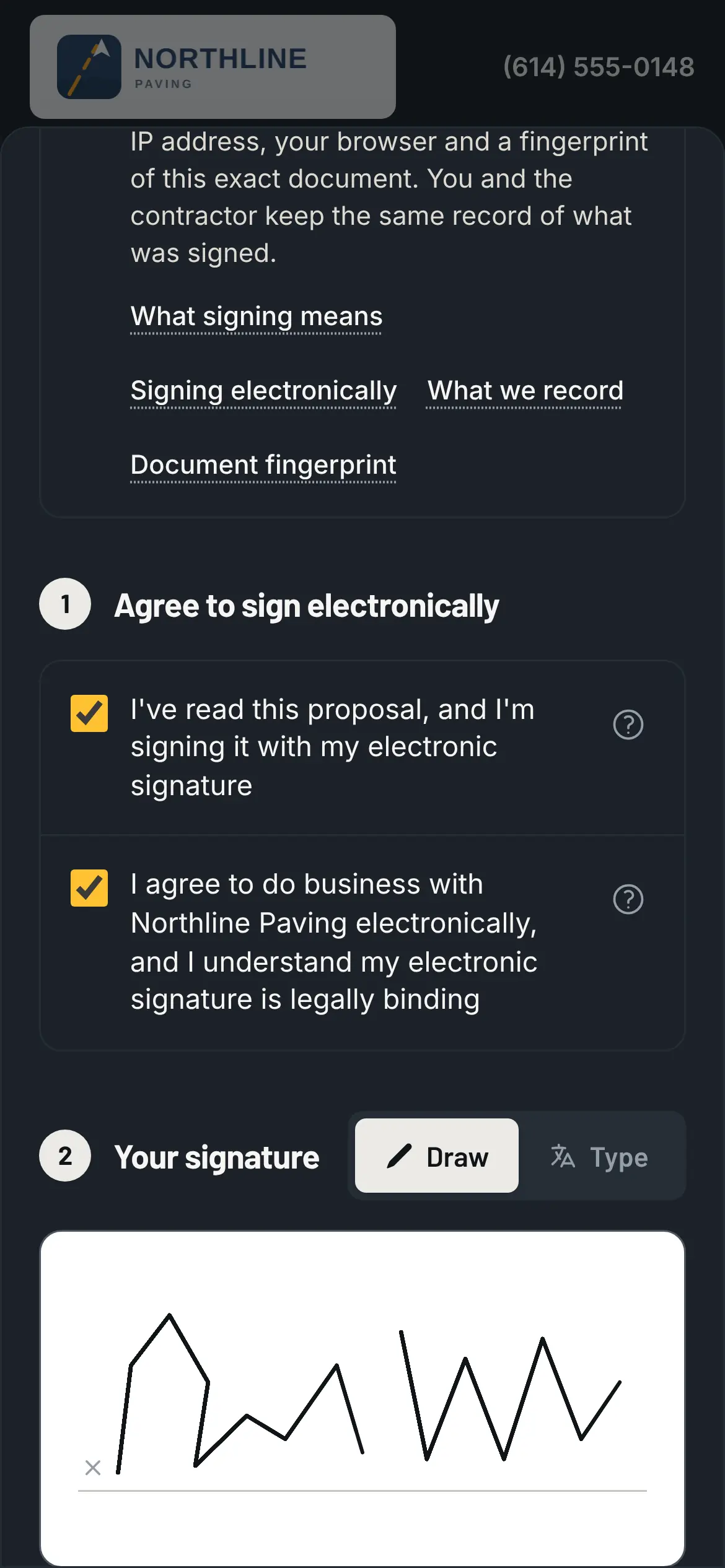
The customer signs on their phone, under your name, at the price you saw the margin on. The job is won the moment they do, and the link grows with it.
Sign the proposal, and every change after it, from the email.
The proposal goes out under your logo and holds its price for 30 days unless you say otherwise, with a reminder three days before it runs out. The customer reads what they're buying and signs with a code from their email. The record keeps when, from what device, and a fingerprint of the exact document, and the moment they sign the job is won. Change orders sign the same way, and the invoice can't leave one off.
- Their page shows the schedule, the crew's photos from the lot, and every proposal, change order and invoice with its Pay now link
- Your logo, your colors, your web address, email from your own domain
Scheduling
The job.
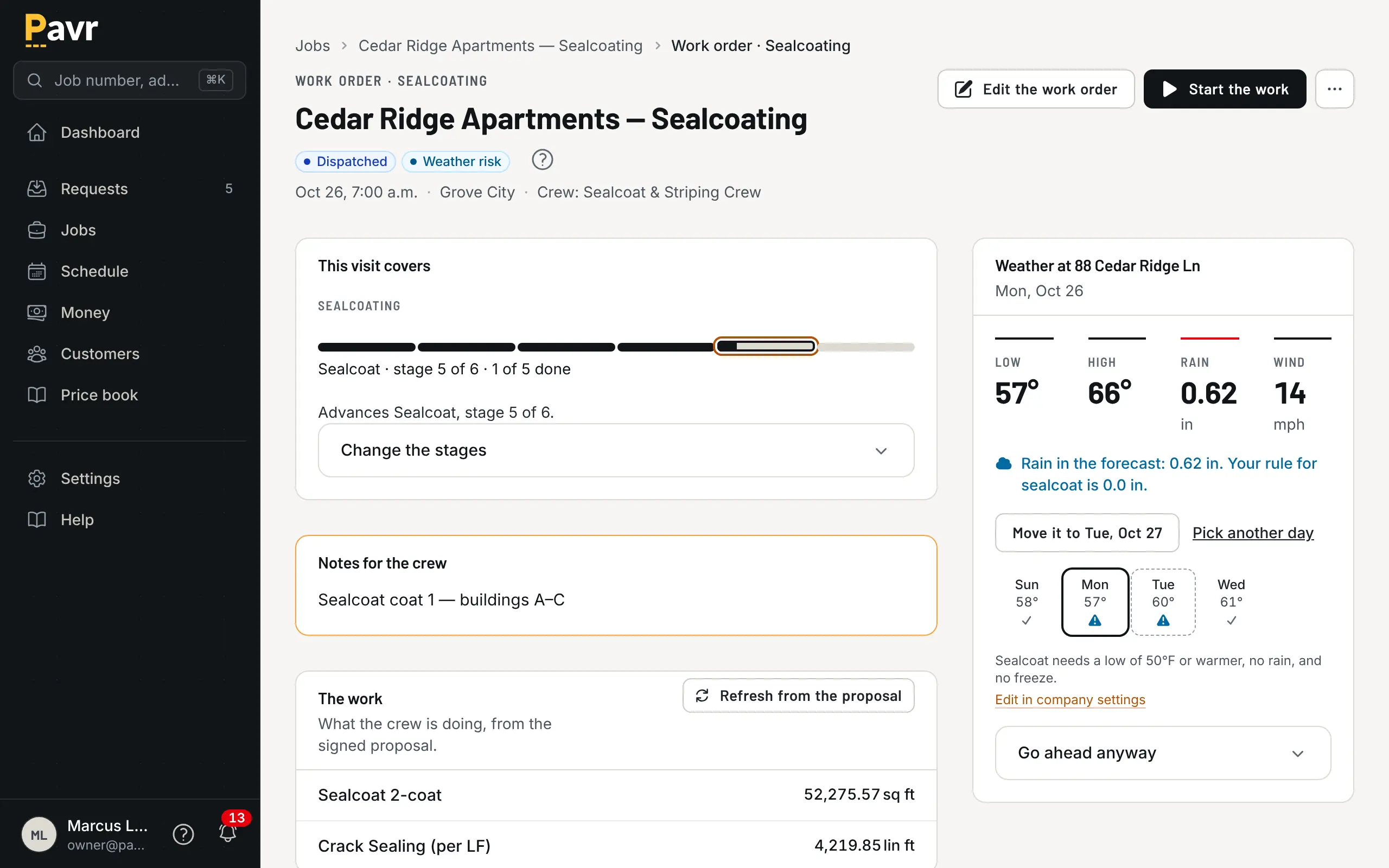
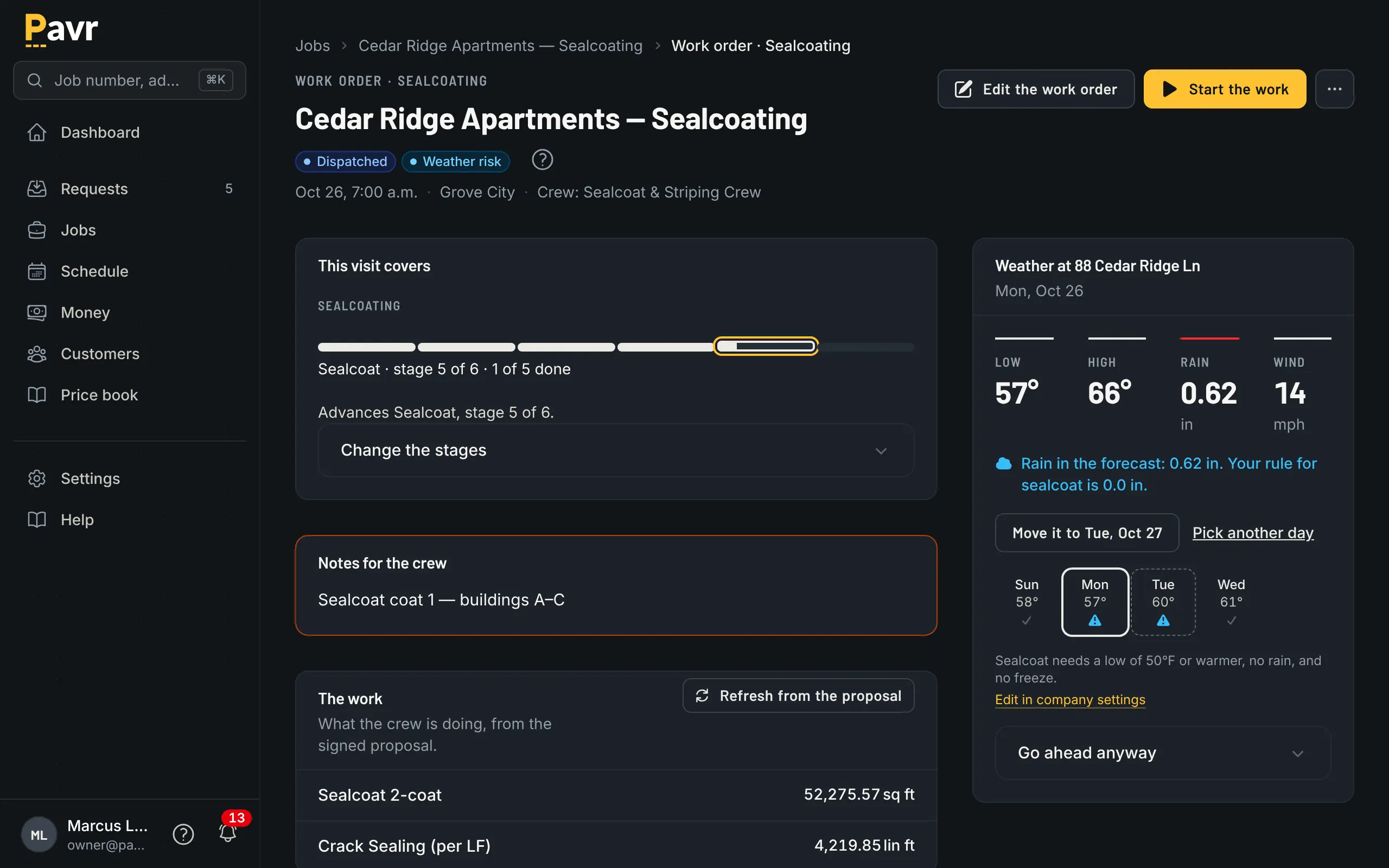
One screen says where the job stands, and every crew is at the right lot, in the order the work has to happen, on a day the weather allows.
The board warns before anyone's dispatched.
Each kind of work on the job runs through its own stages, and the first ones are the things that stop a crew cold: permits, material, subs confirmed from a link in their email, the visit on the schedule. Every job has a salesperson, a project manager, a superintendent and a foreman, and each kind of news goes to the right one. Then it goes on the board. Double-book a crew or the roller and it says so. Every account starts with weather rules per trade, and the forecast flags the day that won't make it.
- On a lot with paving, curb and striping, each crew sees its own part: striping waits on the paving, and sealcoat waits for new asphalt to cure
- Push a rained-out day's work in one move
On the crew's phone
The crew's day.
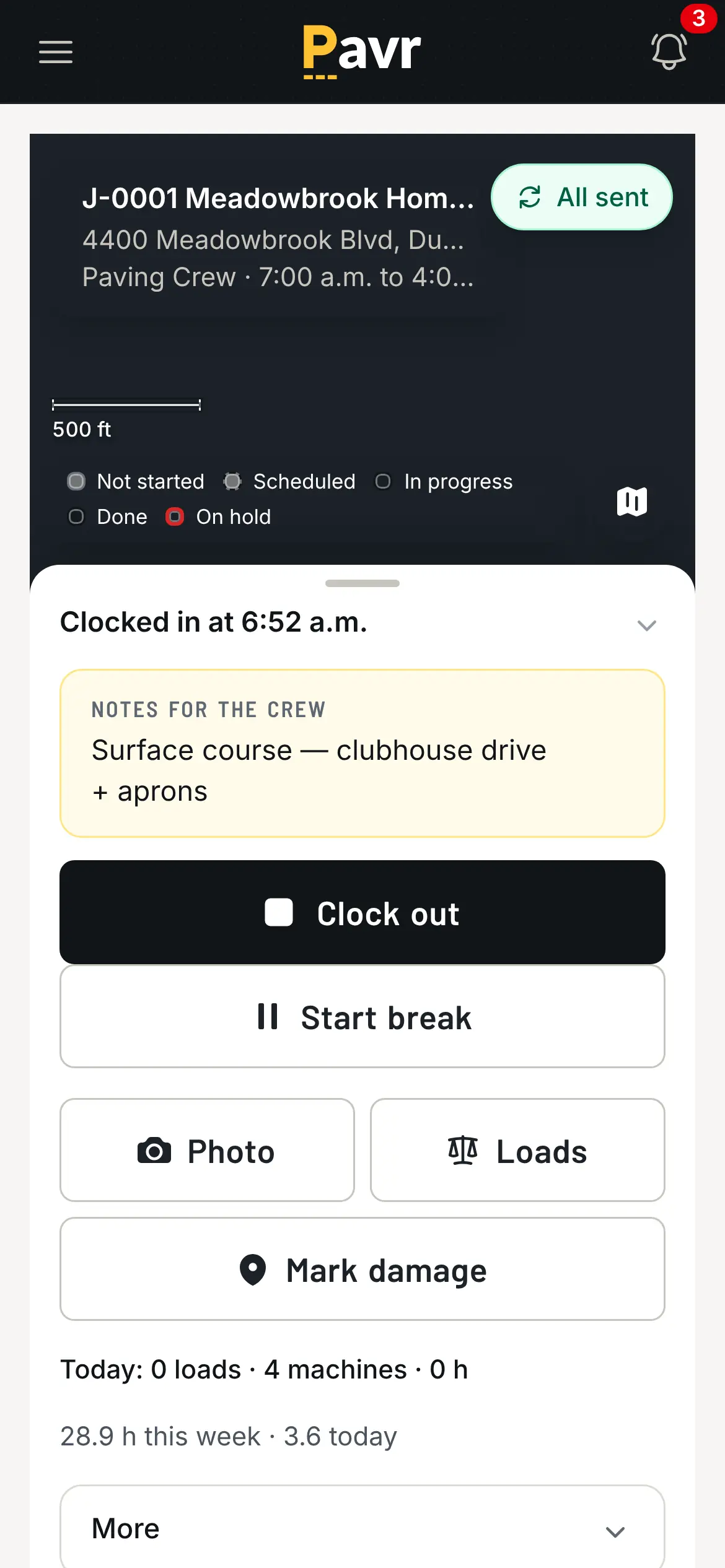
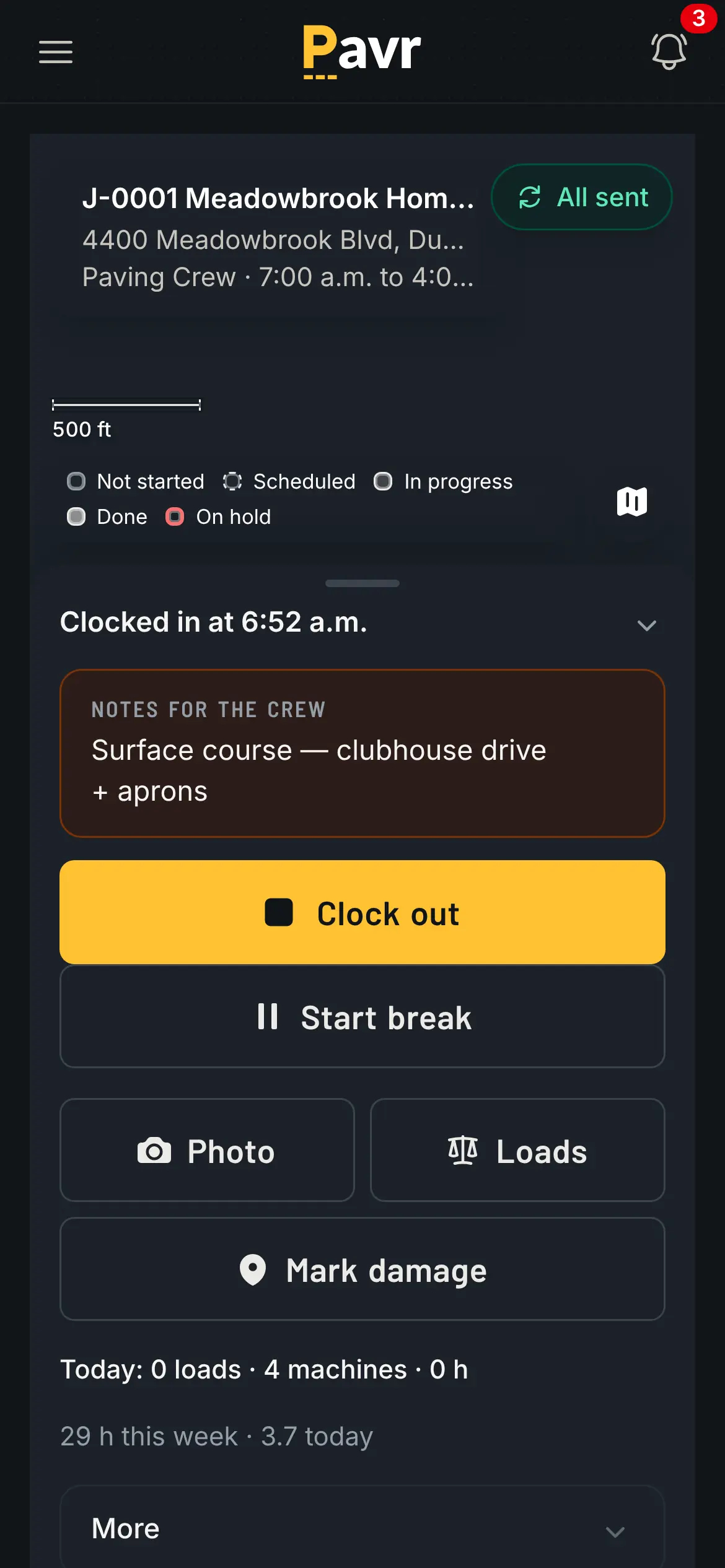
Clock in, the daily log, photos and the punch list, with or without signal. What the crew logs is what the job is costed from.
Hours and material come off the phone, not a sheet in the truck.
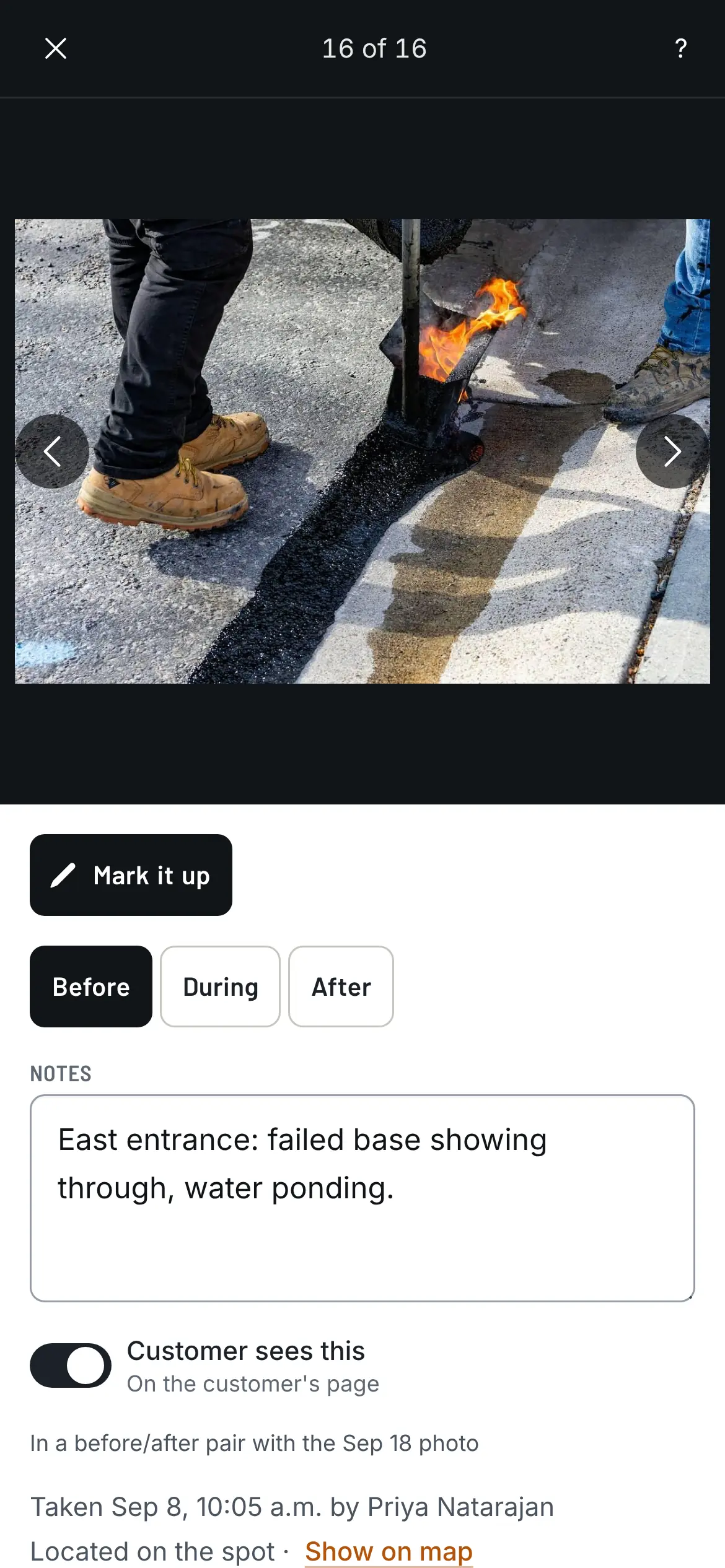
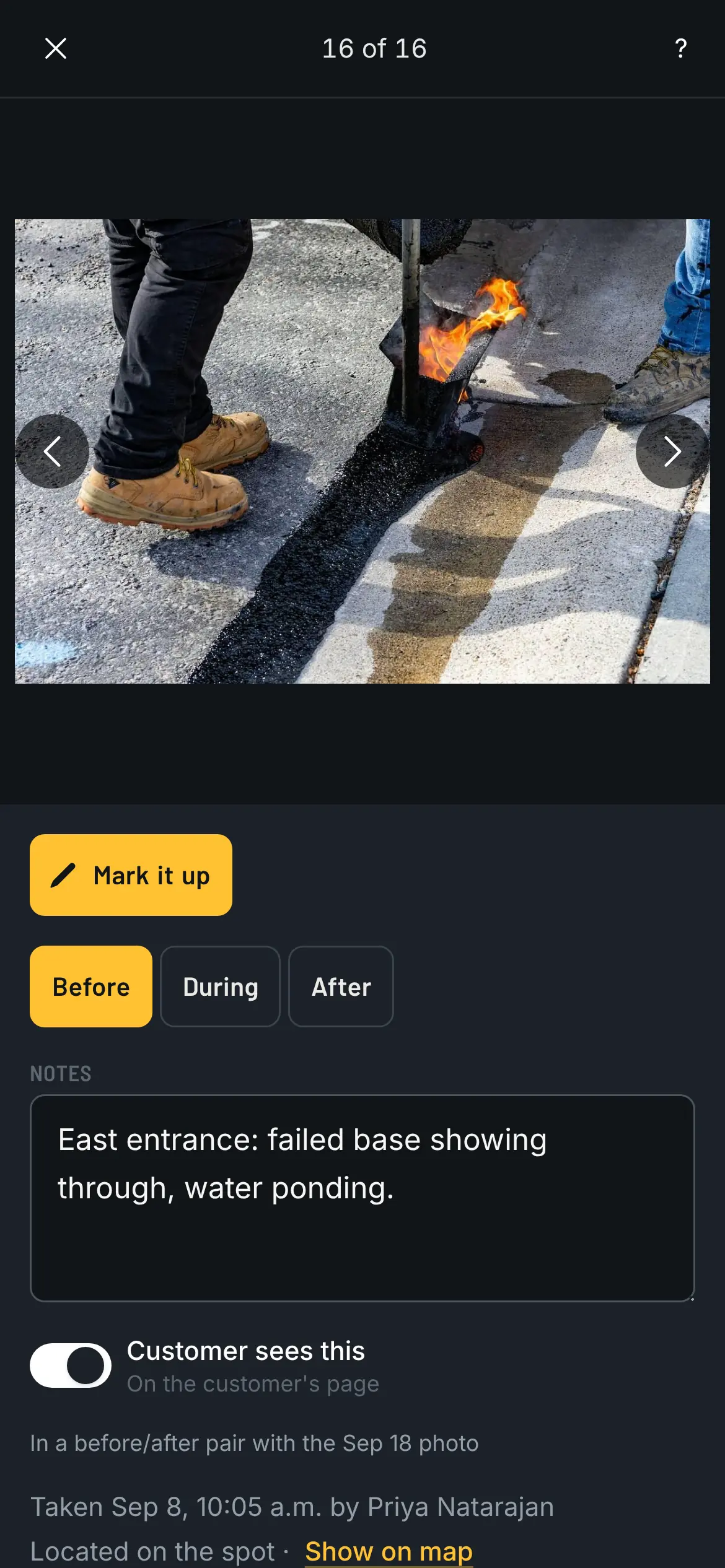
The crew clocks in on the job; the foreman can clock the whole crew in at once, and breaks come off the hours. Photos land on the map where they were taken, marked before, during or after. At the end of the day the foreman logs what got done and the material used, and that's what the job gets costed from. No signal at the back of the lot? It saves on the phone and sends when signal comes back.
- A push on the phone or desktop when a change order is signed or a job moves (on iPhone, once Pavr is on the home screen)
- The whole app is in English and Spanish; each person picks
- Crew who only clock in are free
Invoicing
Getting paid.
Bill everything that was signed, the way paving gets paid, and see it in QuickBooks Online.
The invoice comes off the signed proposal and the signed change orders.
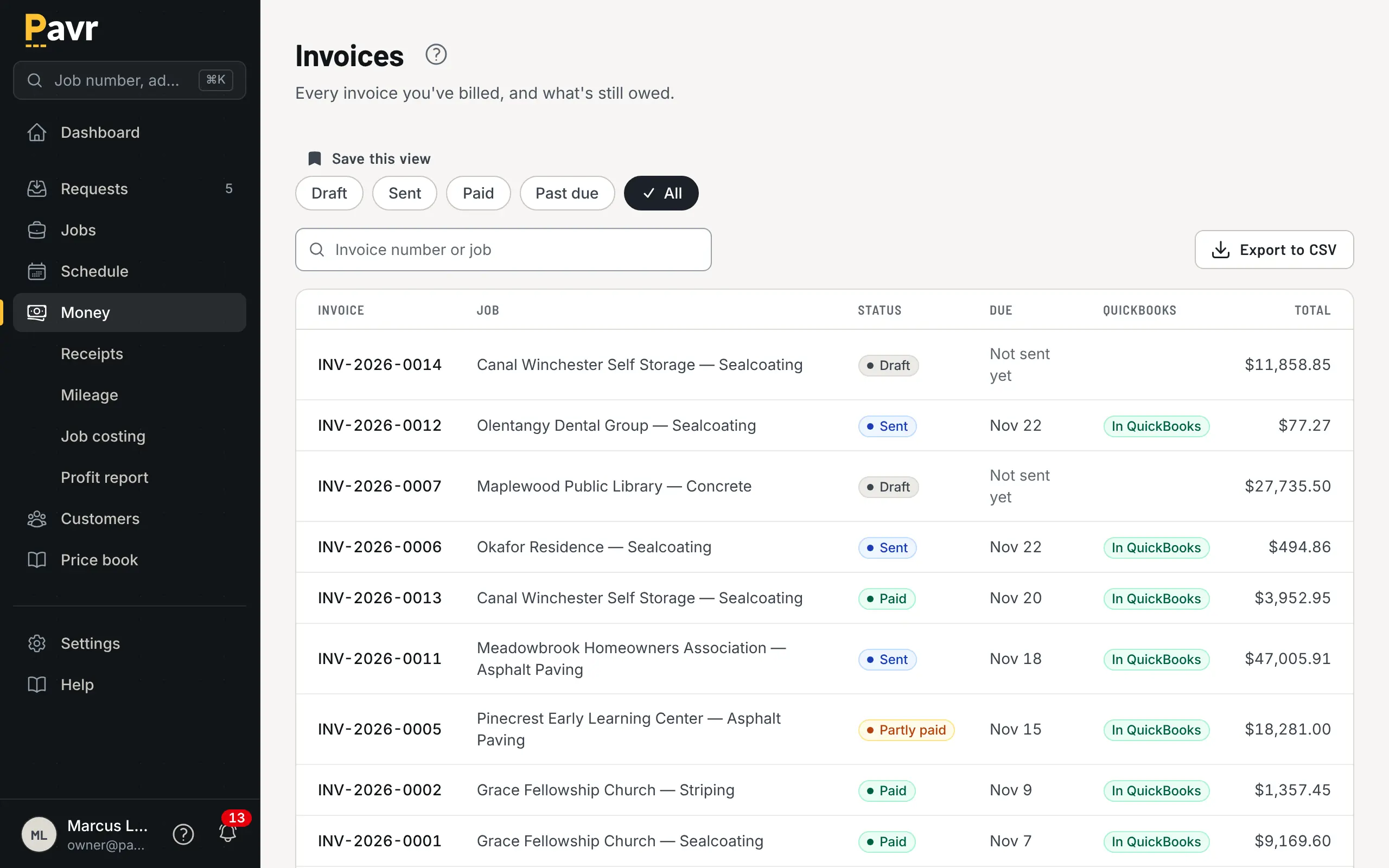
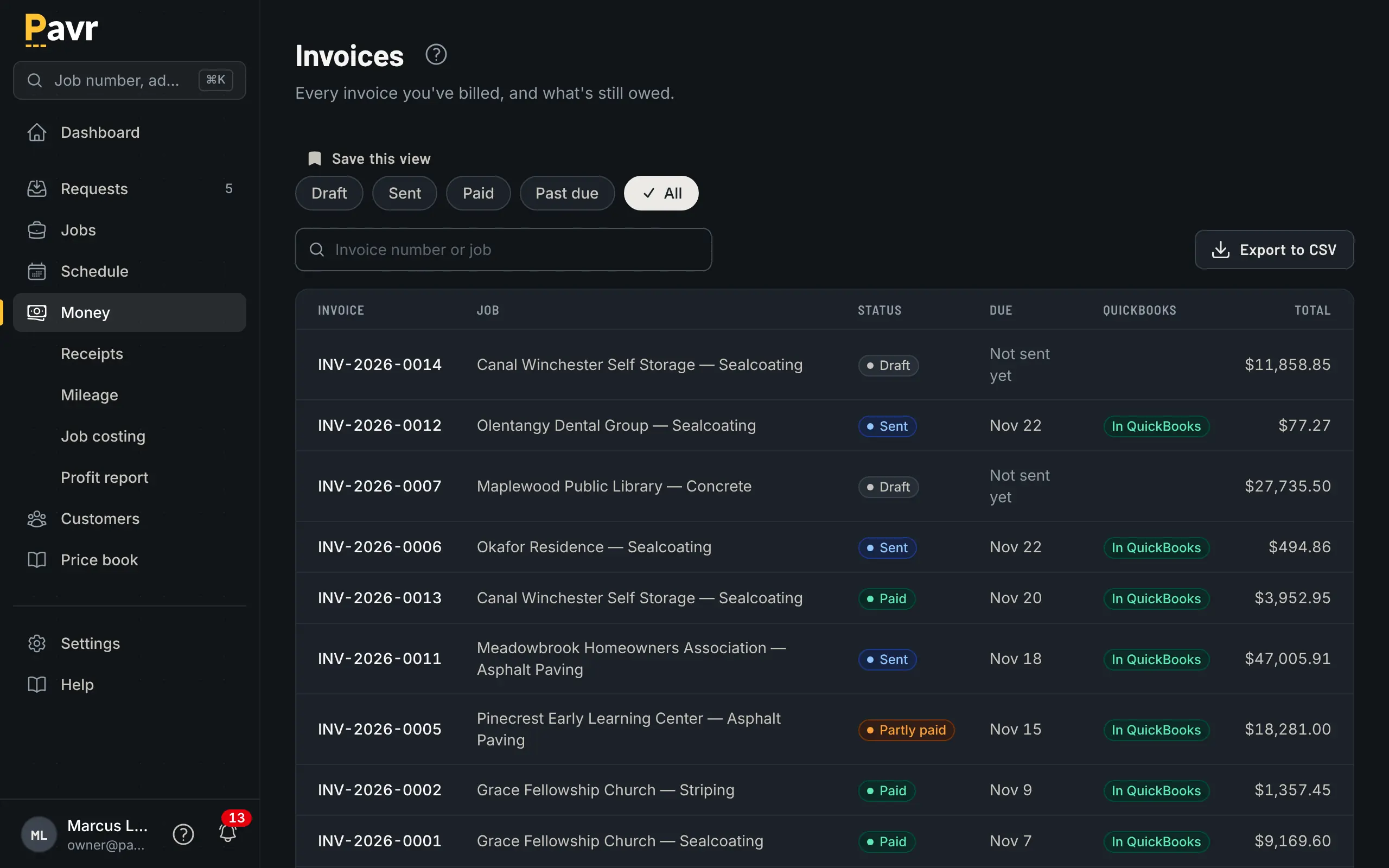
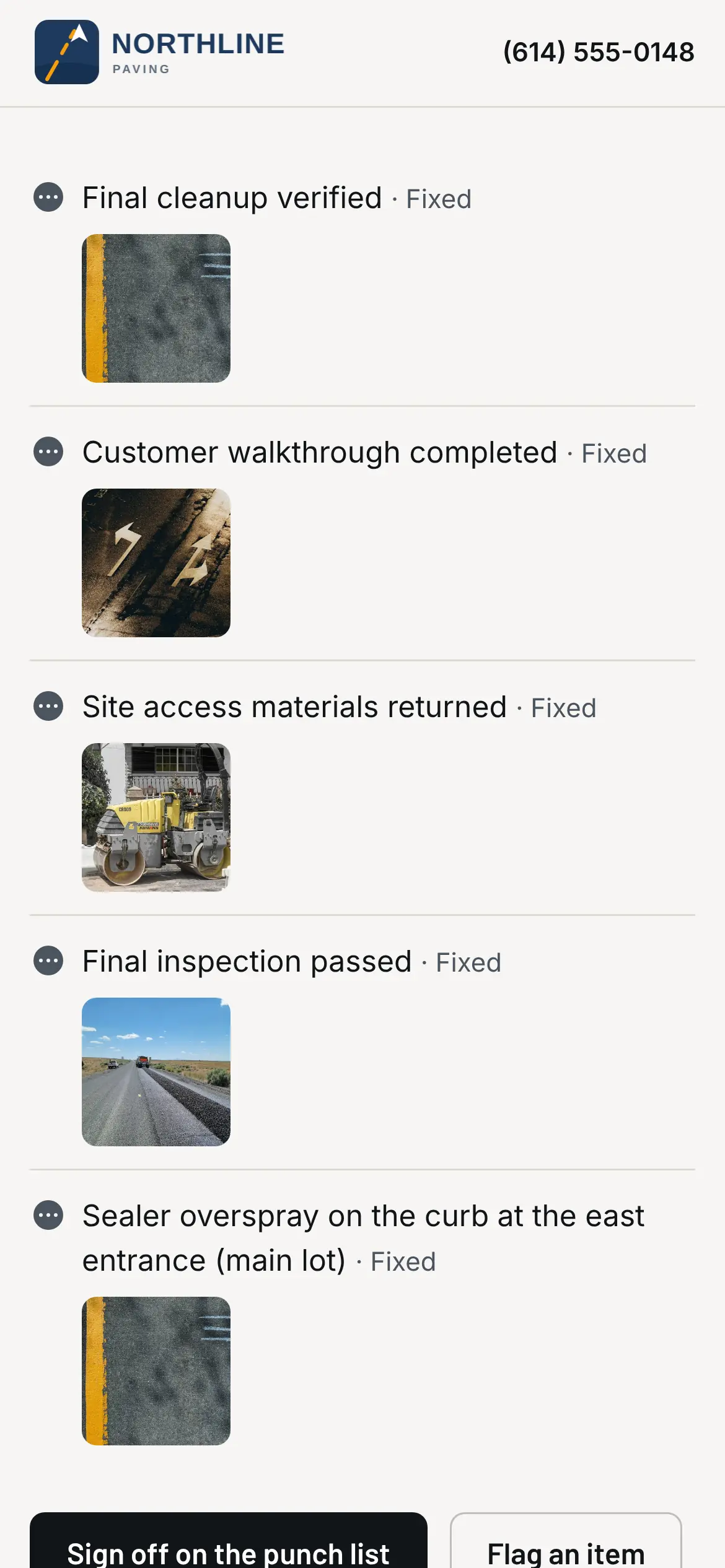
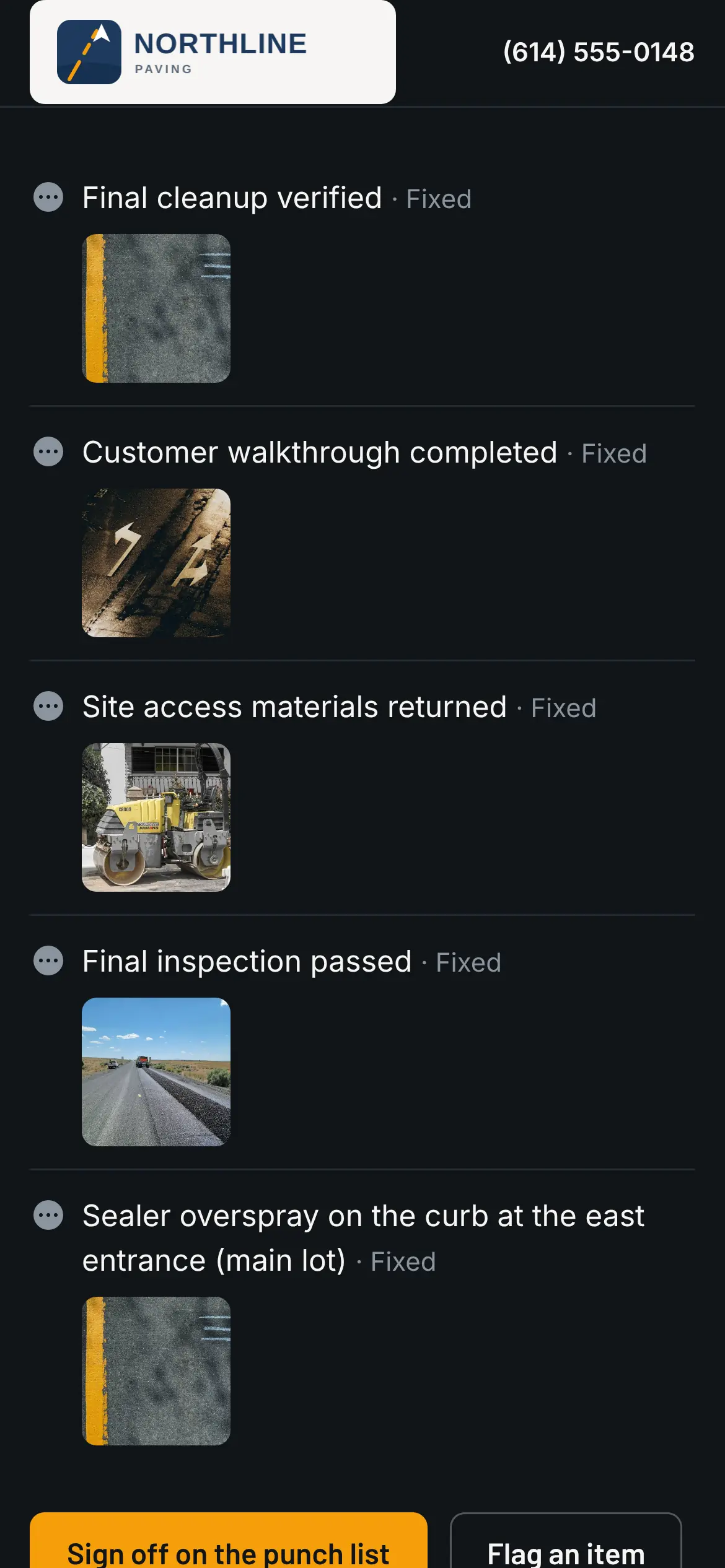
Once the customer has signed off the punch list, item by item with the crew's photos, the invoice comes straight off the signed proposal plus every signed change order. Sending it emails the PDF with a Pay now link. Finishing it sends it to QuickBooks Online, and when the customer pays there, the invoice shows paid here. Checks get recorded by hand.
- Deposits up front, statements for a customer with several open, reminders at 7, 14 and 30 days past due, and late fees if you turn them on
- A customer 30 days past due goes on hold: no new estimates, and nothing new scheduled without an admin override
- The Pay now link goes to your QuickBooks payment page, or to wherever you already take payments, and Pavr takes nothing on it. Or turn on Pavr Payments, below.
Sales tax follows the job site, at the rates you entered.
A property manager with lots in three towns gets three tax groups, one per lot, built from the authorities and rates you typed in; Pavr ships none. Each line is taxed the way its service says or the way you set it, a certificate zeroes what it covers, and the invoice freezes its tax when it goes out. Each group picks its QuickBooks tax code, Pavr checks the invoice before it goes and reads back what QuickBooks kept, and the liability report, filing summary and itemized CSV read the way a return asks.
- Pavr doesn't register you, doesn't file and doesn't give tax advice; an owner accepts that before anything is taxed
Four ways to tax a line
Set once on the service, changed on any line.
| Not taxed you pay tax on your materials and charge none | Most lump-sum work |
|---|---|
| Taxed on the full price the state taxes the work itself | Whole line |
| Taxed on materials only you bill materials and labor split out | Materials |
| Gross receipts tax, passed on the contractor's own tax, passed on as its own line | Own line |
| Where every new service starts Nothing is taxed until you say so | Not taxed |
Pavr Payments, if you want it
Or let them pay right on the invoice.
Turn on Pavr Payments and the Pay now link opens the invoice itself: bank transfer first, card second, and how to mail a check. The money goes into a Stripe account in your business's name, with your own Stripe Dashboard, and Stripe pays it out to your bank. Pavr's fee is 1% of each payment, on top of Stripe's published rates. No cap, no monthly charge, and off until you turn it on.
- Deposits, progress payments and partials, each with its own Pay button and a receipt the moment it's paid
- Every payout matched to the payments in it, fees and all, then to QuickBooks, so the bank feed matches without anyone retyping it
- Pass card fees to customers on credit cards if your state allows it: shown in dollars before they pay, its own line on the receipt, never on a debit card
- Turn it off any time. New payments stop, the ones on their way still land, and the history stays.
A $12,000 invoice
What each way of paying costs, at Stripe's published rates. The customer picks.
| Bank transfer Stripe's 0.8%, never more than $5 | $5.00 |
|---|---|
| Card Stripe's 2.9% + 30¢ | $348.30 |
| Check in the mail, recorded by hand | Free |
| Pavr's 1%, whichever way they pay Paid by you, never added to what the customer owes | $120 |
Pay apps by line item, with retainage tracked.
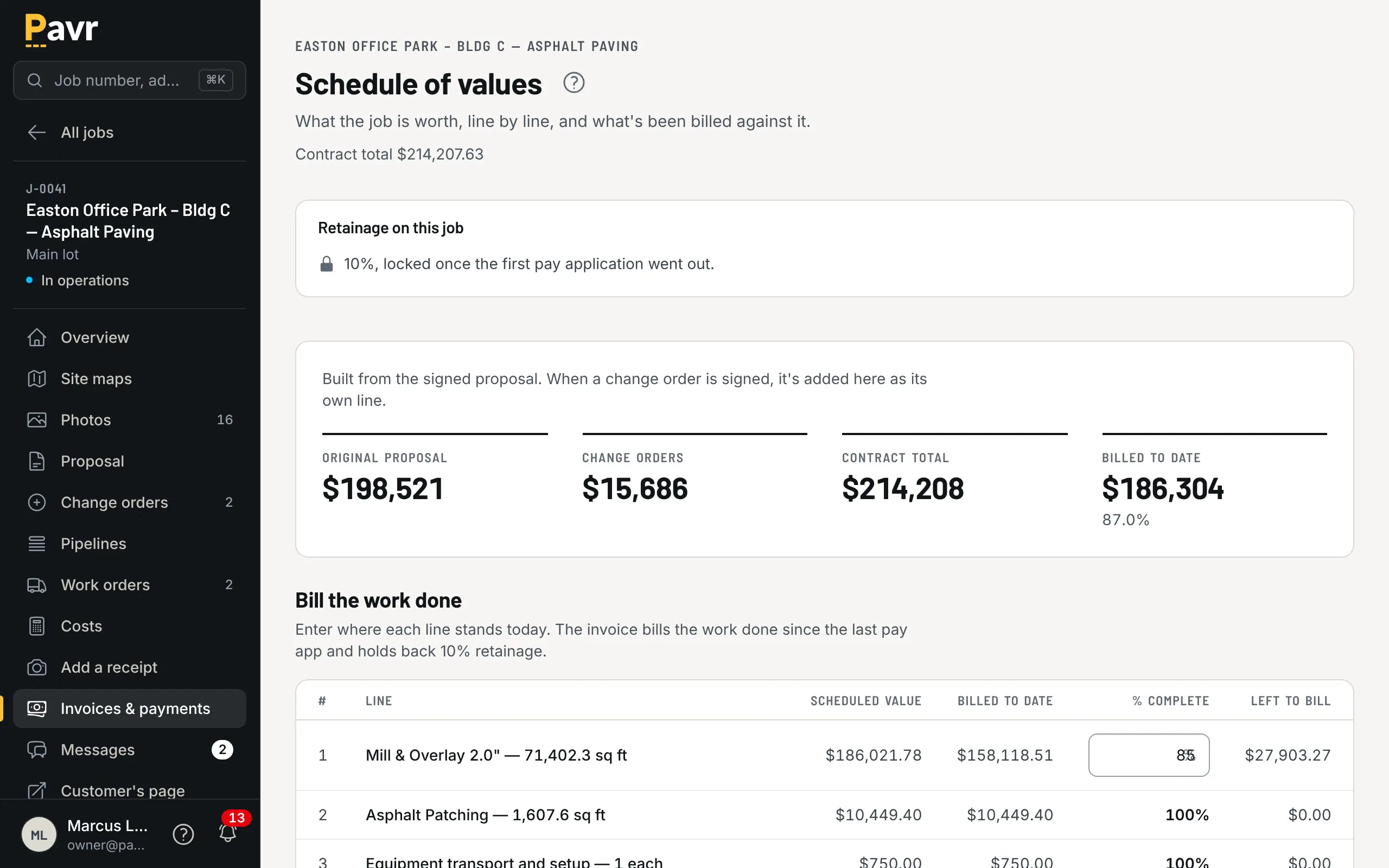
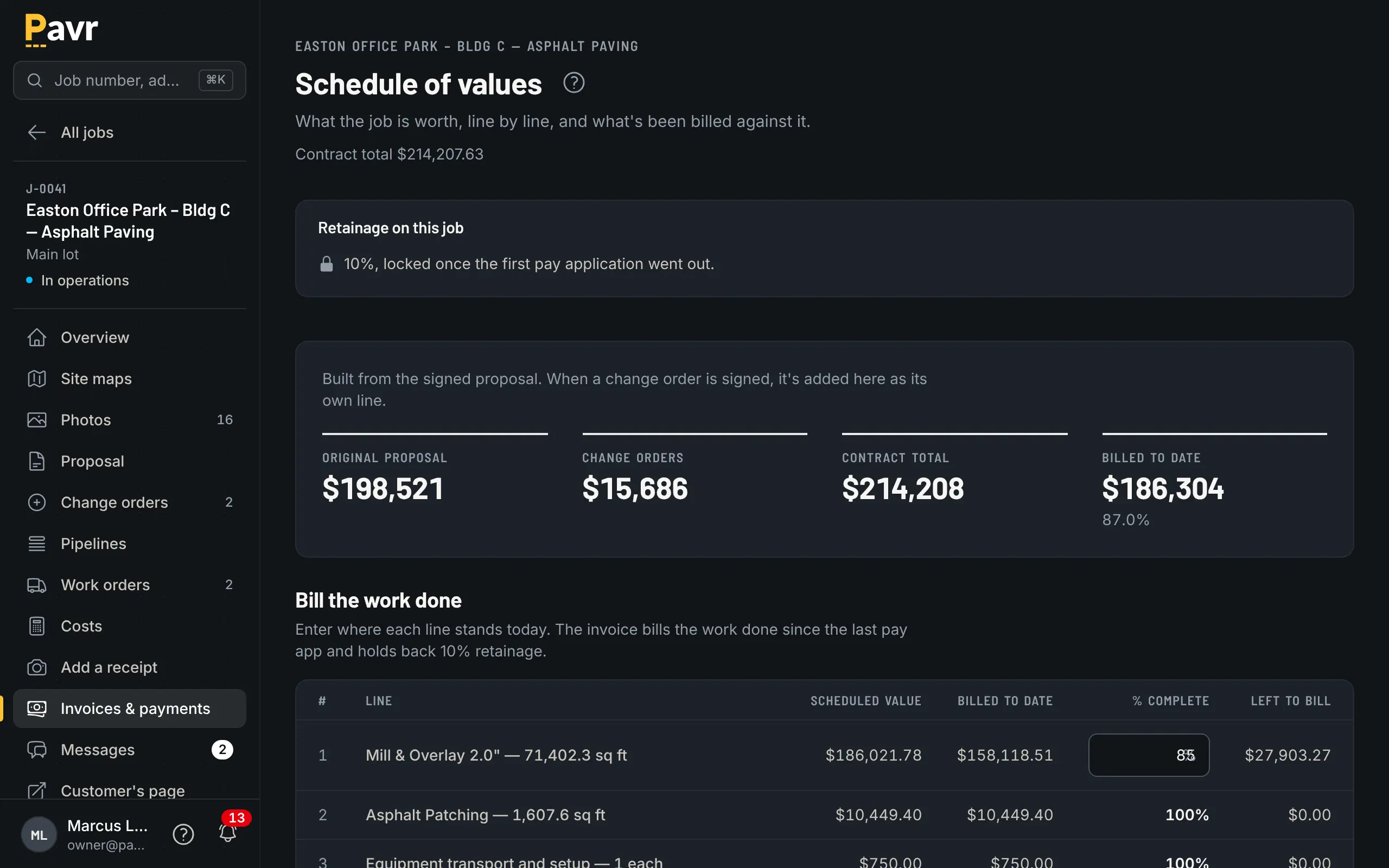
For bigger jobs the schedule of values comes straight off the signed proposal, line by line, and signed change orders land on it as lines. Each pay application is the work done this period on each line, with retainage held until the release and a G703 continuation sheet. T&M jobs bill weekly from approved hours, material and receipts; the office hears about it at 80% of the not-to-exceed, and billing stops at the cap.
Job costing and reports
The margin.
What each job is making while it's open, and which kind of work carried the year.
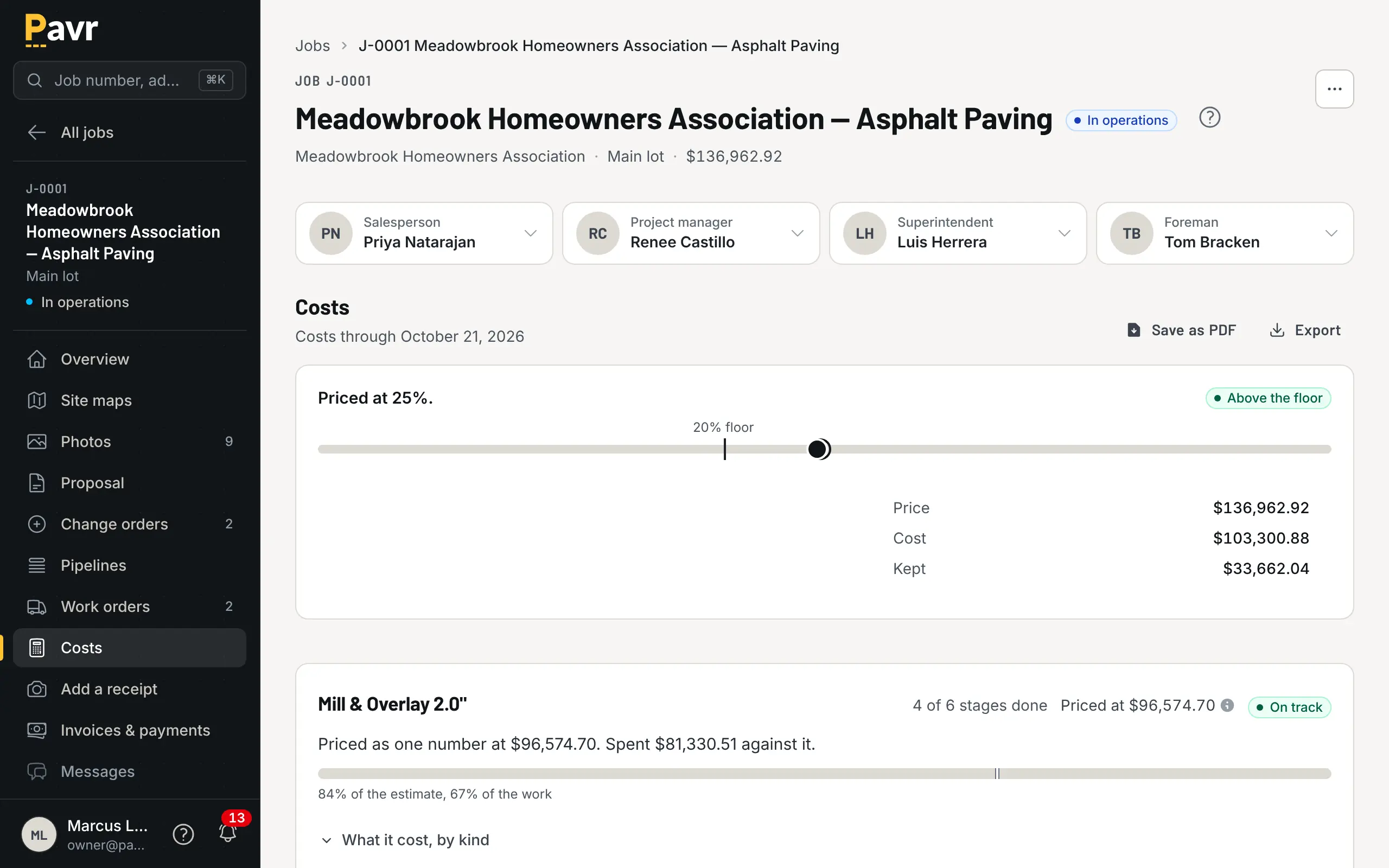
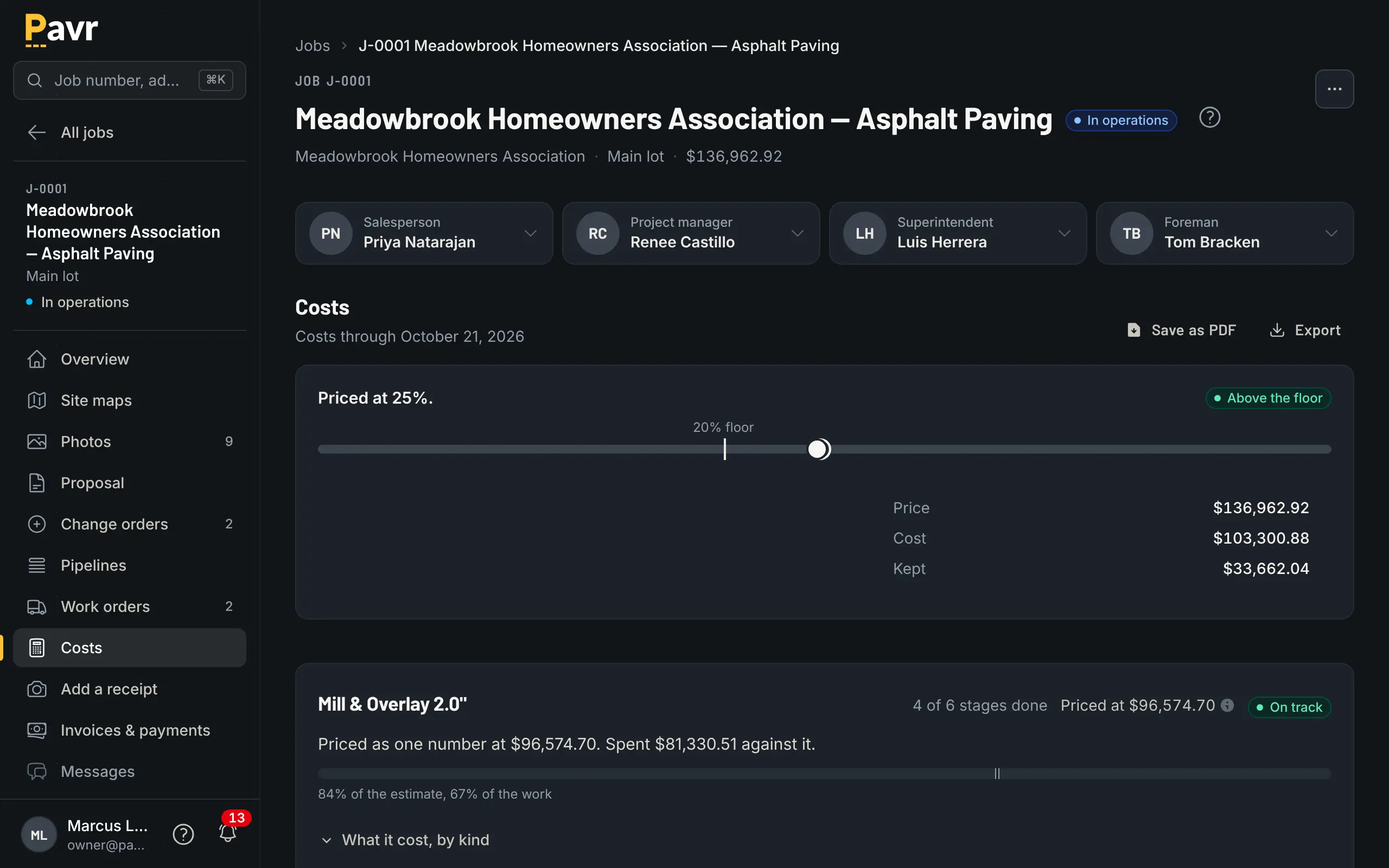
Costs post against the job while it is still open.
Approved hours, material from the daily log, receipts, sub invoices, mileage and equipment hours post against the job's budget by cost type. A line 5% over turns yellow and 10% over turns red, and the owner sets both. Closed jobs roll up by month, customer, project manager and trade.
- Job costs and reports export to CSV; the owner can download every record in the account
- A survey goes out a week after the work; a 9 or 10 gets a button to your Google or Facebook review page
The whole list
Everything that's in it, on one page.
If you're checking a requirement off a list, the plain list is here.
Put one real job through it.
Fourteen days, no credit card. Draw a lot you priced last month, price it with your own numbers, and see what it would have made.