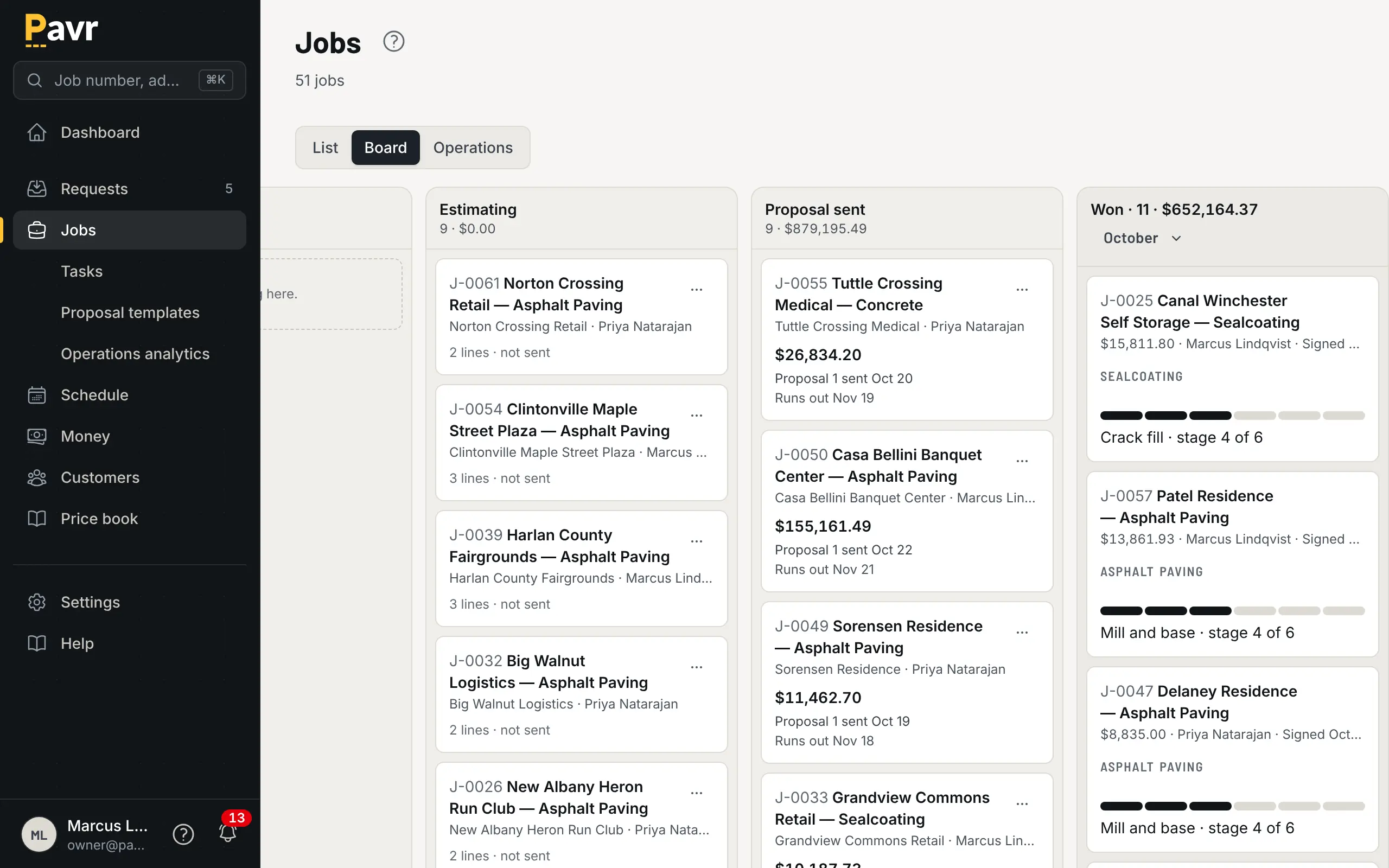
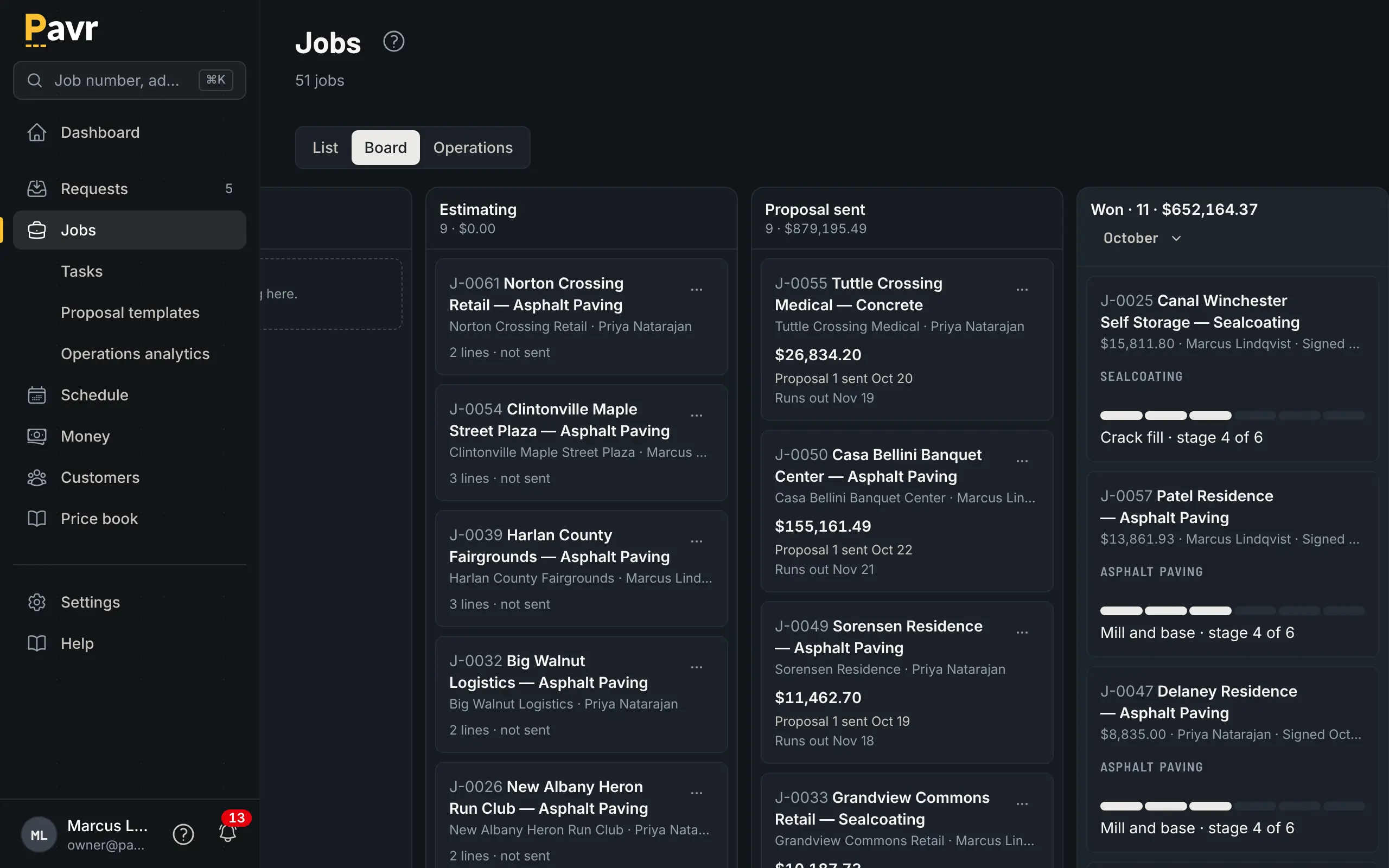
One proposal, one invoice
A lot that needs milling, an overlay, new curb along the entrance, sealcoat on the back half and a restripe is one sale. In Pavr it's one proposal at one contract price, and one invoice at the end. The paving crew, the concrete crew and the striping sub each see their own part of the job with their own work order, schedule and daily log, and a change order on one trade pauses only that trade's part until the customer signs.
The order is set for you
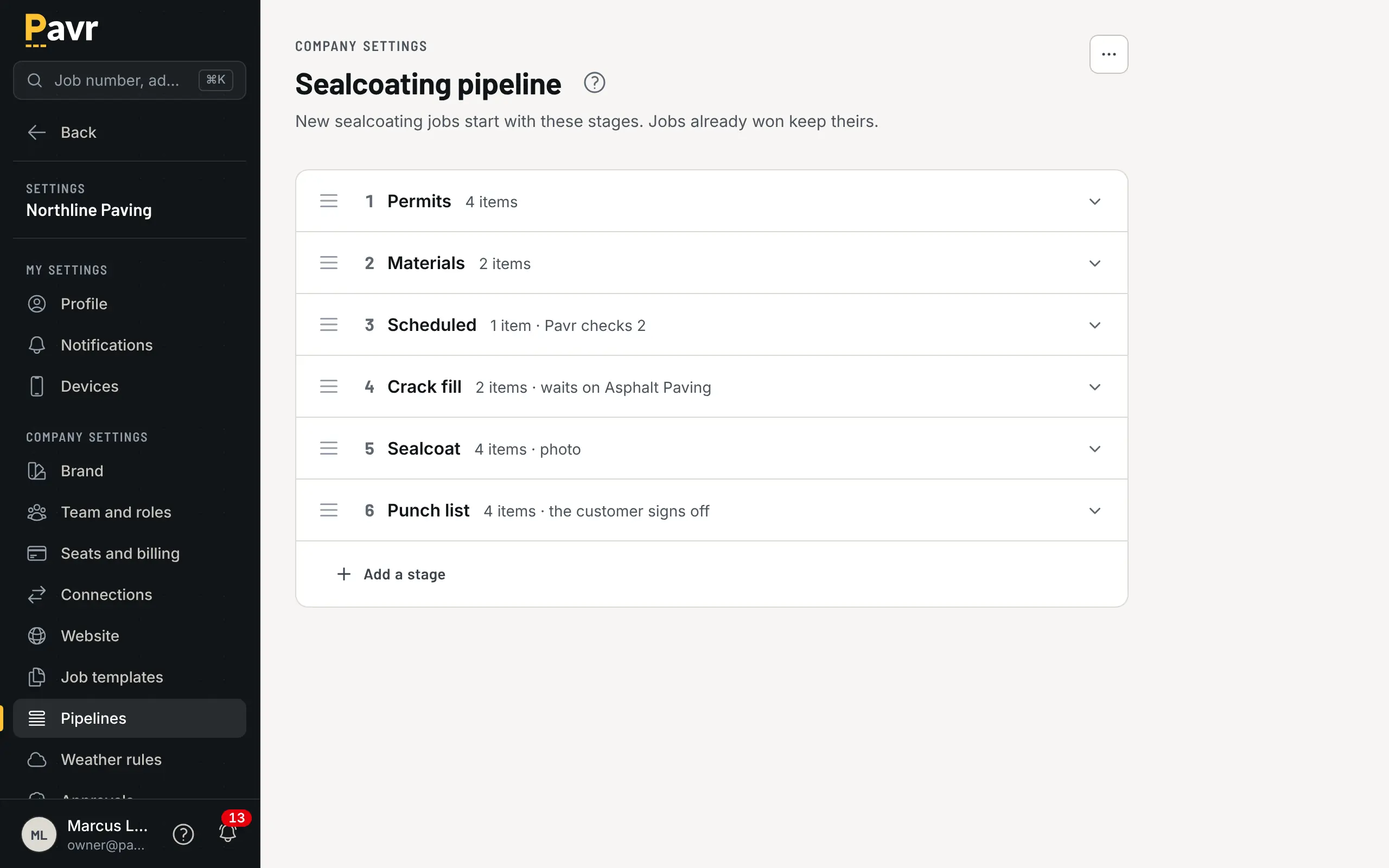
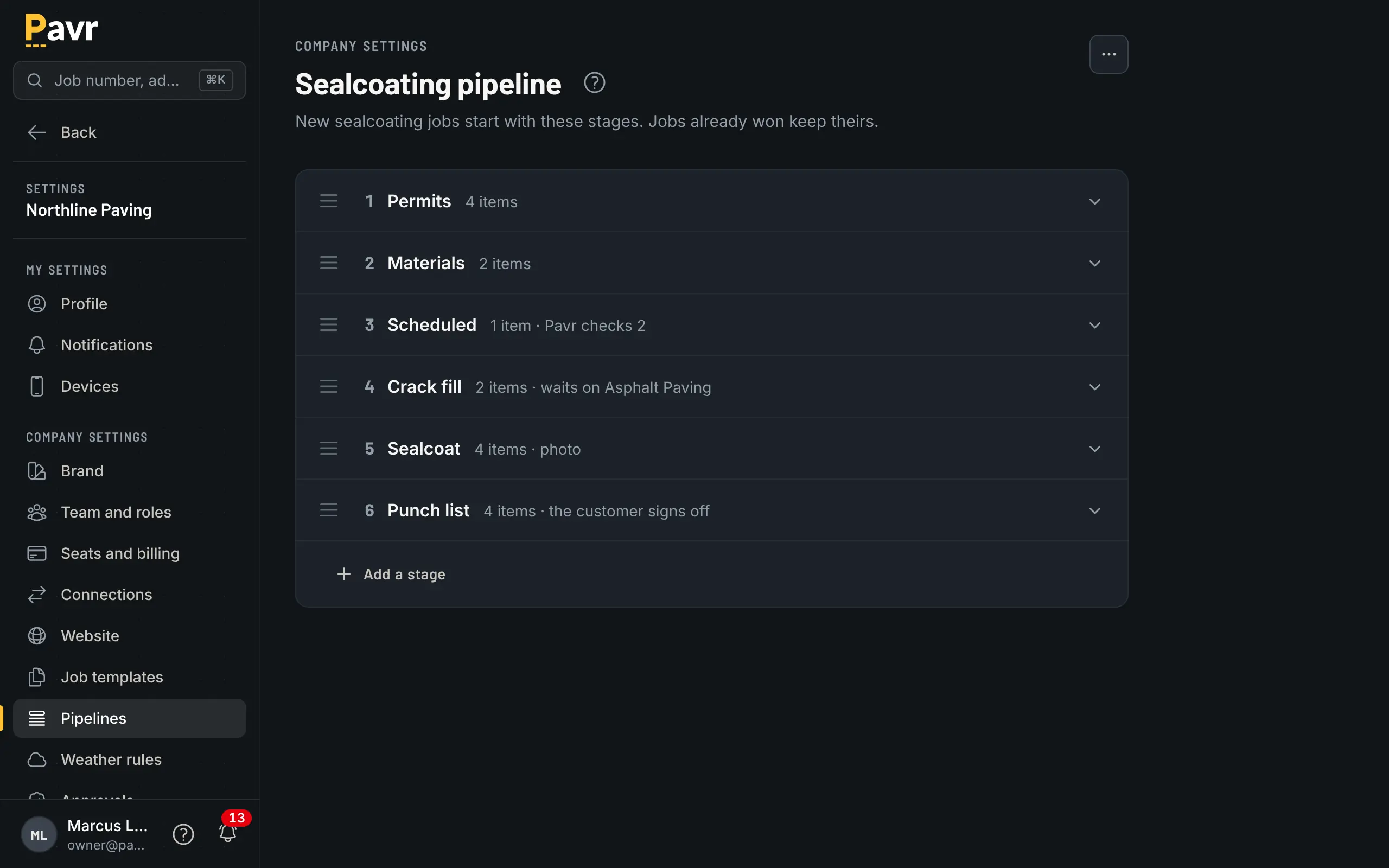
When the customer signs, the waits between trades are already there:
- Striping waits until the paving is done.
- Sealcoat waits until new asphalt has cured: 30 days by default. Sealcoat over an existing lot doesn't wait.
- Striping over sealcoat waits until the sealcoat is done.
Remove a wait or set the cure to zero on a lot where it doesn't apply. The board won't let the striping crew be dispatched ahead of the paving without someone deciding to.
Subs on the job
The milling sub or the striping sub gets an email with a link to confirm their day. They don't need an account or a seat. Their invoice posts against the job's costs like any other sub invoice, and their insurance certificate gets a reminder at 30 days, 7 days and expiry.
Who's running it
Every job has a team of four: the salesperson, the project manager, the superintendent and the foreman. One person fills each, and one person can hold several. They show in a strip under the job's name, and a tap on a name picks someone else. Set a default person for each once, under Settings, Team and roles, and new jobs start with them.
What Pavr tells people follows the team. A signed change order goes to the project manager, a rescheduled visit to the superintendent, a dispatched work order to the foreman, and a proposal nobody has signed in a week to the salesperson. If nobody holds that role on the job, the notice goes to the next one down the line: foreman, then superintendent, then project manager, then salesperson, and to the owners if nobody on that line can see the job. Nothing important goes to nobody. The job team routes the news; it never lets anyone see or do more than their role does.