Product

You know what a job is making while it's still open.

Approved hours, material from the daily log, receipts, sub invoices, mileage and equipment hours post against the estimate while the job is running. A line running over turns yellow, then red.

While it's open

Costs post against the estimate, by cost type.

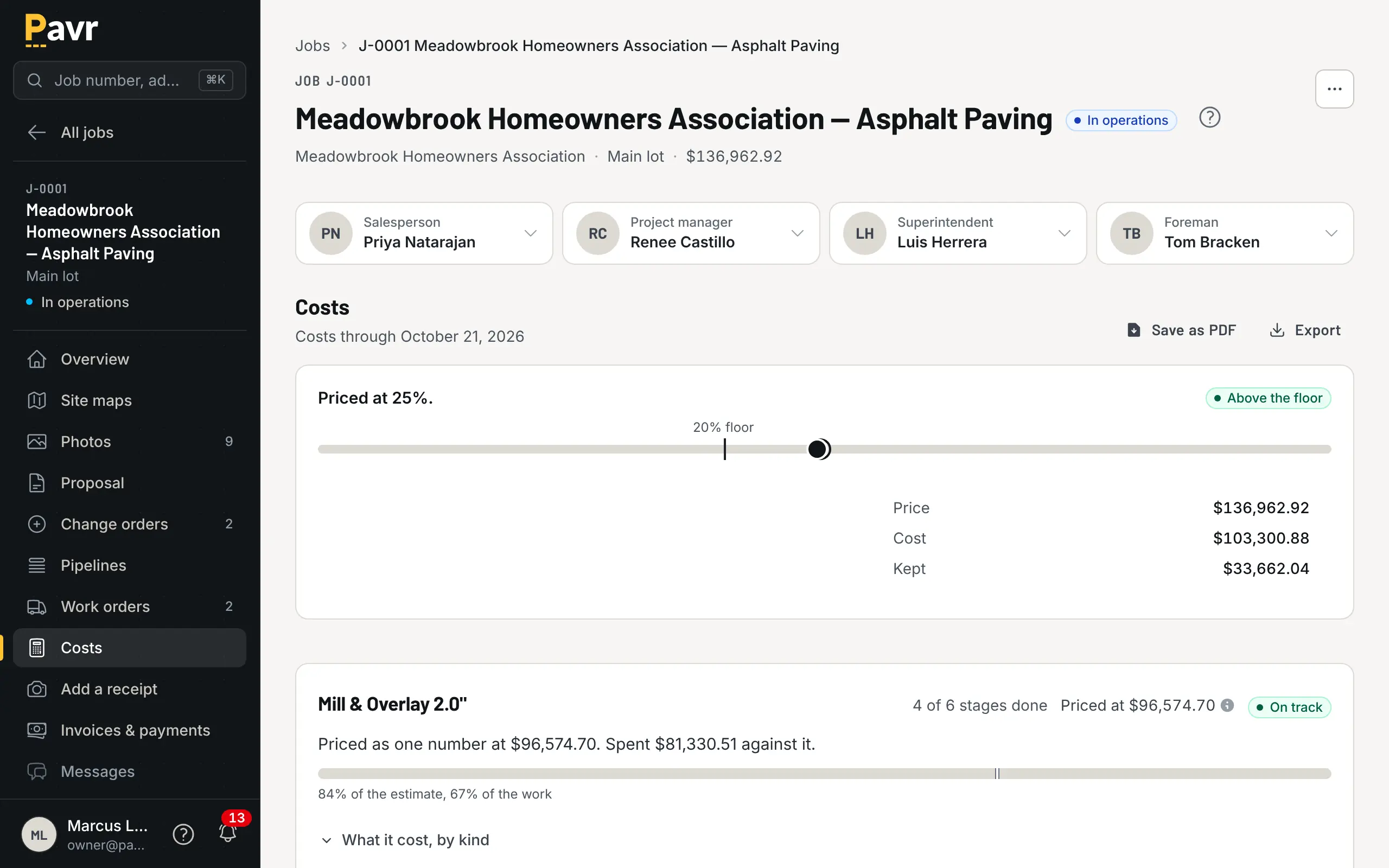
Approved hours from the clock, material from the daily log, receipts, sub invoices, mileage and equipment hours post to the job as the office approves them, against what you estimated for labor, material, equipment and subs. A line 5% over the estimate turns yellow. Ten percent over turns red. The owner sets both numbers.

  • One job over is noise. The same line over on every job of one type is the estimate.
  • Nothing posts from anybody's guess: hours are clocked, material is logged, receipts are photographed
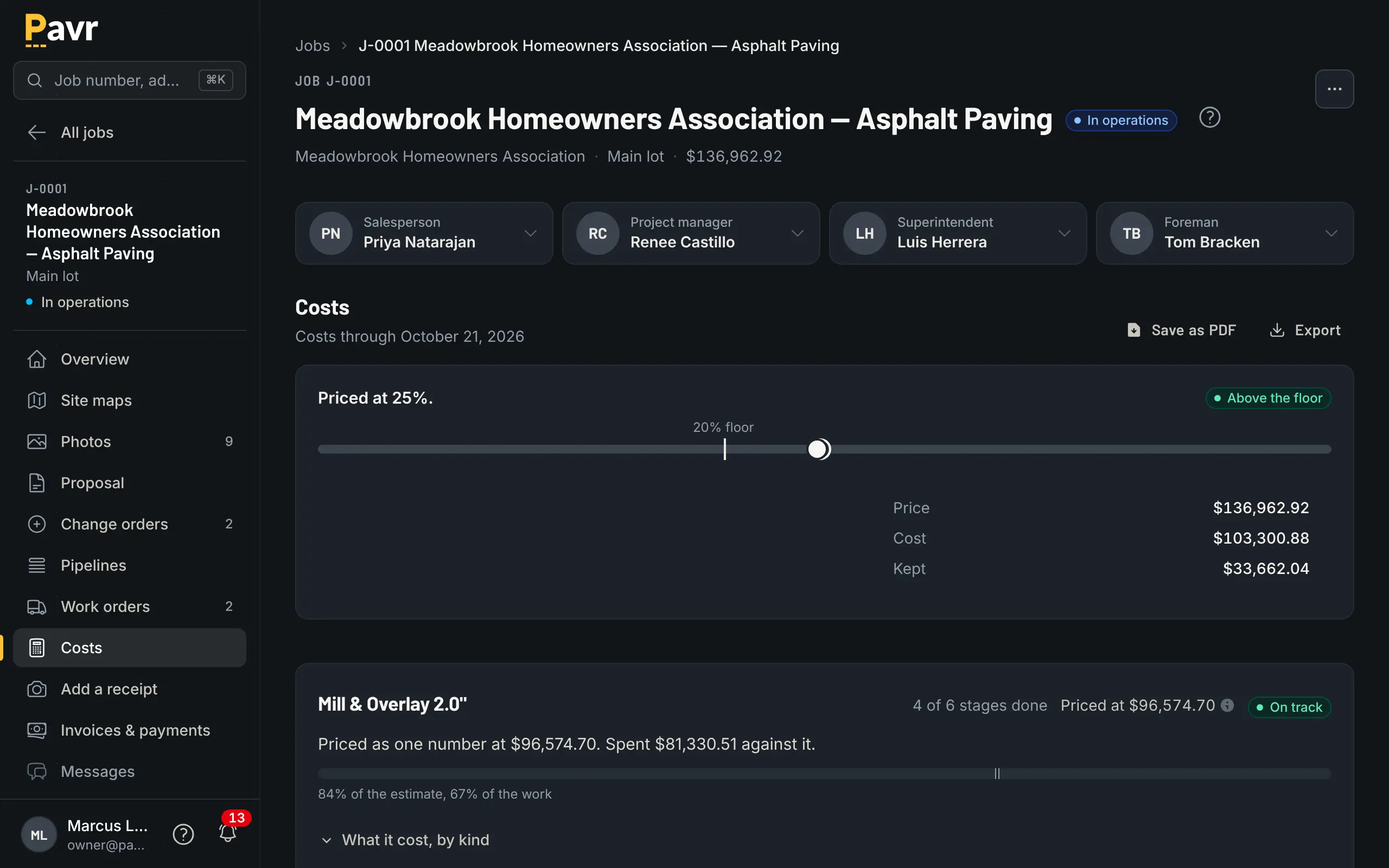
Job costing for the Meadowbrook overlay: priced at 25%, above the floor, with each line's cost against its own estimate.

When it's closed

Which kind of work carried the year.

Closed jobs roll up by month, by customer, by project manager, and by paving, concrete, sealcoat and striping. If mill and overlay has been light on labor all season, you see it in July, not in February. When a sealcoat is due again, the closed job offers to price it. Everything exports to CSV for whoever does your books.

Profit tracking

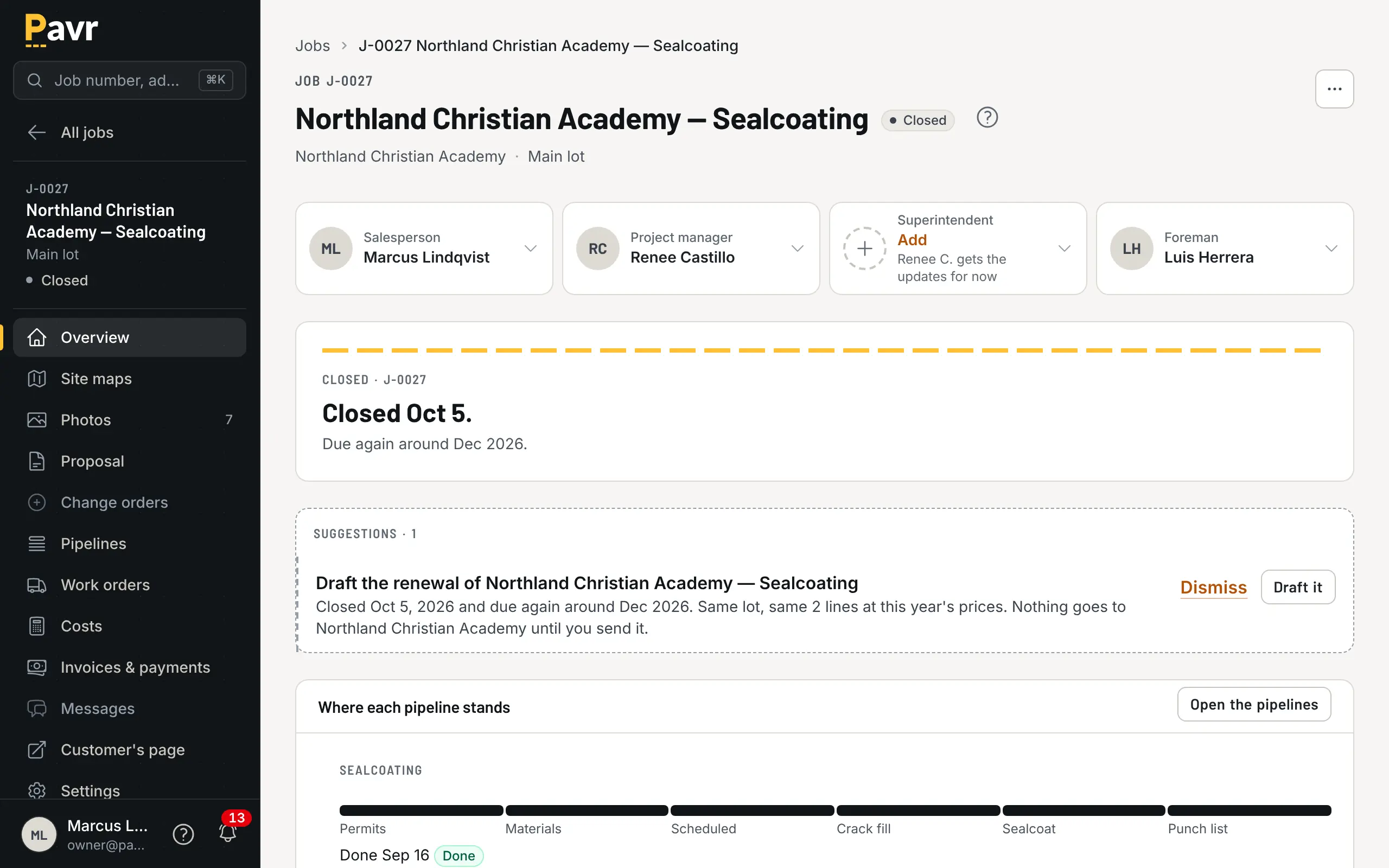
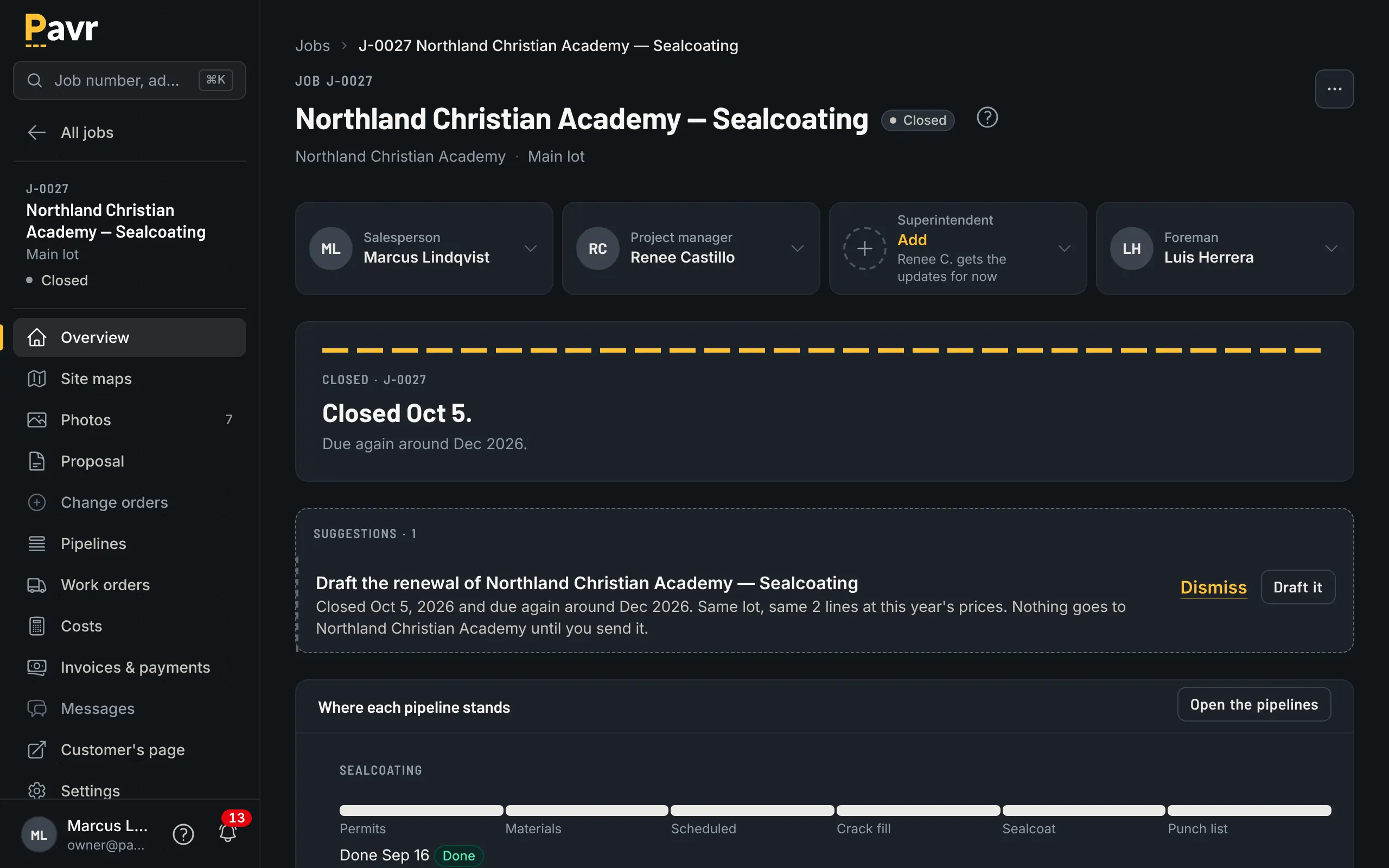
A closed job's overview with the suggestions tray offering to price the same work again when it is due.

Comparing tools? Pavr vs Spreadsheets and QuickBooks covers this part of the job side by side, with a source and a date on every claim, and the rest of the comparisons are next to it.

What posts, and when

  • Hours, from the crew's clock, when the office approves the week.
  • Material, from the foreman's daily log. Pavr doesn't read plant tickets; the foreman logs the tons used and the office approves it.
  • Receipts, photographed on the phone and approved in the office.
  • Sub invoices, entered against the job.
  • Mileage and equipment hours, from the daily log.

Nothing posts from anybody's guess about how it went.

Against the estimate, by cost type

Costs compare against what you estimated for labor, material, equipment and subs. A cost type that runs 5% over the estimate turns yellow. Ten percent over turns red. The owner sets both numbers for the account. The point isn't the one job that ran hot on a rain day. It's the same line over on every mill and overlay this season, which means the estimate is wrong, and now you know before you price the next one.

When the job closes

Closed jobs roll up by month, by customer, by project manager, and by paving, concrete, sealcoat and striping. Job costs and every report export to CSV for whoever does your books, and the owner can download every record in the account any day.

Put one real job through it.

Draw a lot you priced last month, price it with your own numbers, and see what it would have made. Fourteen days, no credit card.