Who it's for
A paving, sealcoating, striping or concrete company with somewhere between five and sixty people. There's an owner who still walks lots and writes most of the estimates, or one estimator who does. There's an office manager, a foreman on each crew, a sub for the milling or the striping, and QuickBooks Online.
Most of those companies run on a spreadsheet, a Word proposal, a whiteboard and a group text with the foremen. It works because the owner remembers everything. It stops working the day the owner is at a different lot.
What "built for the trade" means here
- The built-in services, more than 130 of them, are the ones on a paving or concrete proposal, measured the way you measure them: tons from square feet and depth, curb by the linear foot, stalls by the count.
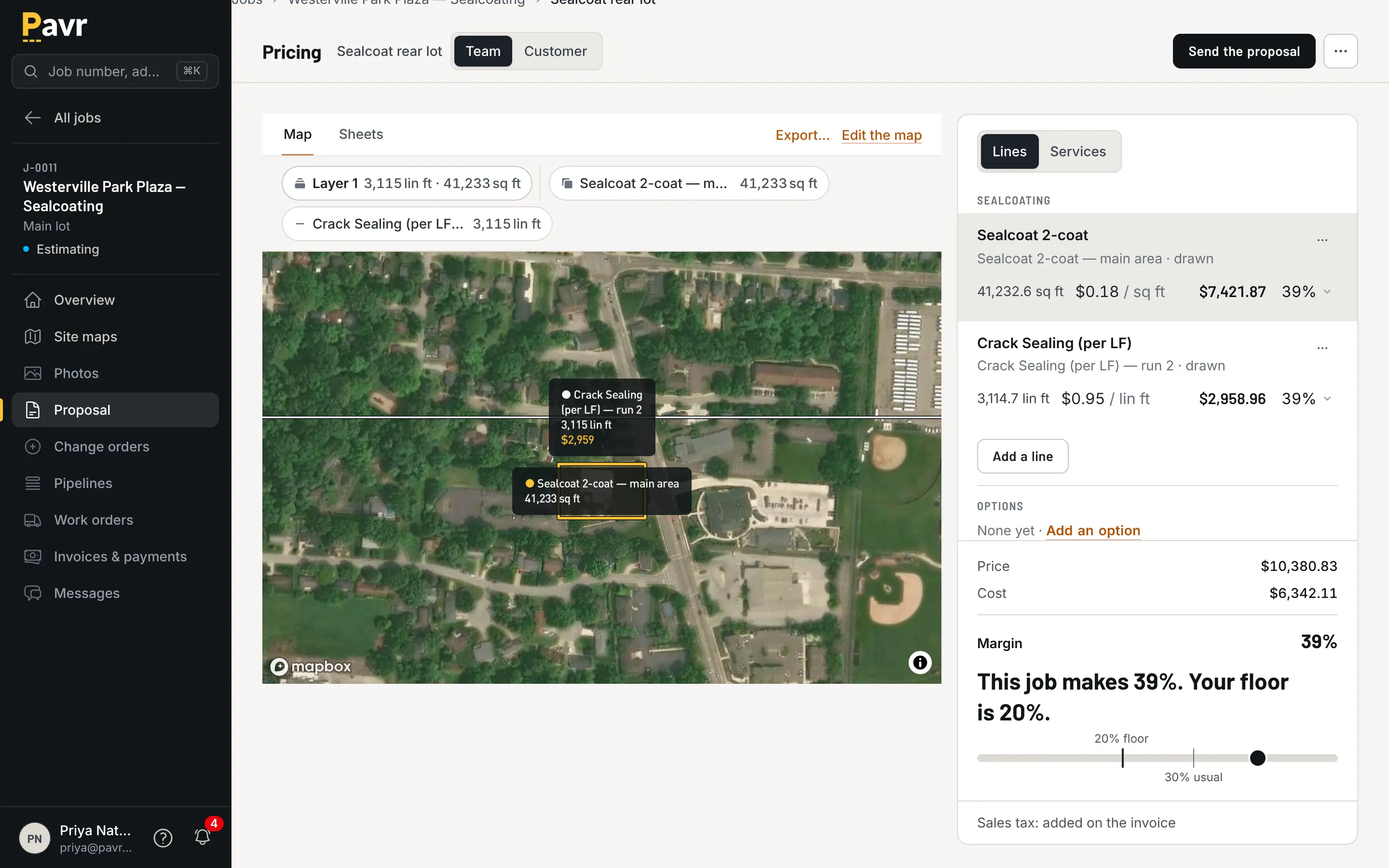
- The price comes from your plant, your crews and your equipment, and a sent proposal keeps its prices when the plant raises theirs.
- Every account starts with weather rules per trade: 50°F and no rain for asphalt and sealcoat, 40°F for concrete. Change them to yours.
- Striping waits on the paving, and sealcoat waits for new asphalt to cure, without anyone remembering to make it so.
- Pay apps come off a schedule of values by line item, with retainage held and a G703 continuation sheet.
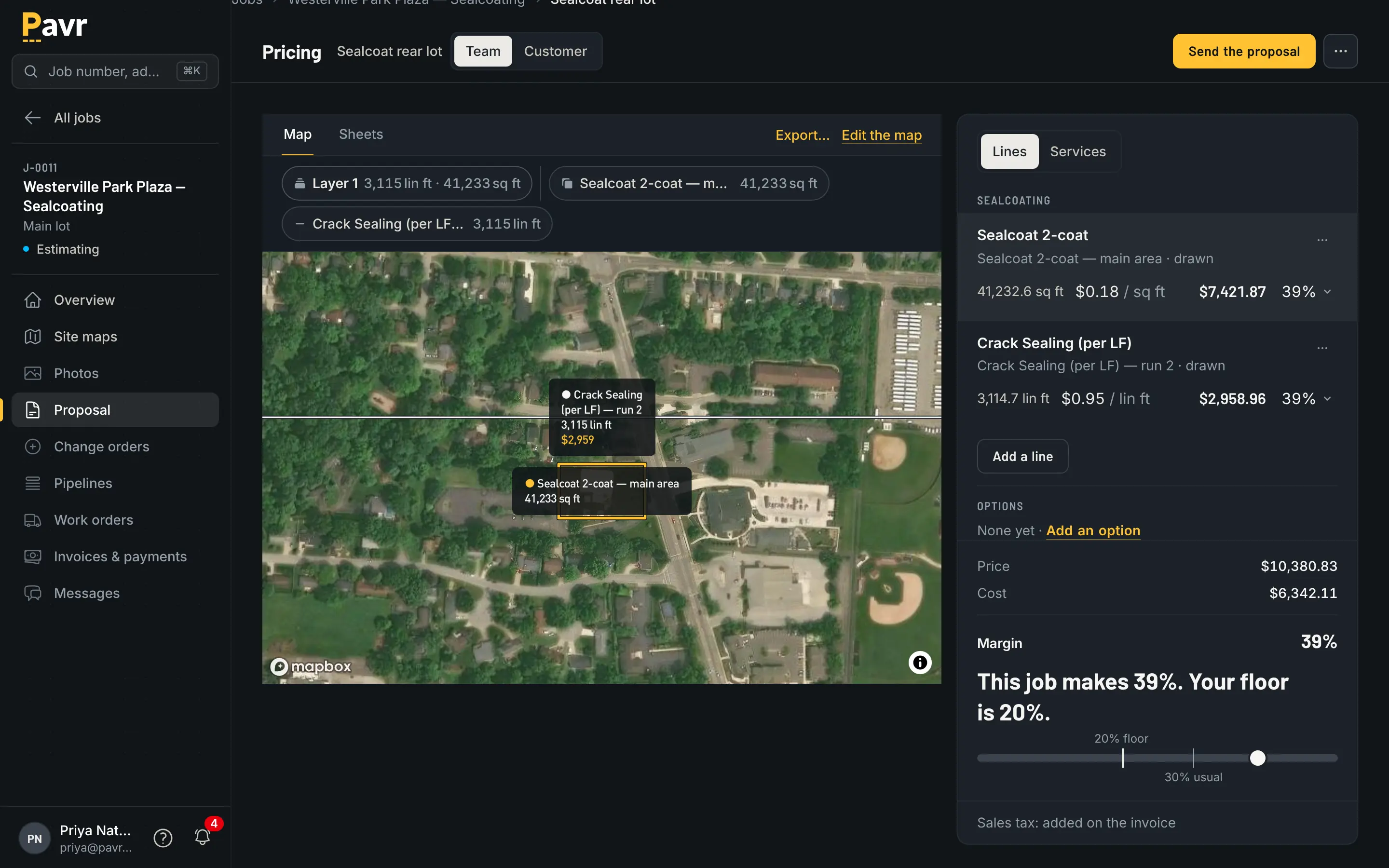
- The lot is drawn once, on a map, and the price, the crew's day, the change order and the customer's proposal all read off it.
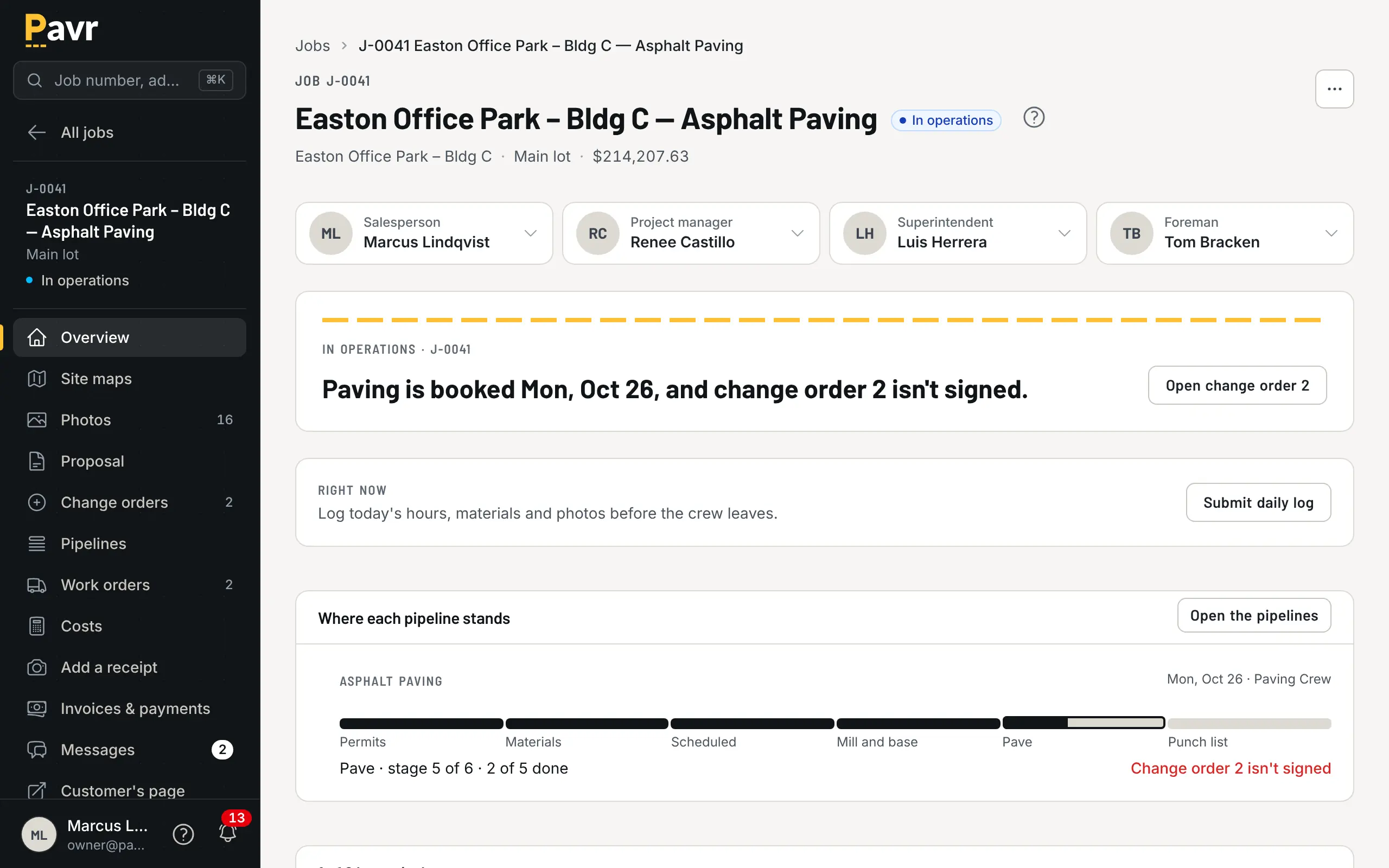
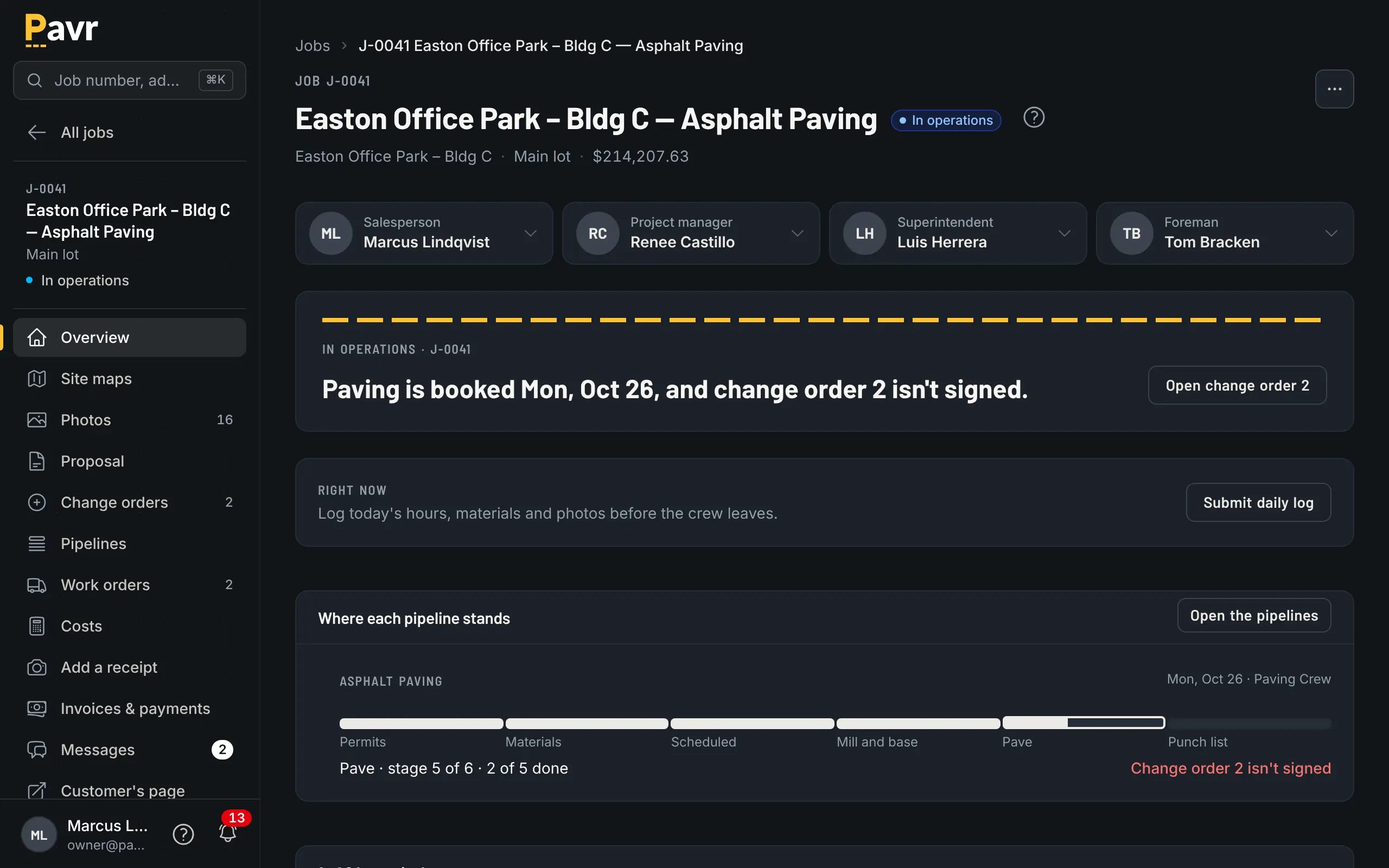
- Every job has a salesperson, a project manager, a superintendent and a foreman, so the right person hears the right news, and nothing important goes to nobody.
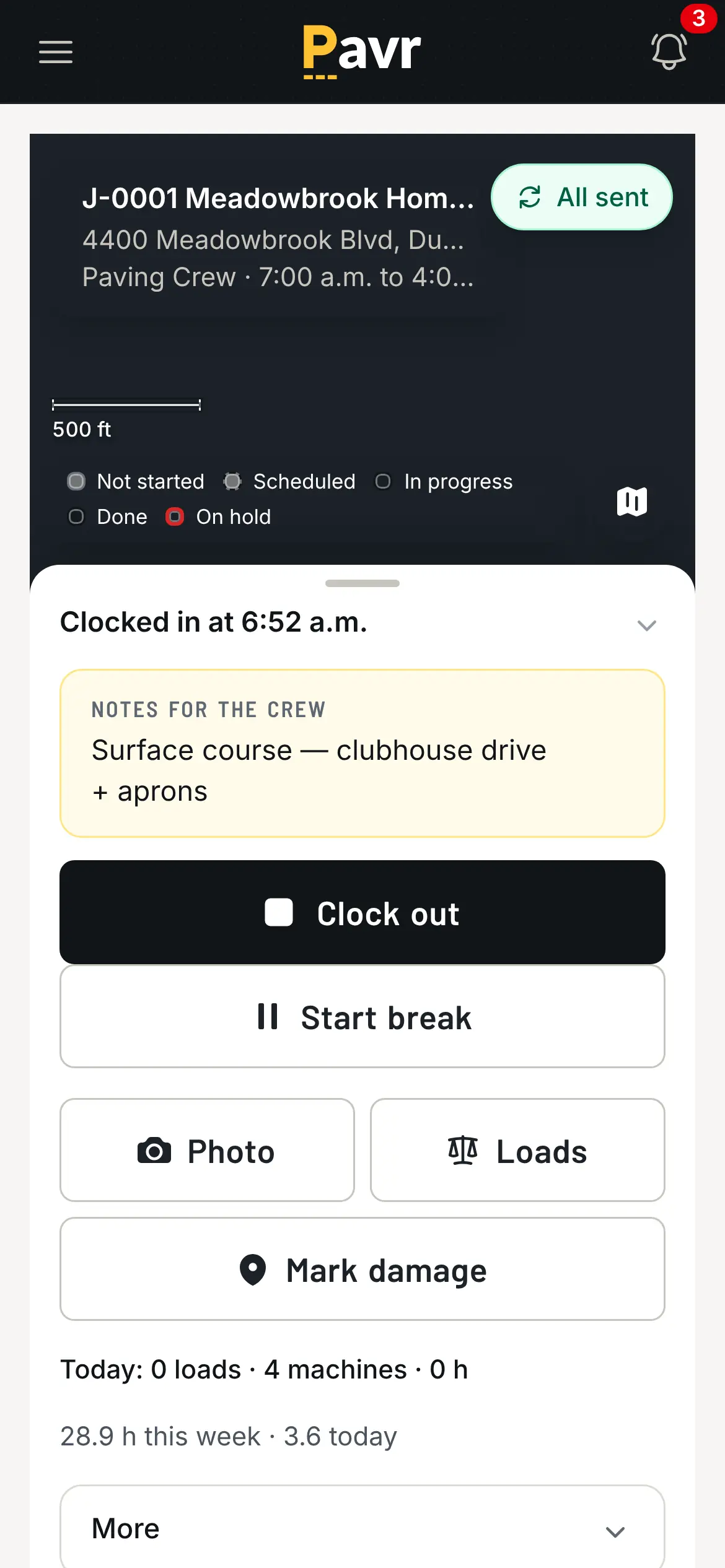
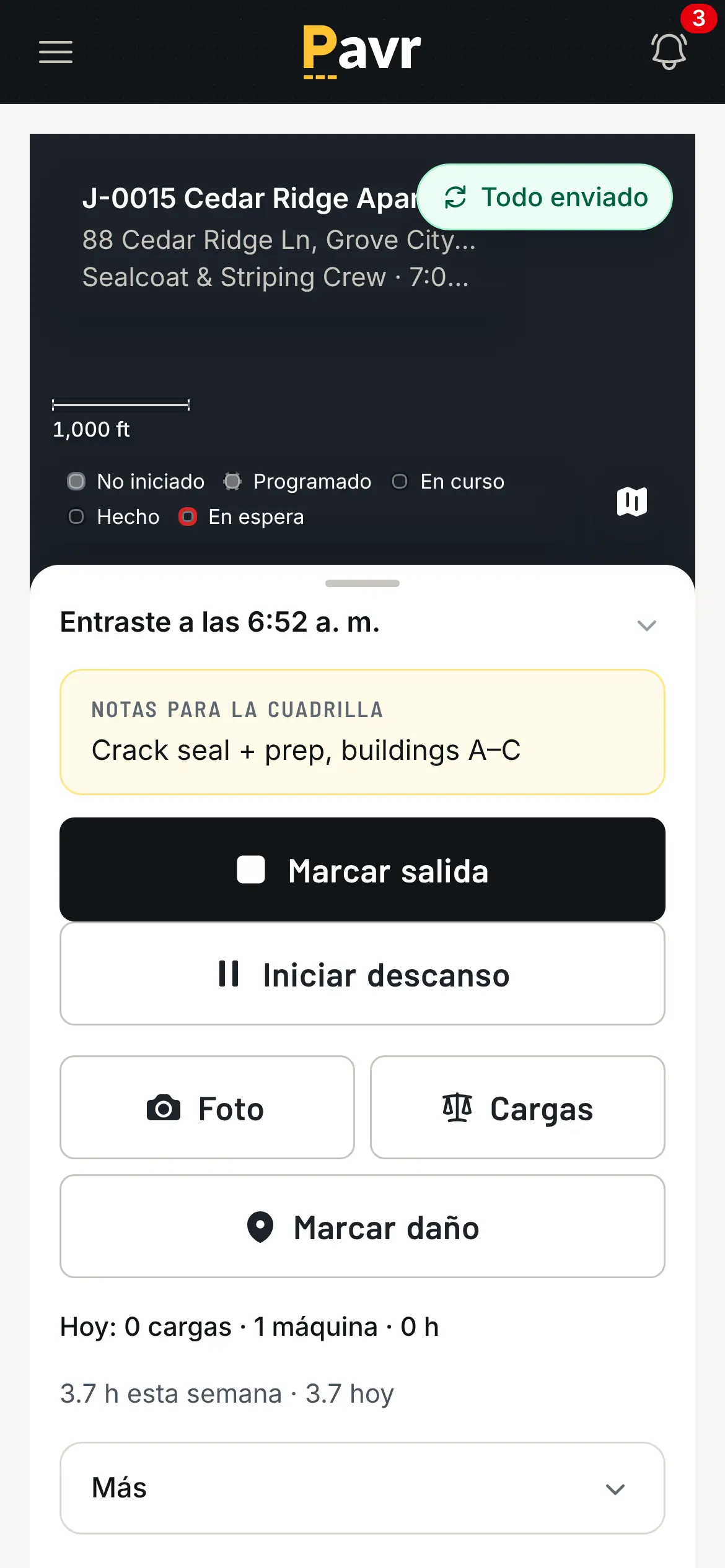
- The crew side is in Spanish as well as English, works without signal, and is free.
What it isn't
It doesn't run payroll. It takes nothing on your customers' payments unless you turn on Pavr Payments; then it's 1% plus Stripe's rates, into your own Stripe account. It works with QuickBooks Online, not Desktop. It doesn't read plant tickets. It isn't general contractor software with a paving module bolted on, and it isn't priced by the crew: $85 a month for each person who estimates, schedules or runs jobs, and everyone else free.
The first two weeks
A "Get set up" checklist on the dashboard walks the owner through the first week: company and logo, plant prices and crew rates, people and their roles, QuickBooks Online. Then draw a lot you priced last month, price it with your numbers, and see what it would have made. Fourteen days, no credit card.