The system you actually have
A pricing spreadsheet. A Word proposal with your logo at the top. A whiteboard with next week on it.
A folder of plant tickets. A group text with the foremen. QuickBooks for the invoices, and an
accountant who likes it that way.
It works. It works because you remember everything: which lot had the soft spot, what you told the
property manager about the ramps, who was on which crew on the 14th. That memory is the software,
and it's a good one.
It breaks in four places.
The change order agreed on the phone that nobody wrote down. The crew standing at a lot full of cars
because the tenant notice never went out. The invoice with last month's tonnage on it. And the
question in July — which of these jobs is actually making money — that takes a week to answer and is
half guesswork when you're done.
This page is about whether those four are costing you more than $85 a seat.
Where the spreadsheet wins
Say it plainly, because it's true.
It prices your work the way you price it. Your sheet has your mix price, your production rate,
your transport, your crew's real speed on a 40,000-square-foot lot. No vendor knows those numbers better
than you do.
It's free and it's instant. No seats, no onboarding, no support ticket. You can change a formula
in the truck.
Everybody in the office can read it. No training, no permissions, no new words to learn.
It doesn't break when you do something unusual. One-off T&M, a favor for a good customer, a
weird split with a sub — a spreadsheet just takes it.
If your company is one crew and one estimator and the jobs finish in a day, that list may be the
whole argument. Keep the sheet. Come back when you add the second crew.
Where it quietly costs money
The version problem. The proposal you sent lives in a PDF in your sent mail. The sheet it came from
has moved on. When the customer says "that's not the number you gave us", the answer is somewhere in
an attachment, and the tonnage on the invoice comes from wherever the office found it.
If your estimates already go out of QuickBooks Online with Require e-signature turned on, you've
solved part of this: it keeps a signed PDF of the estimate as it was when the customer signed [3].
What it doesn't know is the sheet the numbers came from.
In Pavr, the price you sent stays the price you sent. A plant increase never moves a proposal
that's already out; drafts take the new number when you press refresh. The customer signs the exact version
they were shown, on their phone, from an email under your name, and that signature creates the job.
Here's how estimating works.
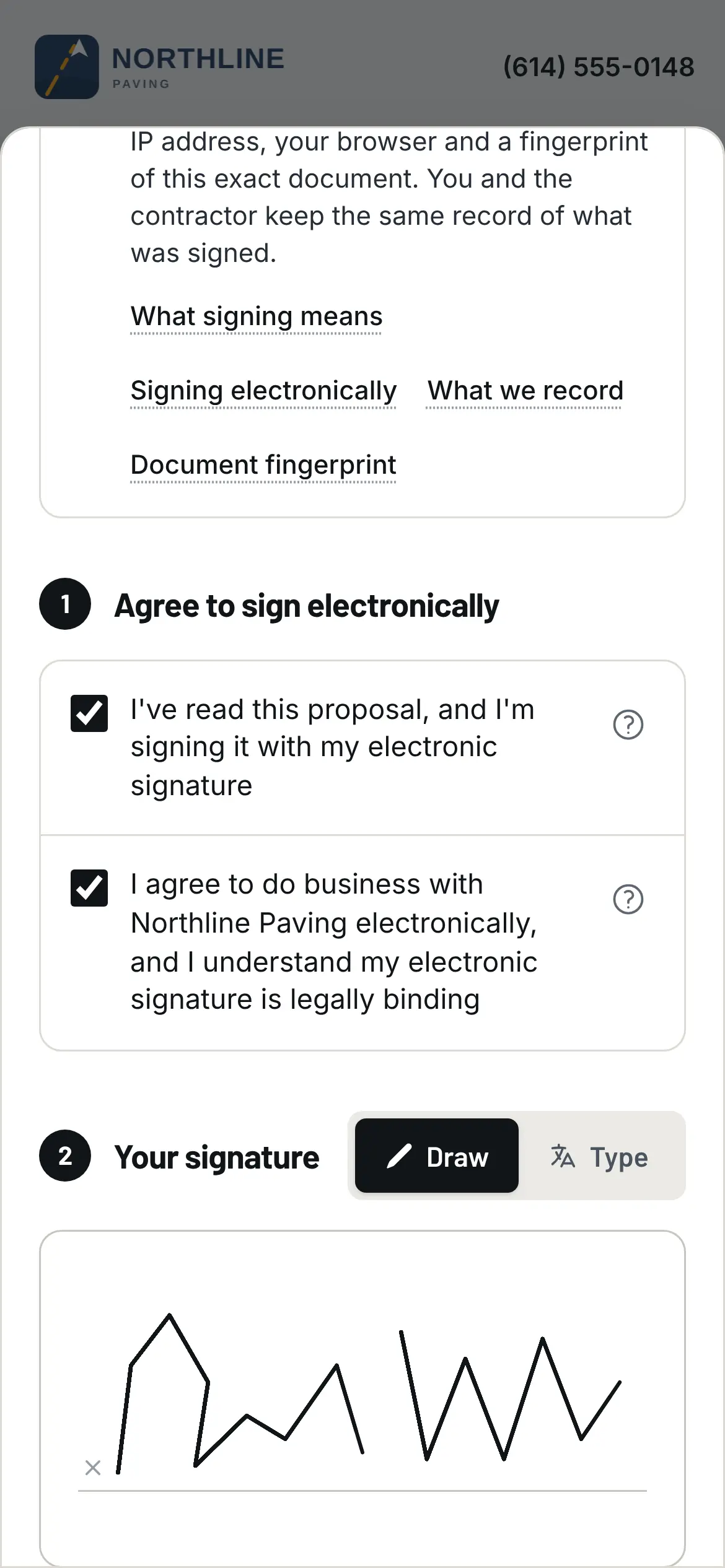
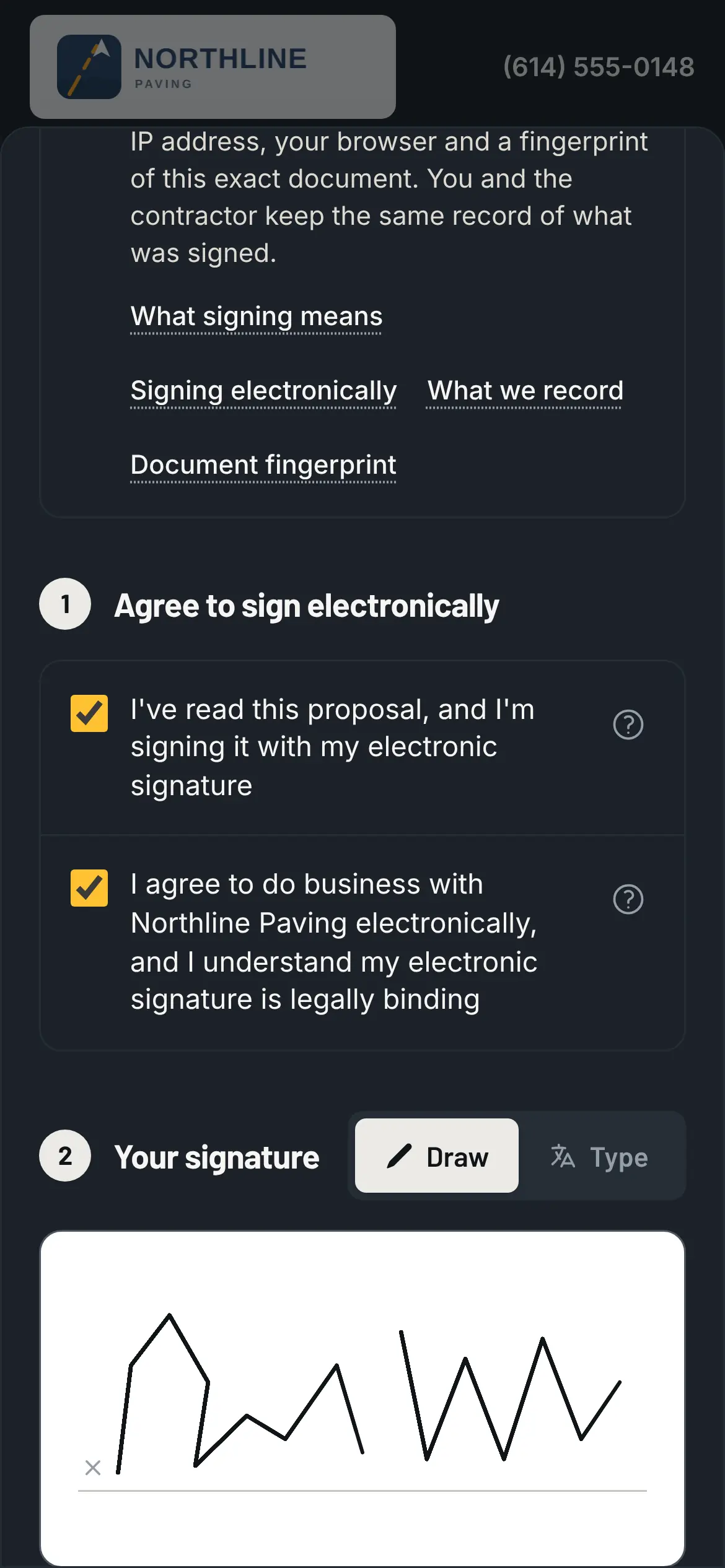
The version they signed, from the email, on their own phone.
The extras. This is the big one. The undercut you found, the extra ramp, the stalls that went
from 48 to 61. On the phone, it's a yes. In November, it's an argument you lose.
A change order in Pavr is priced from your catalog with the markup the customer already agreed to,
emailed for signature, and the work waits until it's signed. Then it's on the invoice, or on the
schedule of values as its own line. QuickBooks Online's e-signature is "currently available on
estimates only" [3], so extra work gets a signature there only if you send it as its own estimate. Change orders on
paving jobs is the money version of this story.
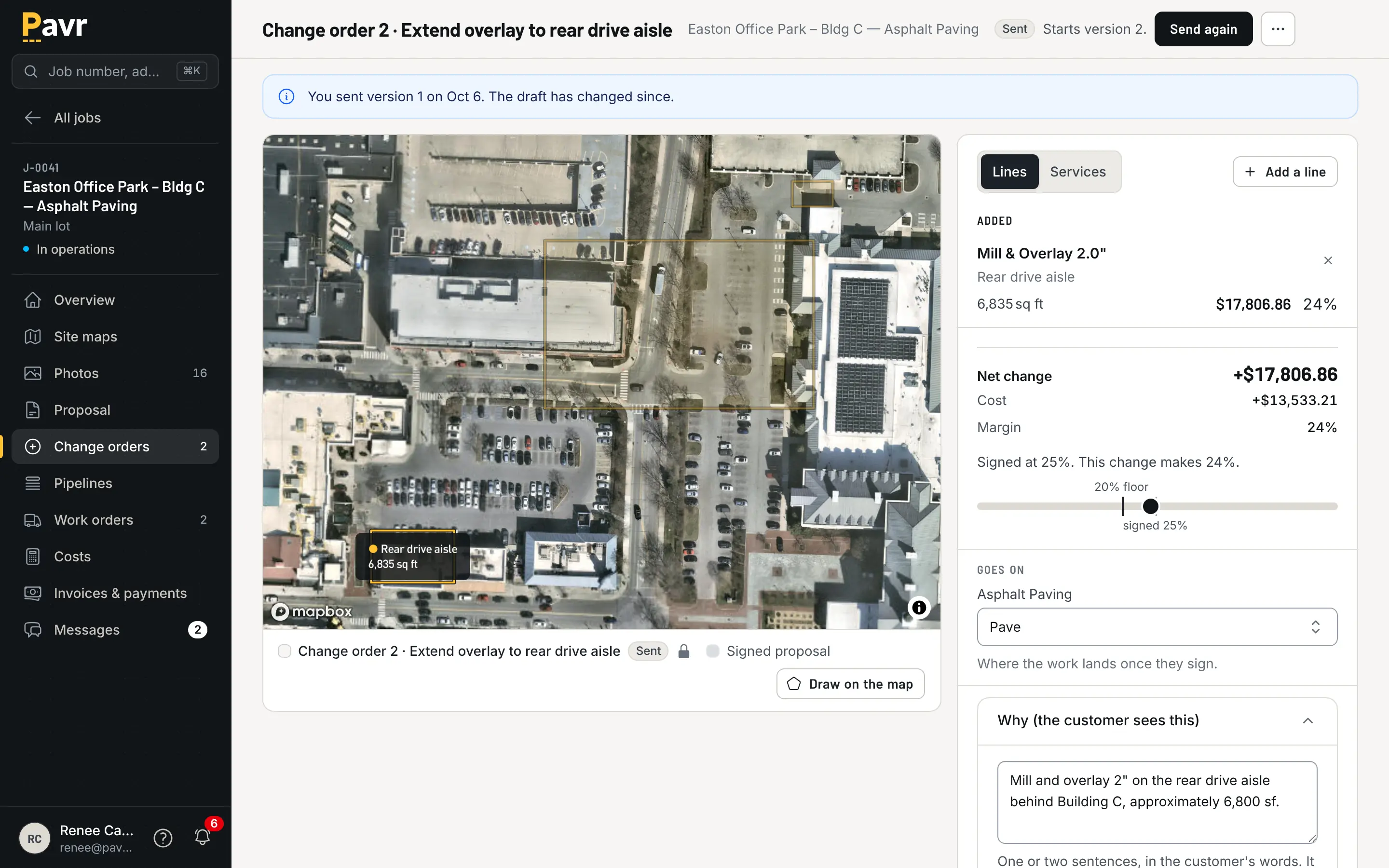
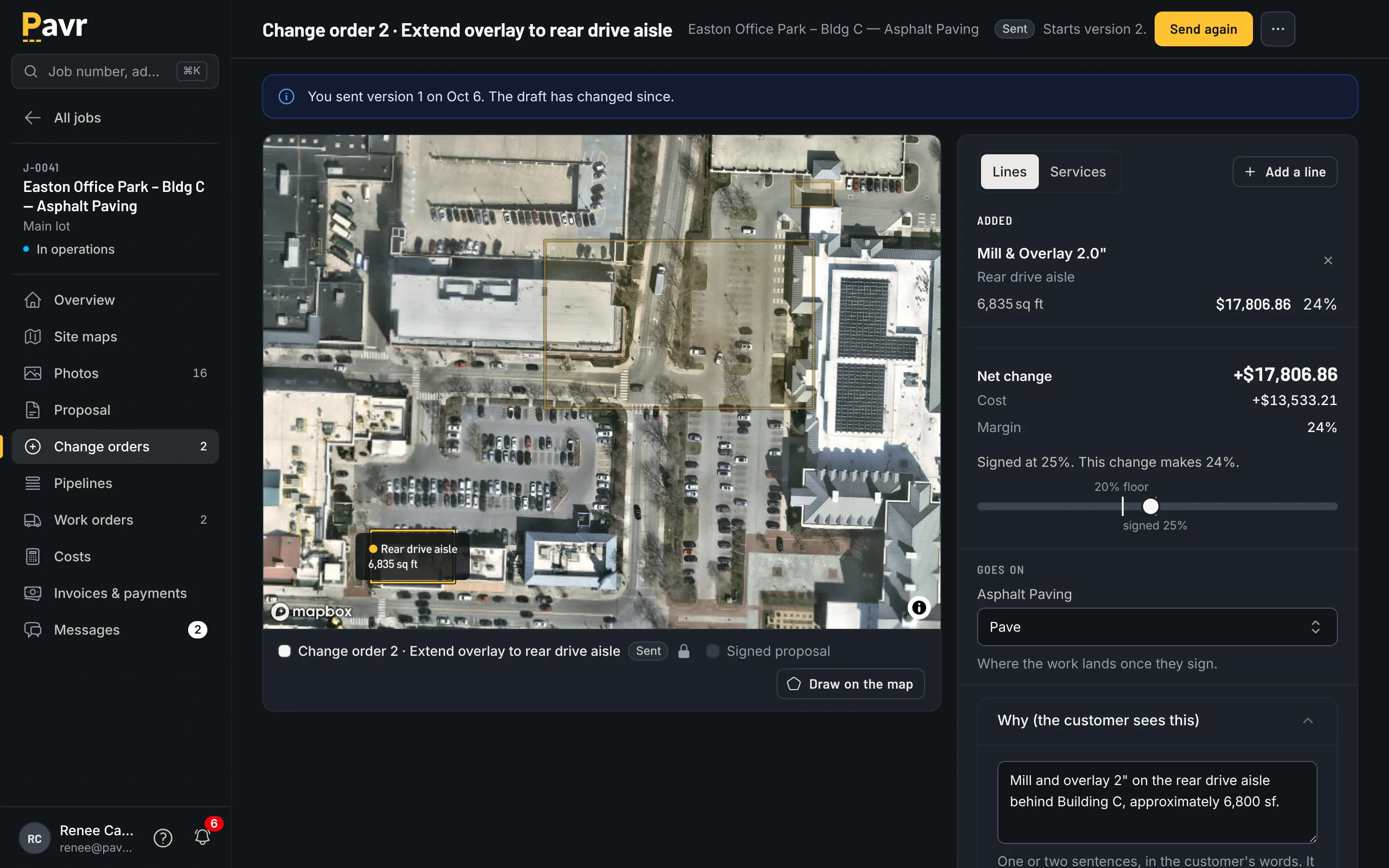
Written on the job, signed before the work, billed after it.
The hours. Paper time cards arrive on Monday for work done on Wednesday, and by then nobody
remembers who was on which lot. In Pavr the crew clocks in on the phone with their location, the
foreman can clock the whole crew, and it all saves offline and goes up when there's signal. Approved
hours become a payroll CSV with the overtime split at 40 hours a week — and the same approved hours
land on the job's costs, so the hours are counted once.
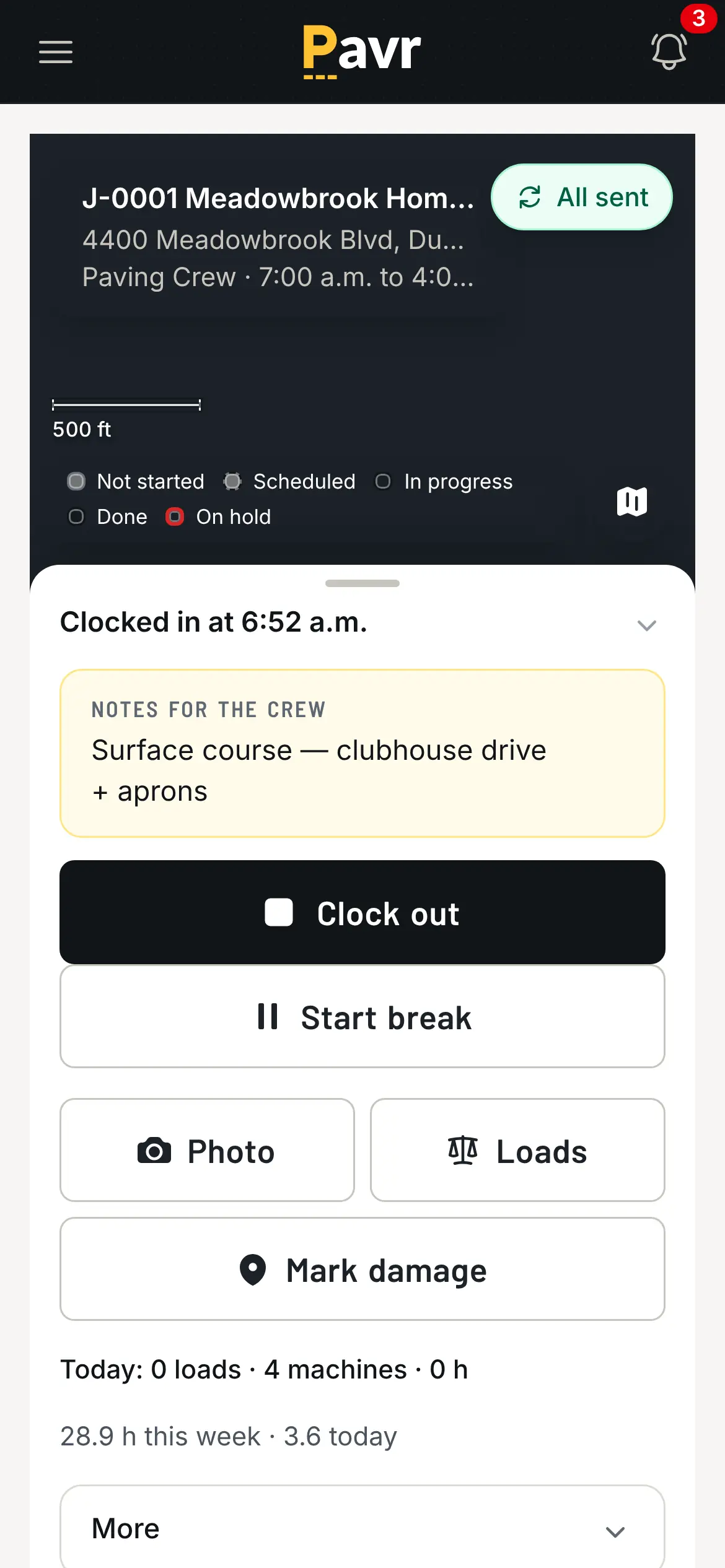
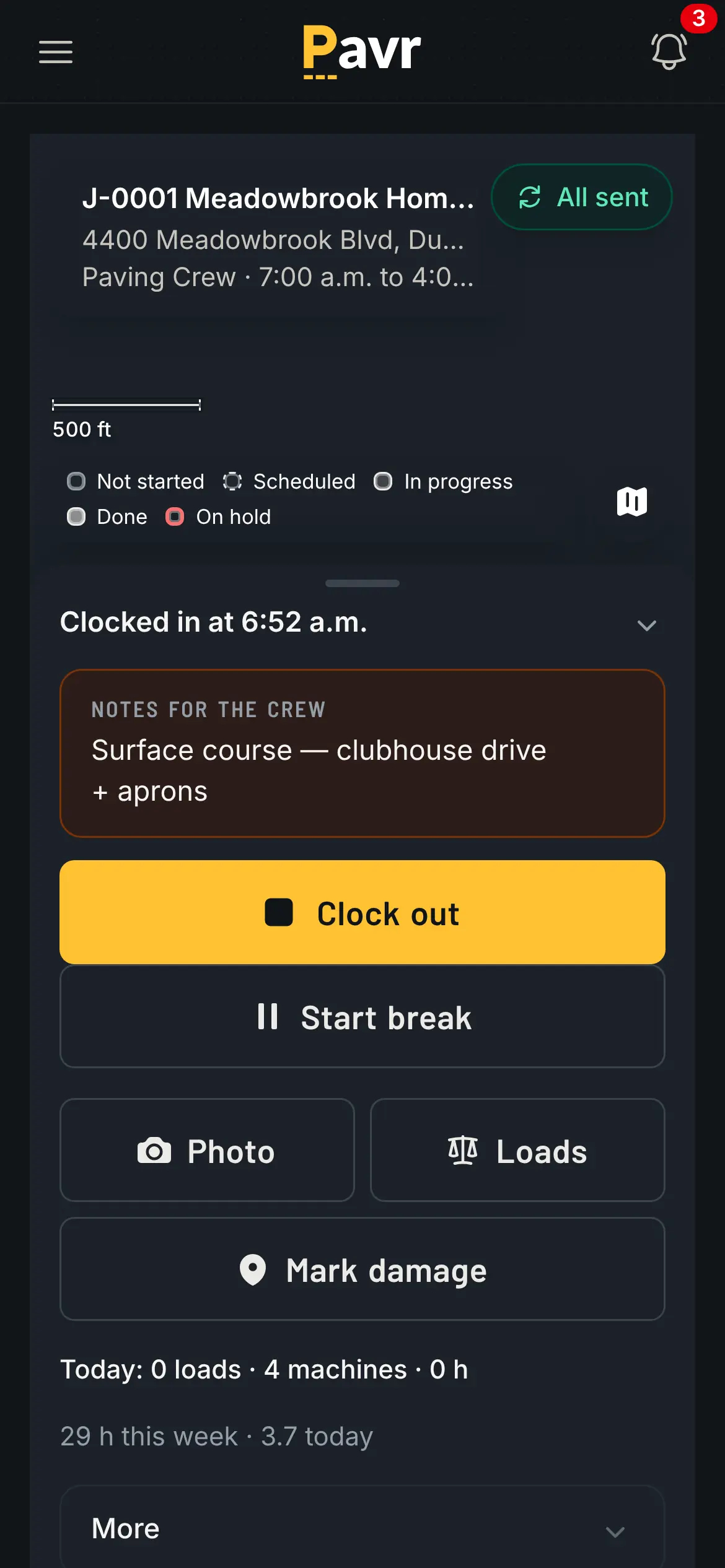
Two taps, in the sun, with gloves on.
The week the weather ruins. A whiteboard doesn't know that Thursday is 38 degrees. Pavr starts
every account with a rule per trade — 50°F and dry for asphalt, sealcoat and striping, 40°F for
concrete — flags the jobs that won't make it, and moves a rain day as one batch to the next day that
passes. The striping waits on the paving, the sealcoat waits 30 days on new asphalt, the striping
waits 24 hours after sealcoat, and you can change every wait. Rain days without losing the
week is what that looks like from the truck.
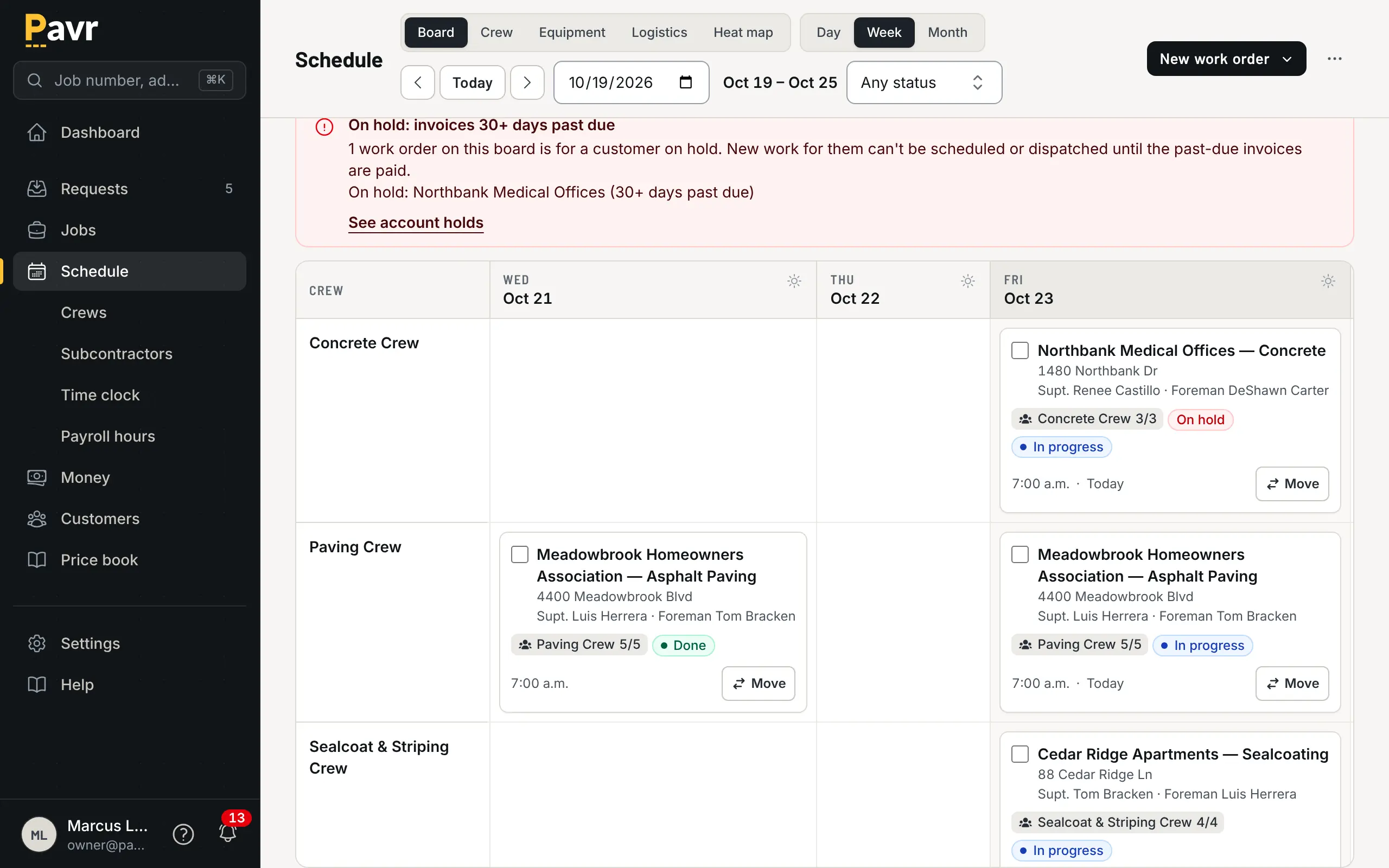
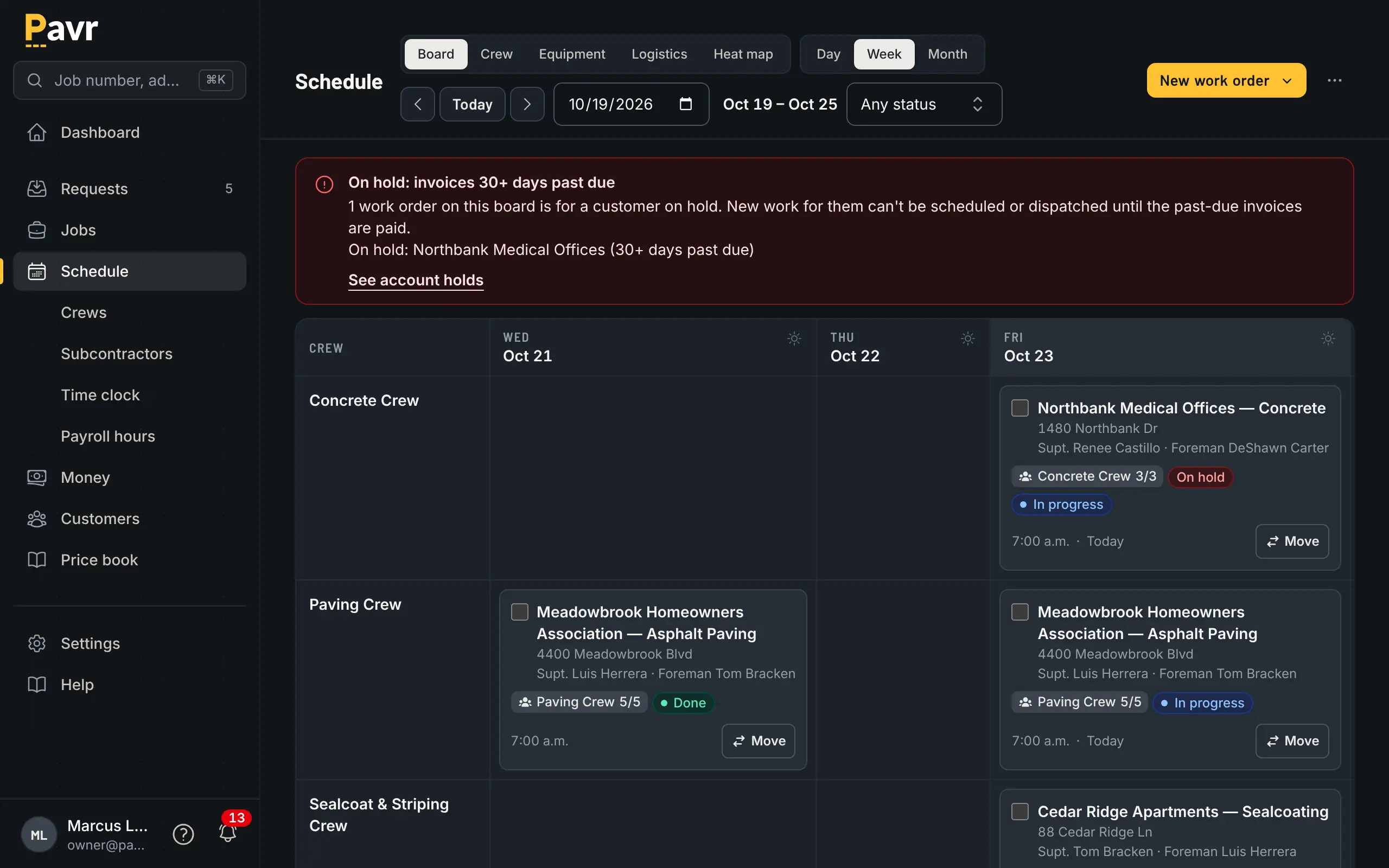
The week, rebuilt once, instead of eleven cards dragged at 5 a.m.
The July question. Which job types made money? A spreadsheet can answer it if somebody codes
every cost carefully for six months. Pavr posts approved hours, material off the daily log,
receipts, sub invoices, mileage and equipment against the estimate line by line while the job is open,
with a cost type going yellow at 5% over and red at 10%. One job over is noise. The same line over
on every job of one type is your estimate. See job costing.
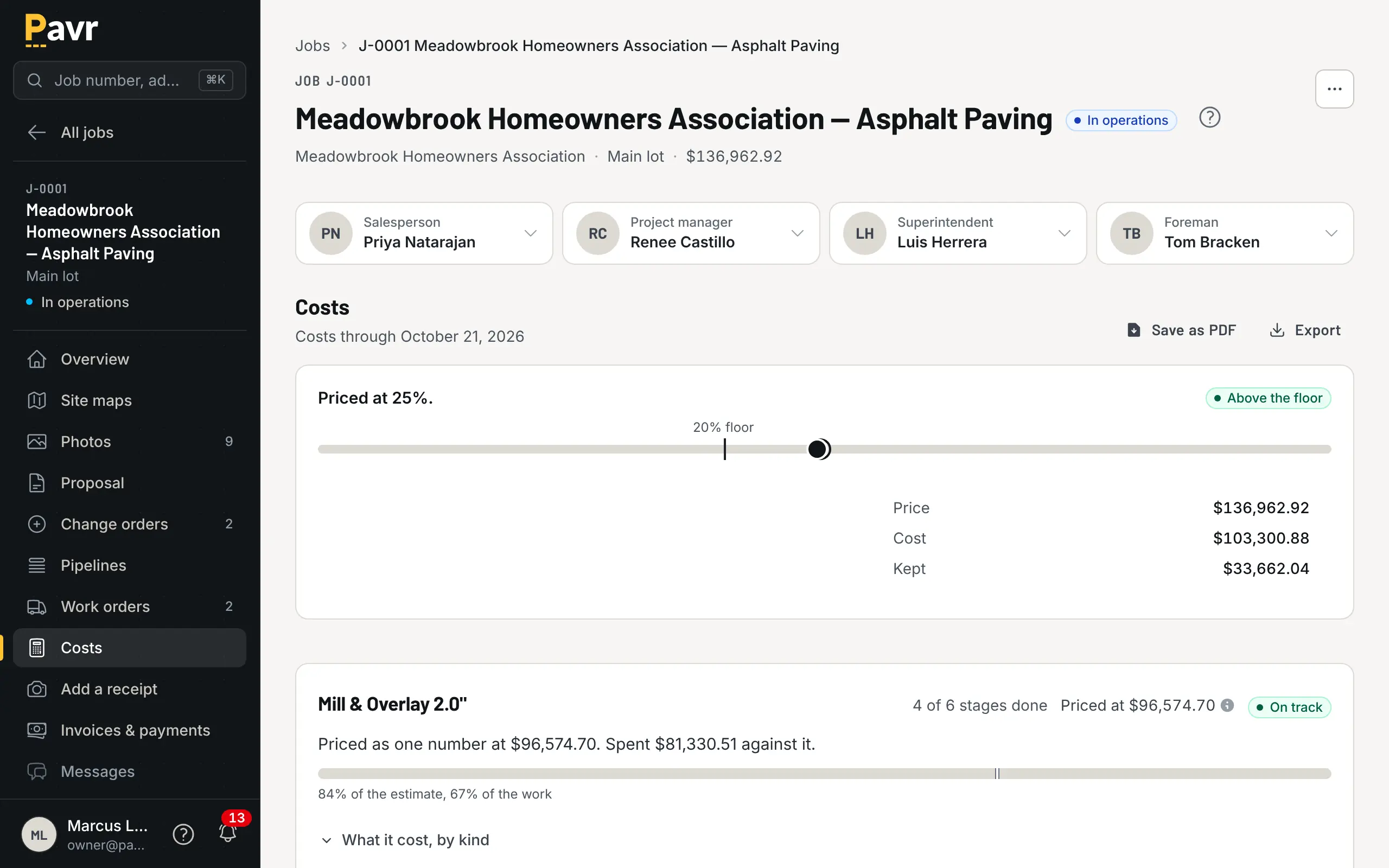
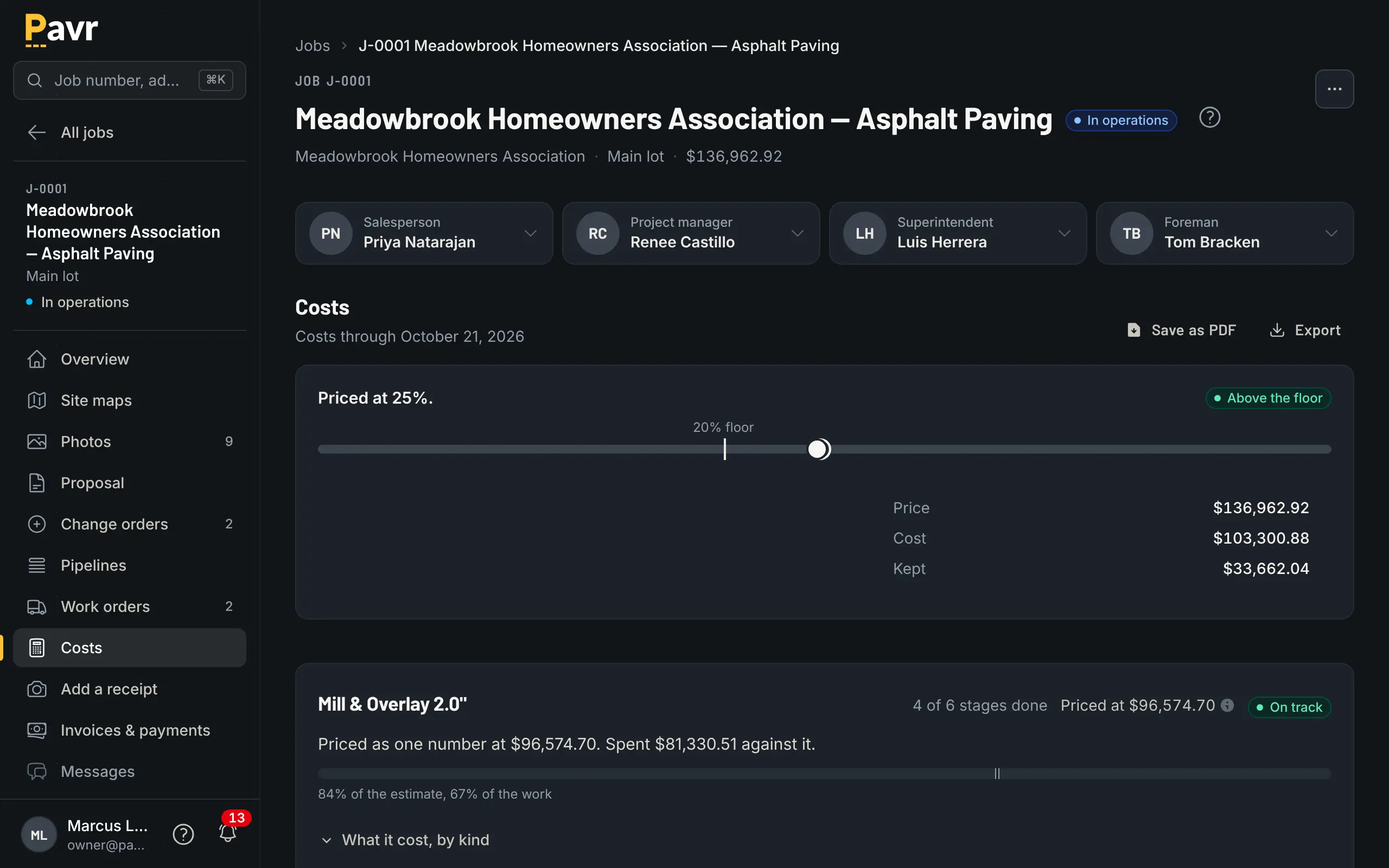
Where the estimate and the real numbers meet, while you can still do something about it.
What QuickBooks already does, and what it doesn't
Keep QuickBooks. This isn't a page about replacing it.
QuickBooks Online lists four paid plans as of September 18, 2026, at these regular prices: Simple
Start at $38 a month for one user, Essentials at $85 for three, Plus at $140 for five, and Advanced
at $340 for twenty-five [1]. There's also a Free plan for one user, and the paid plans are showing
50% off for the first three months right now [1].
Plus is the first paid plan that lists "Track project profitability", and Advanced adds "Job
costing, AIA-style billing, phase-level tracking, and inventory" [1]. Every paid plan does estimates
and invoices and takes payments through QuickBooks Payments [1]. Progress invoicing works once you
turn on "Create multiple partial invoices from a single estimate" in Account and settings [2]. And an
estimate can require an e-signature: the customer opens it from the email, types their name and
accepts, and the signed PDF stays as it was even if you edit the estimate later [3].
What its plans page doesn't list, as of September 18, 2026, is the work before the invoice [1]. It
doesn't list measuring the lot or knowing that 27,400 square feet at 2 inches is about 331 tons at
145 pounds a cubic foot [1]. Trade waits and weather rules aren't there either [1]. On Simple Start,
Essentials and Plus, a pay application with retainage per line isn't listed; Advanced lists
AIA-style billing, so ask what it does with retainage before you assume either way [1].
Pavr does those, and then hands QuickBooks the invoice. Invoices go across to QuickBooks Online,
payments come back, and nothing gets counted twice. The Pay button on the invoice goes to your QuickBooks payment page, with no fee from Pavr; turn on Pavr Payments and the customer pays on the invoice, by bank transfer or card, into your own Stripe account, for 1% plus Stripe's rates. You don't retype anything, and your accountant's
year-end doesn't change. That's getting paid. (Year-end QuickBooks cleanup
for contractors is the seasonal
version of that chore.)
One limit: Pavr connects to QuickBooks Online, not QuickBooks Desktop.
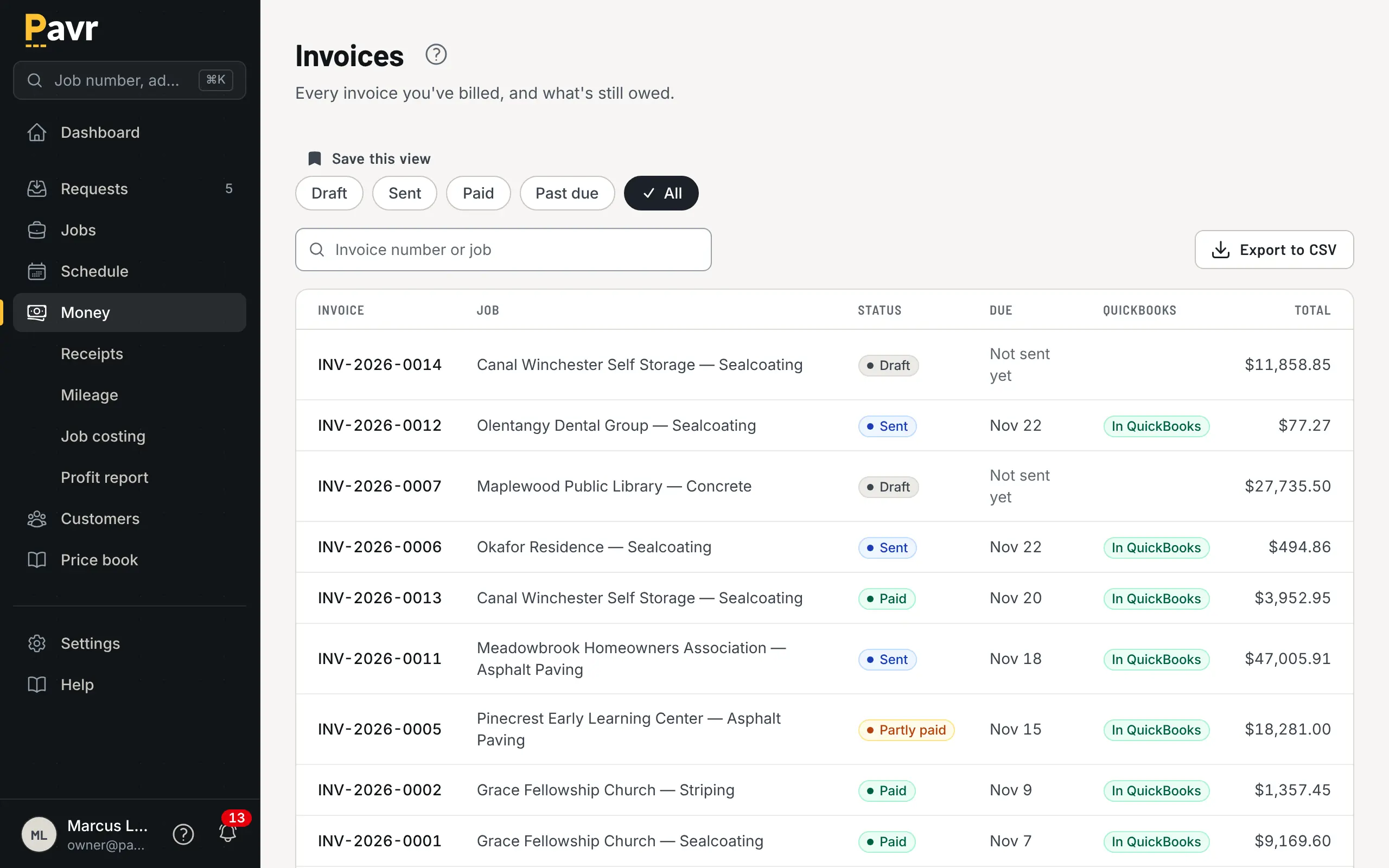
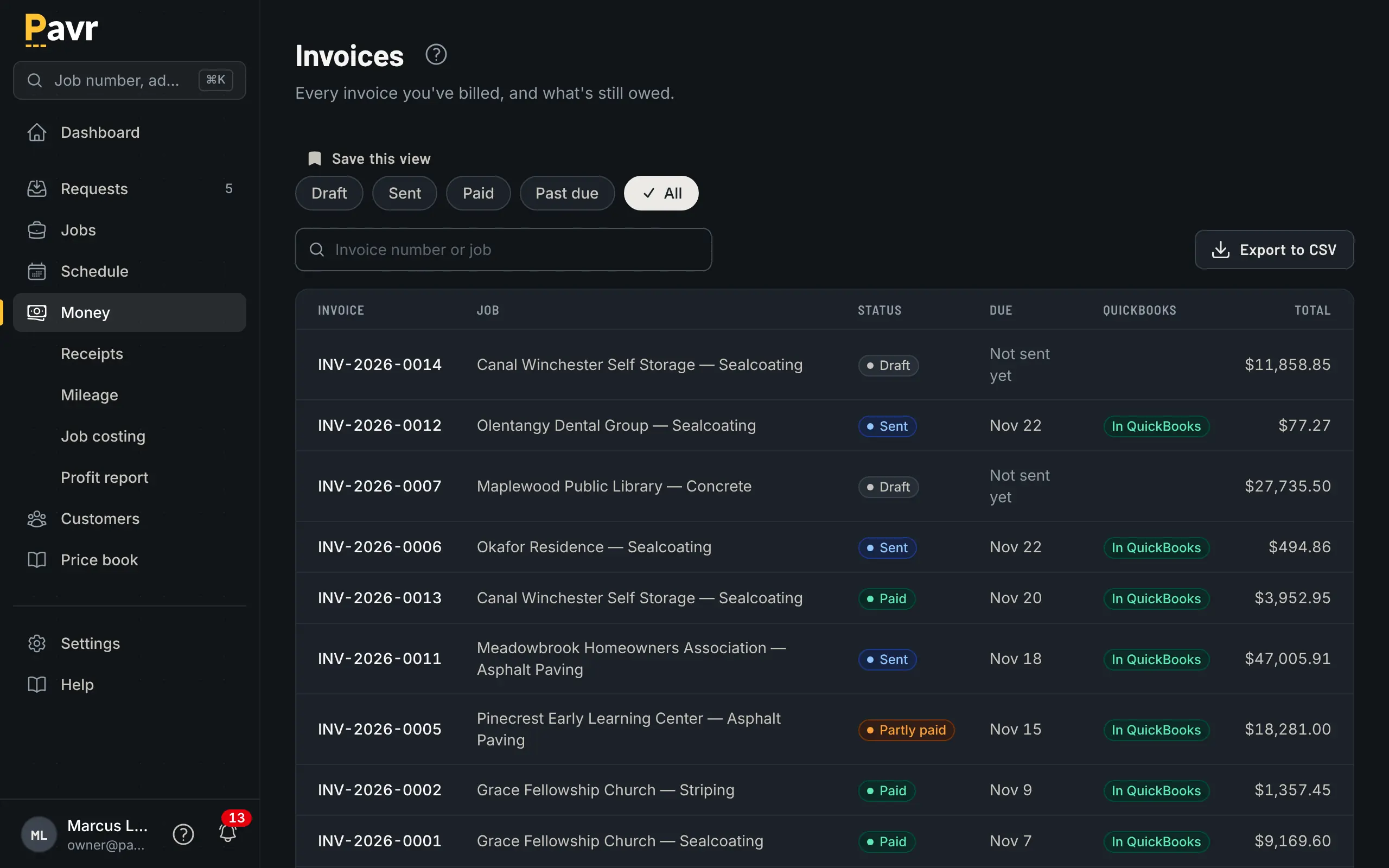
Invoices, what's been paid, and what's gone across to QuickBooks.
What it costs
Pavr is $85 a month for each person who estimates, schedules or runs jobs in it. Crew who only clock in,
and customers who sign and follow their jobs, are free. Try it for 14 days with no credit card.
A worked example: an owner, an estimator, an office manager and two foremen who schedule and write
change orders is $425 a month. The eighteen people on their crews clock in free. Add QuickBooks
Online Plus at its regular $140 [1] and you're at $565 a month.
Against that, the spreadsheet is free and QuickBooks you already pay for. The cost of staying is
paid in other currencies: the unbilled change order, the rained-out week rebuilt by hand, the
tonnage nobody could prove, the evening spent rebuilding a proposal you already sent.
We're not going to invent hours-saved math or tell you it pays for itself. You know what an
unbilled extra costs on your jobs better than we do. Multiply it by how many happened last season.
What switching actually looks like
One afternoon. Save the price tabs of your spreadsheet as CSV and bring them in: material, crew rates, equipment and subs are read from the file, and you check every row before anything is saved. The 131 built-in services carry the shape of the work (mill and overlay by depth, base repair, crack fill by the foot, sealcoat by the square foot, stalls by the stall, flatwork by the yard) and you set the markups once.
Connect QuickBooks Online. One authorization. Invoices go across, payments come back. Pavr
matches a customer by name in QuickBooks rather than creating a duplicate, so your books stay tidy.
Price one lot. Take a job you priced last month in the spreadsheet and price it again in Pavr.
Compare the two numbers. If they don't match, one of them is wrong, and finding out which is worth
the afternoon by itself.
Run one job all the way through. Send yourself the proposal and sign it on your phone. Dispatch
it. Have a foreman clock a crew in. Write one change order. Invoice it. That's the whole product,
and it takes a week.
Keep the spreadsheet. Nobody's asking you to delete it. It's a fine second opinion on a big job,
and it'll still be there if you decide Pavr isn't for you. Export your data hands you a ZIP with one
CSV per record type any time you want it, so the door swings both ways.