Who each one is for
Jobber is field-service software for home services, and it sells to paving contractors too, with a
page covering estimating, scheduling, invoicing, a CRM and client communications [1]. It's cheap to
start, and it handles the front of a small contracting business well: the quote, the visit, the
invoice and the card payment [1][2].
Pavr is written for one trade group: paving, sealcoating, striping and concrete, five to sixty
people, commercial lots as often as driveways. Everything in it assumes tons, gallons, stalls,
plant prices, subs, rain days and a property manager who wants the striping done before the tenants
come back.
If you're comparing these two, the real question is what your average job looks like. Below, every
Jobber line is quoted from their own pages or their help center, numbered, with the date we read it
[1][2].
The walk and the price
Jobber quotes are good quotes: optional line items so you can offer the curb or the sealcoat as an
add-on, markups with the estimated margin beside them, and automatic follow-ups when the customer
goes quiet [1]. On the pricing page, optional add-ons and markups start on the Grow plan [2].
The measurement underneath is the gap. Jobber's help center points you to the Deep Lawn integration,
which measures "lawns, homes, driveways, and walkways" and puts the square footage on new quotes, or
to Google Maps and a custom field [3]. A takeoff off the GC's PDF plan isn't listed as of September
18, 2026 [3].
In Pavr you draw the lot on the satellite view, or set a scale on the GC's PDF plan and draw on it,
or type in the square feet you walked. The area, the curb line and the stall count land on the
estimate before you pick a service. Then 131 built-in services price it from your plant price, your
crew rates and your equipment: tons of surface course at your mix price, gallons of sealer at your
coverage rate, yards of concrete, crew hours by crew, each line with a markup slider and the margin
sitting next to it. Here's how the estimating works.
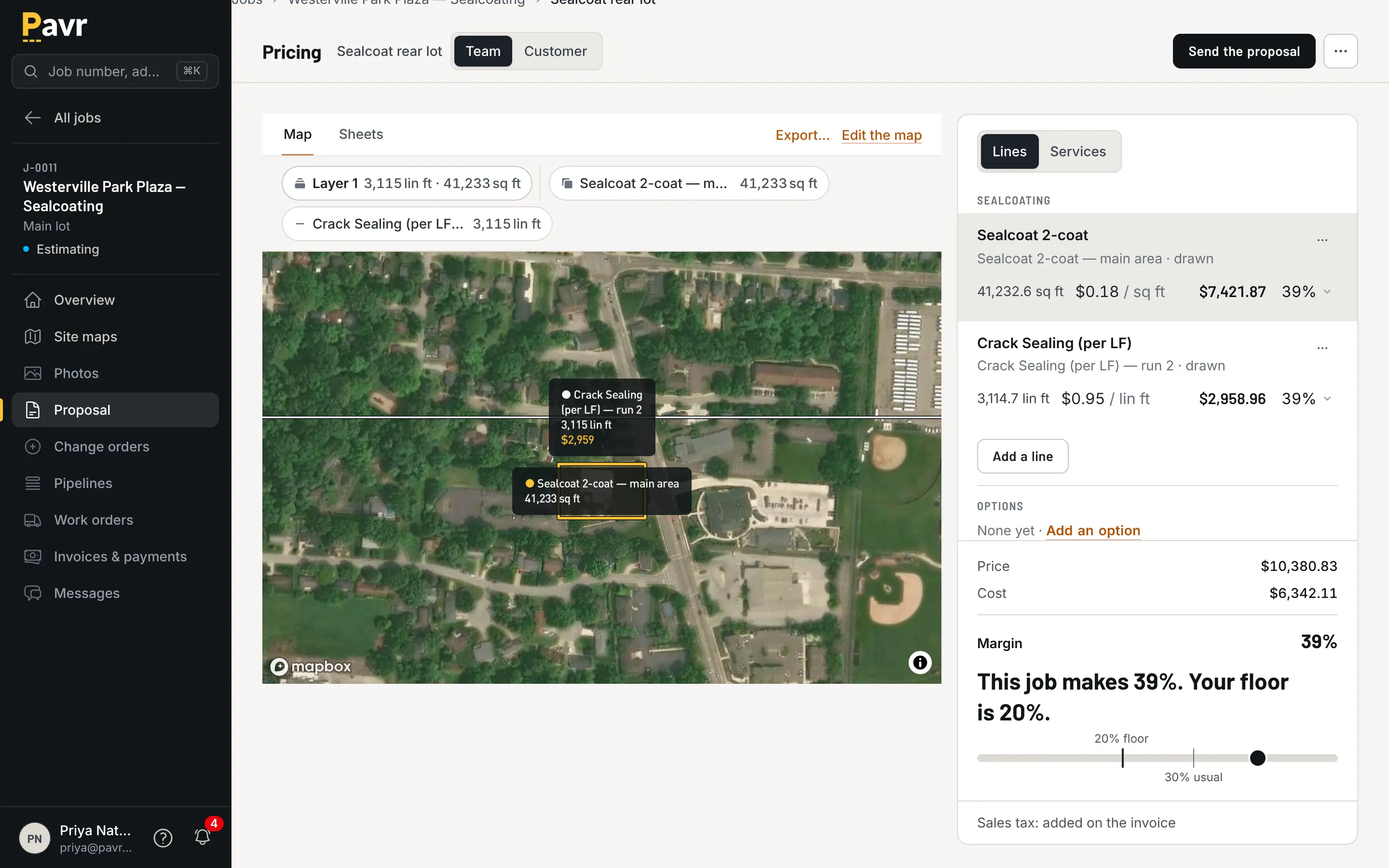
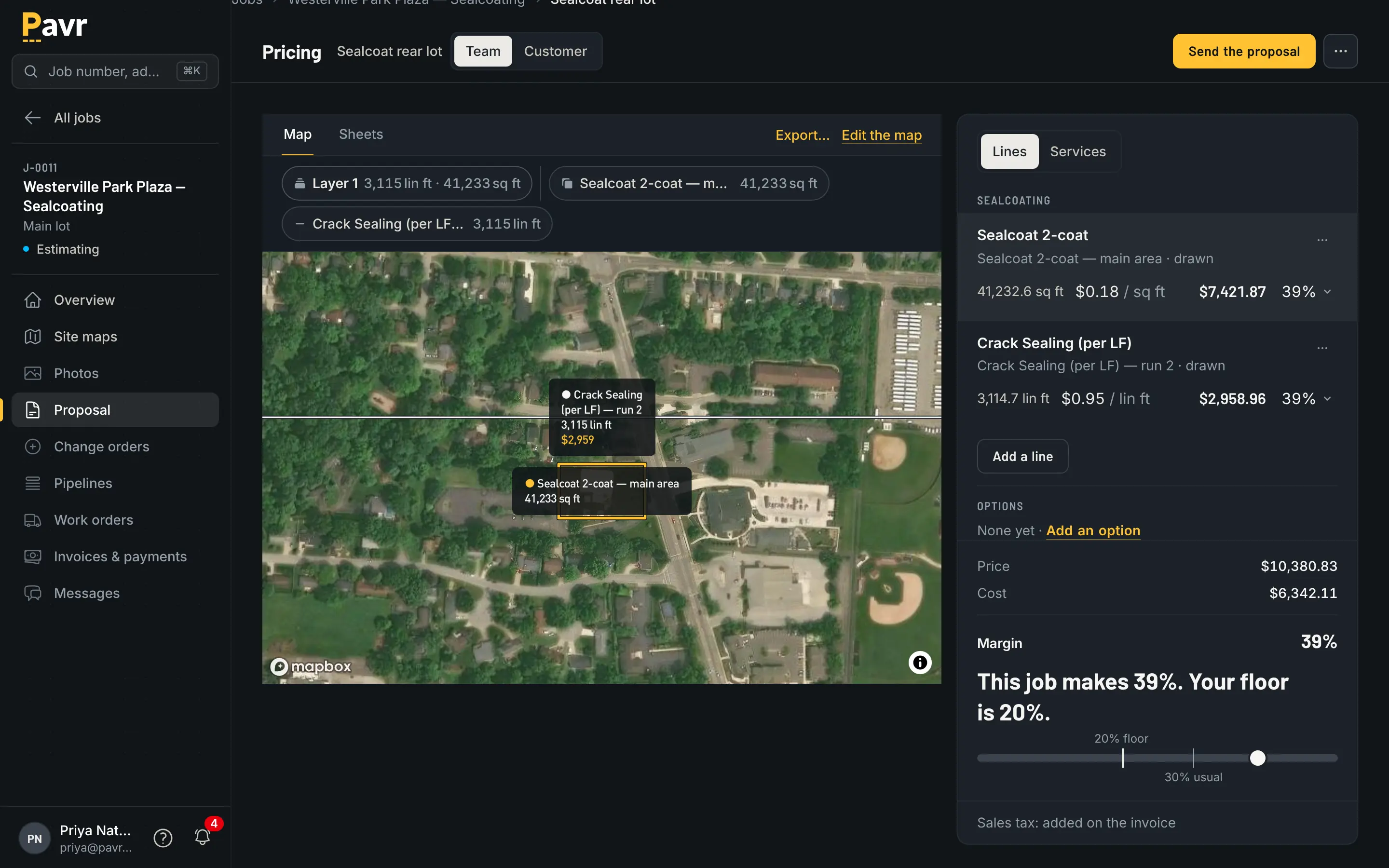
Tons, gallons and crew hours come off the drawing, not off a calculator in another window.
On a driveway, that machinery is overkill — a price per square foot in your head is faster. On a
27,400-square-foot lot with three cut-outs and 61 stalls, it's the difference between a proposal out at 9 p.m. and one
out on Saturday. How to walk a lot before you price it
is the version of this that doesn't involve software at all.
The signature
Jobber's approval flow is clear and documented [5]. The client approves in client hub, and with
"Require client signatures" turned on, "clients will be prompted to sign the quote as part of the
quote approval process" [5].
Then there's the line that matters for commercial work. If you edit an approved quote's total,
deposit, line items, client message, contract or quote number, "the client's signature will be
removed from the quote's signature line and from client hub" [5]. Jobber does keep the previous
signed version as a PDF in an internal note on the quote [5].
Pavr handles the same moment differently. The signature is bound to the version the customer was
shown, and you can't edit the signed proposal out from under it. Extra work becomes a change order with
its own signature, so the proposal stays exactly as signed. The price the customer saw is the price that
was locked when you sent it, even if the plant went up on Monday.
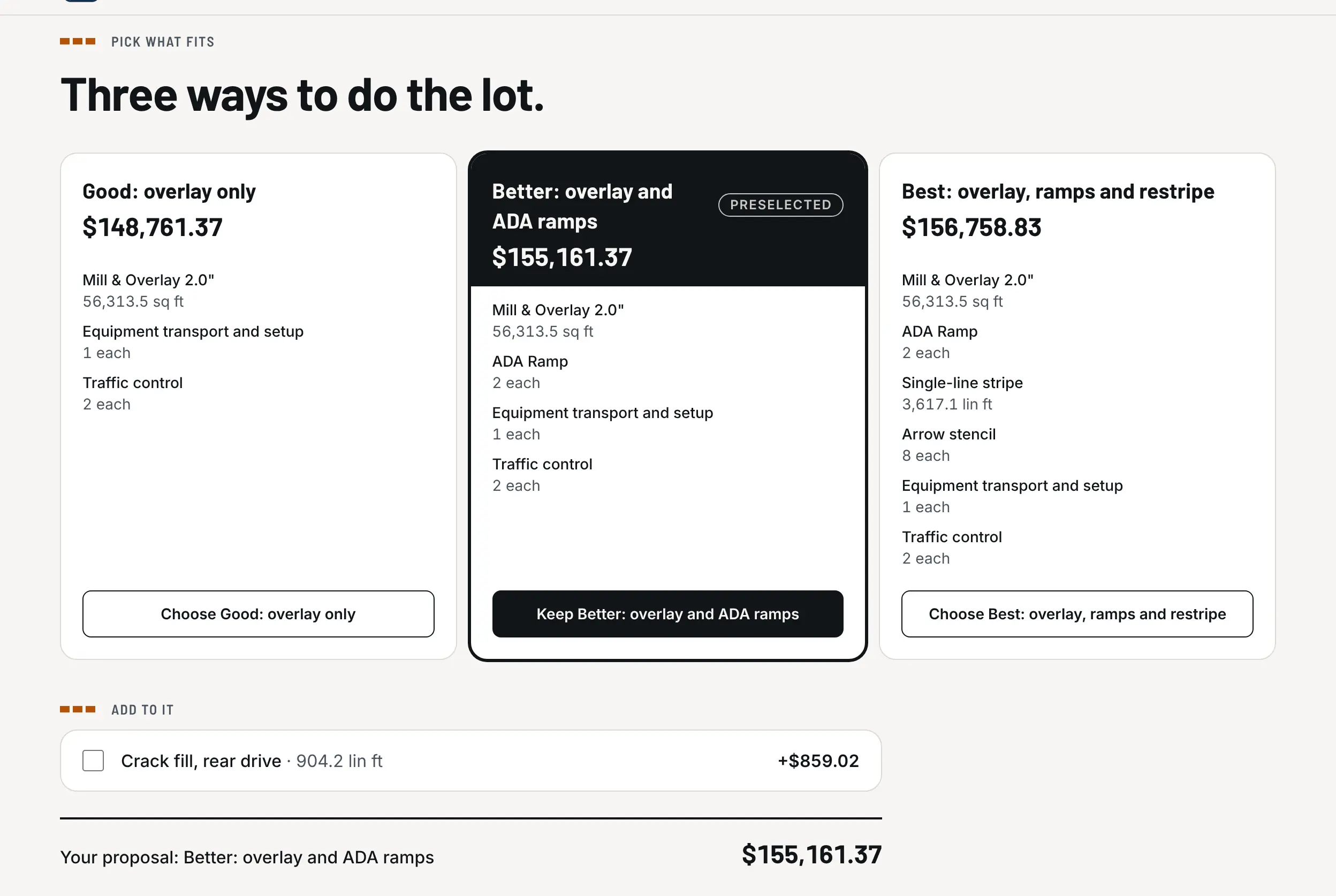
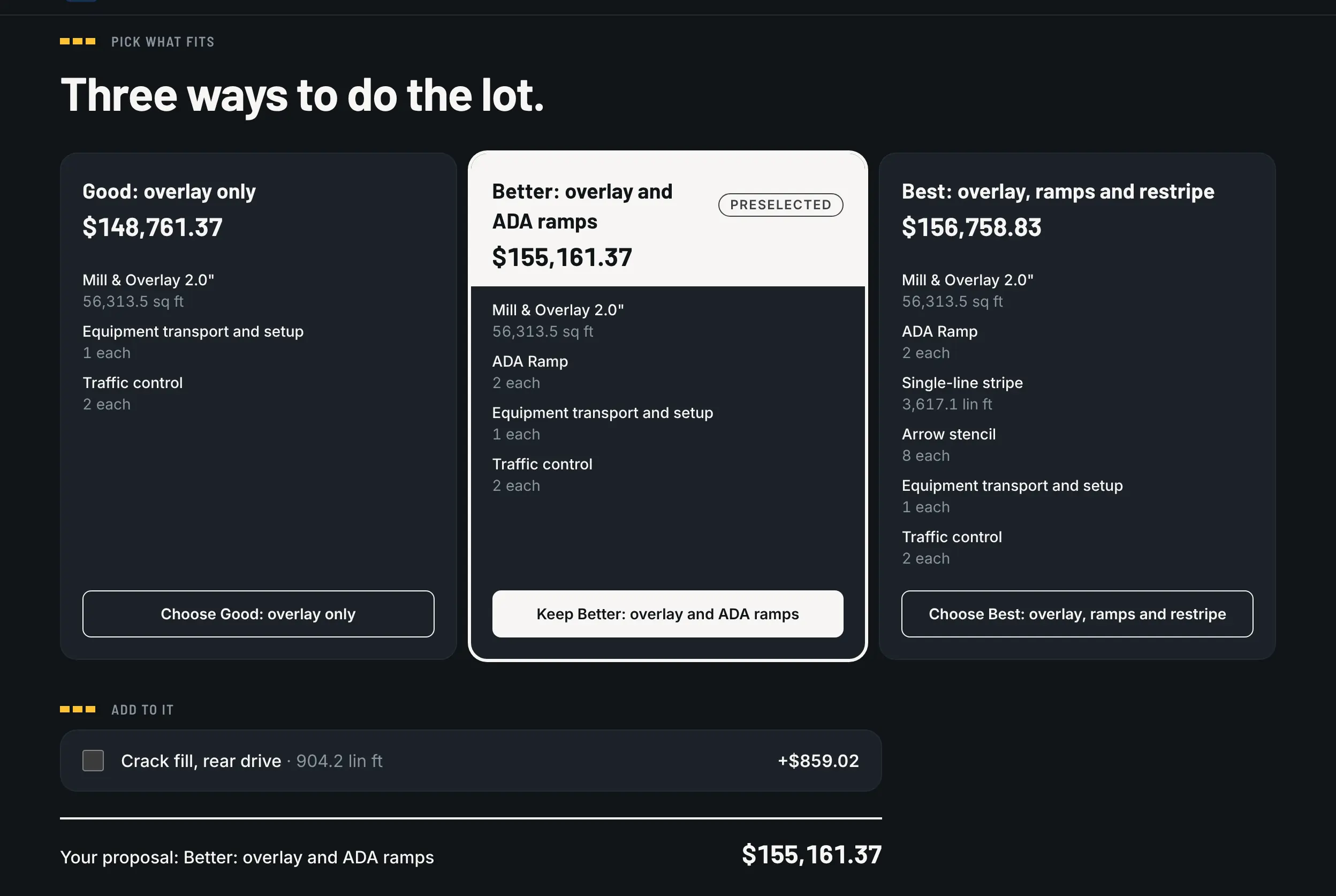
What the customer opens: Good, Better and Best on one page, with the total for each.
Change orders
Jobber gives the client a "Request Changes" button on a quote they haven't approved yet [5]. Change
orders on work that's already signed aren't named in its quote approvals article as of September
18, 2026 [5].
In Pavr, extra work is its own document. It's priced from your catalog with the markup the customer
agreed to on the proposal, emailed for signature the same way, and the part of the job it touches waits
until it's signed. Once it's signed it goes on the invoice, or onto the schedule of values as its
own line on a progress-billed job.
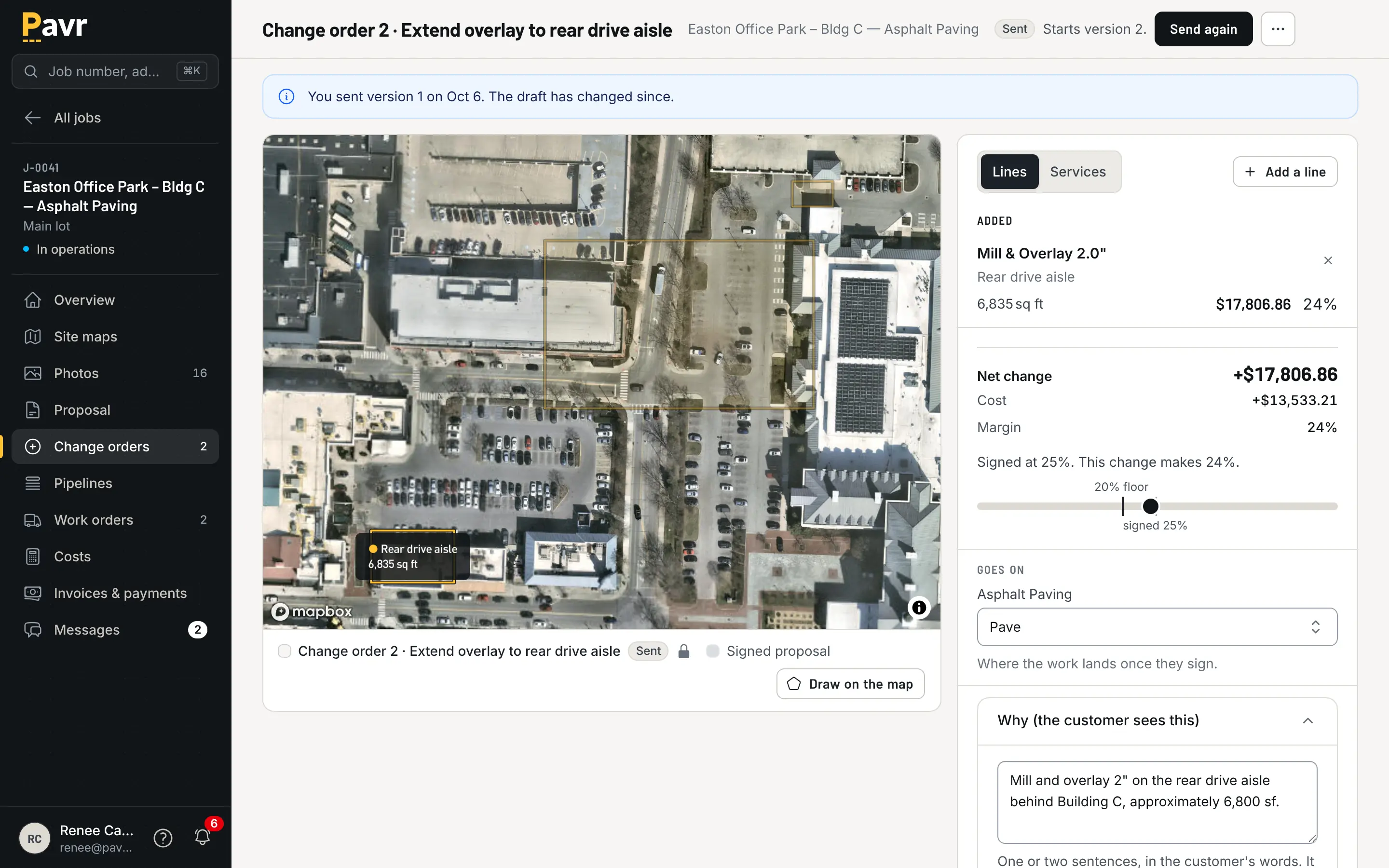
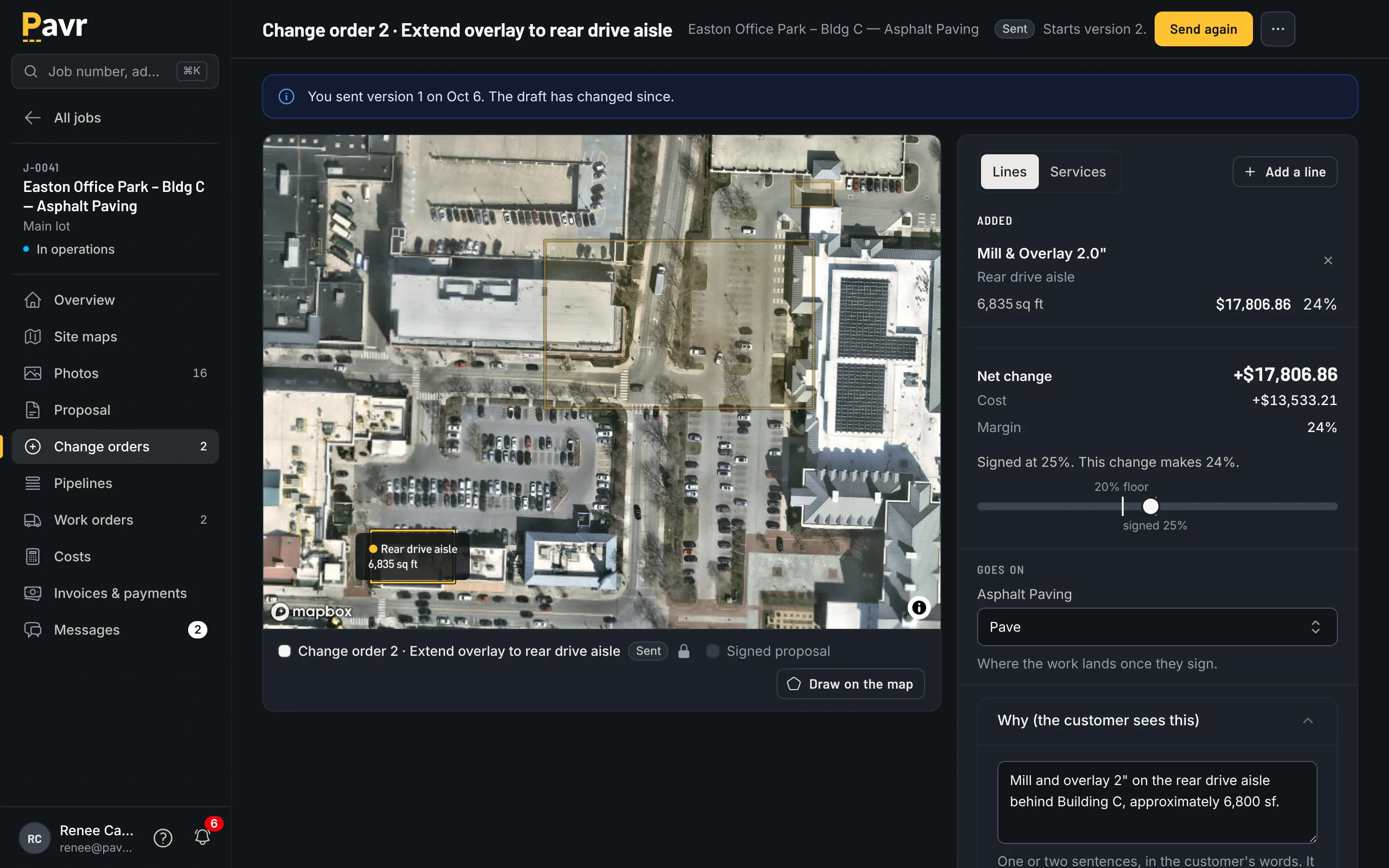
Two inches of undercut, priced, sent, and waiting on a name.
A signed change order that never gets billed is a donation. Change orders on paving
jobs is the plain-language version of why this row
is worth more than it looks.
The week before the crew rolls
Jobber's scheduling is built for routes: a drag-and-drop calendar, progress tracking and push
notifications to the team [1], with routing from the Connect plan up [2]. If your crew hits nine
properties a day, that's exactly right, and Pavr doesn't optimize routes.
Pavr's schedule is built for weather and sequence. Every account starts with a rule per trade —
50°F and dry for asphalt, sealcoat and striping, 40°F for concrete — and the forecast flags the jobs
that won't make it. A rain day moves as one batch to the next day that passes. The striping waits on
the paving, the sealcoat waits 30 days on new asphalt, the striping waits 24 hours after sealcoat,
and you can change any of those waits. Double-booked crews and equipment show up before dispatch.
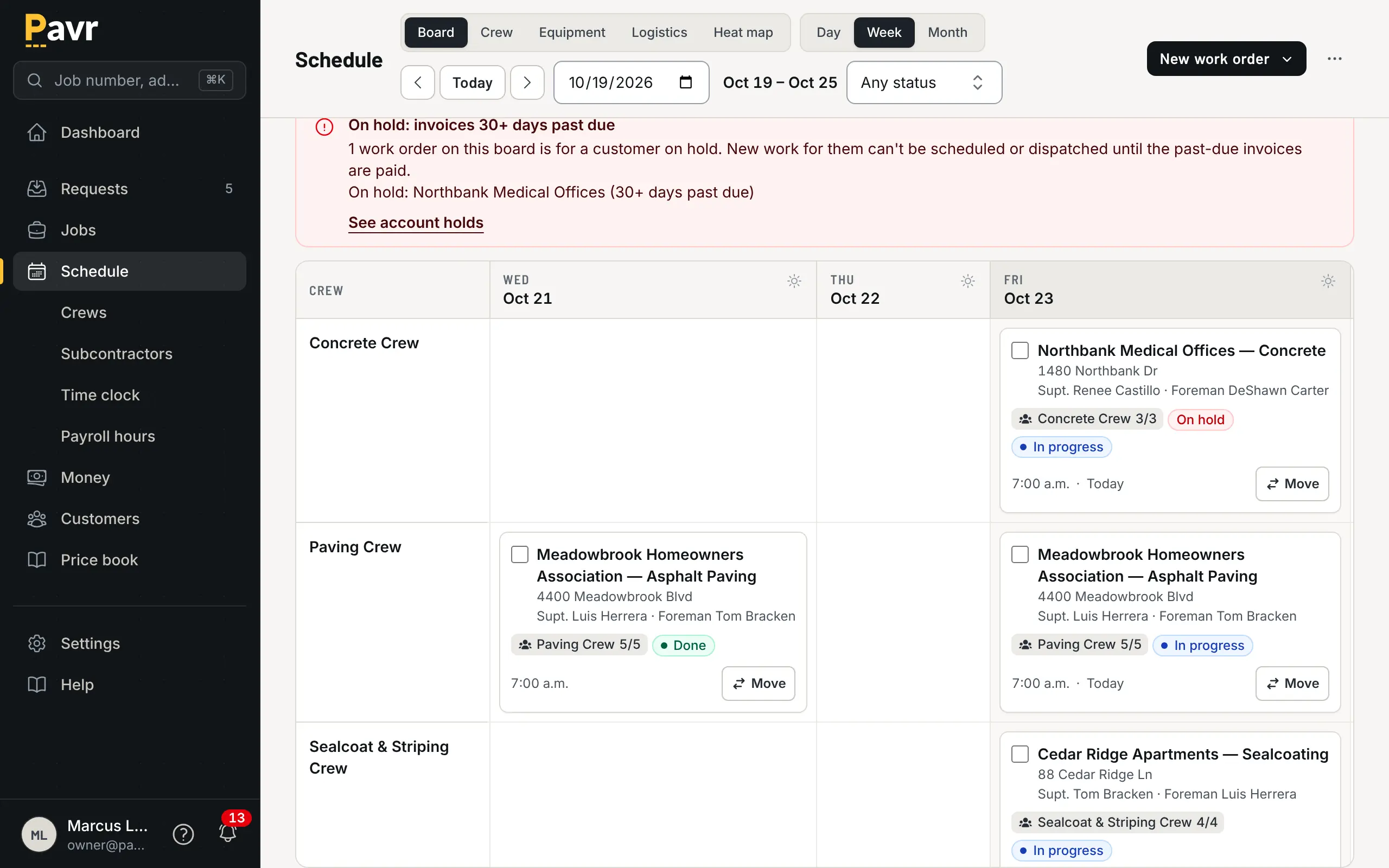
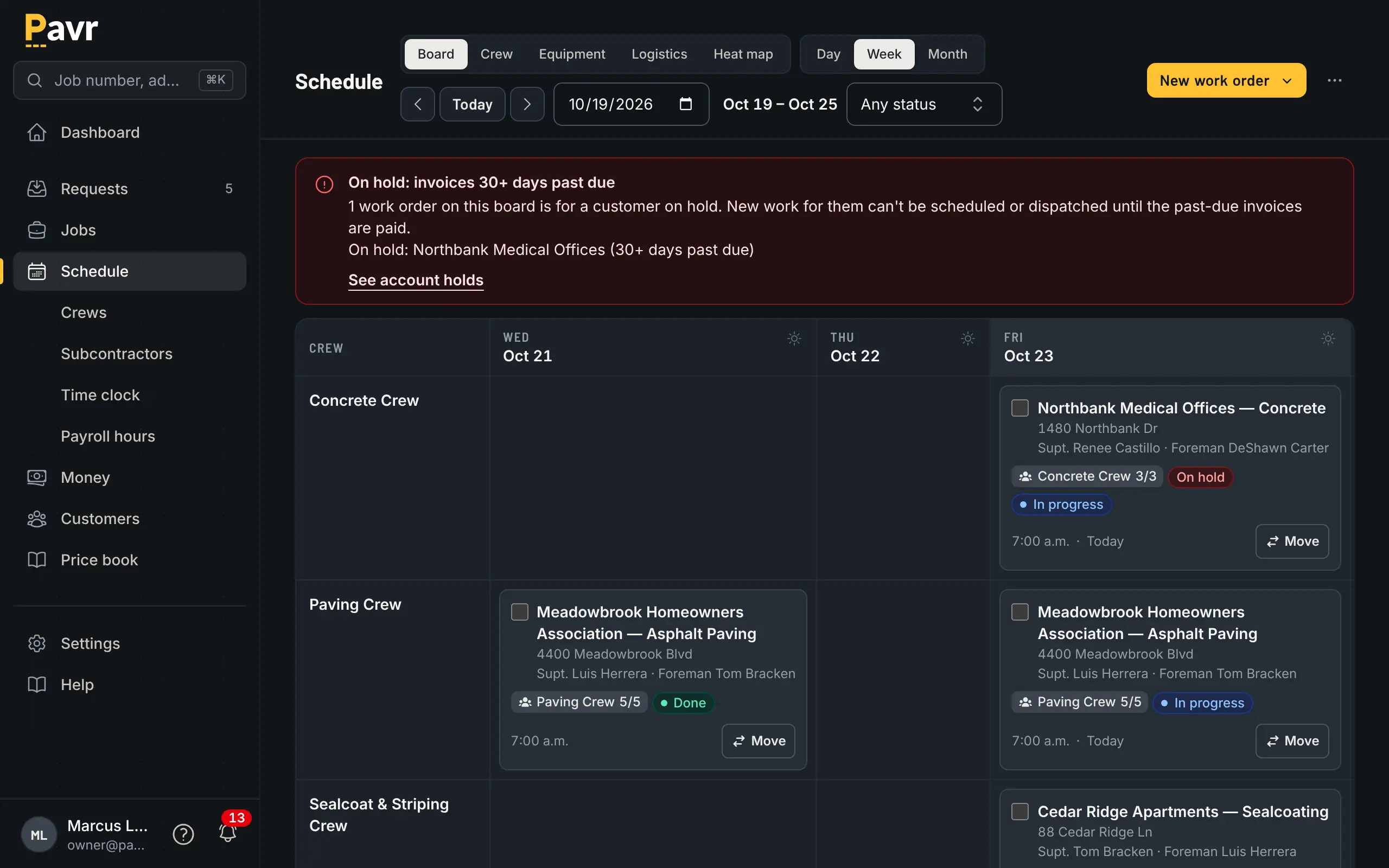
The forecast is in the board, so the rain day moves once.
Crew hours
Jobber tracks time from the Connect plan up, with automatic time tracking by geofence from Grow up,
and its app is in Spanish for team members other than admins and account owners [2]. Offline, its
help center says timers, job forms, notes and attachments save on the device and go up when you're back online; location-based timers and reports need a connection [6].
Pavr's crew side is built for a lot where the signal dies behind the building. Clock-ins, daily logs
with photos and material, and punch list items all save on the phone and go up when there's signal,
and nothing is sent twice. The foreman can clock the whole crew in. Approved hours come out as a
payroll CSV with the overtime split at 40 hours a week. The crew screens are in Spanish too.
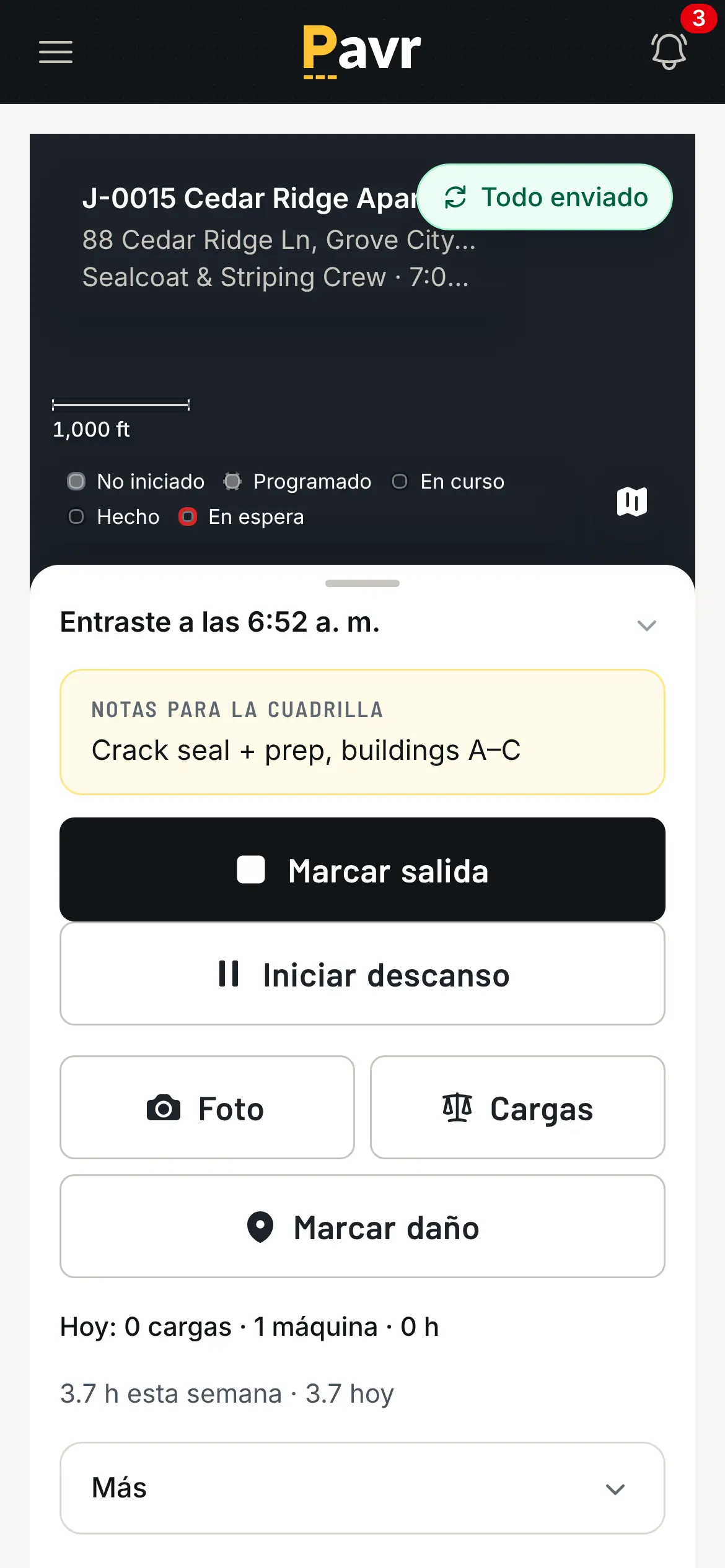
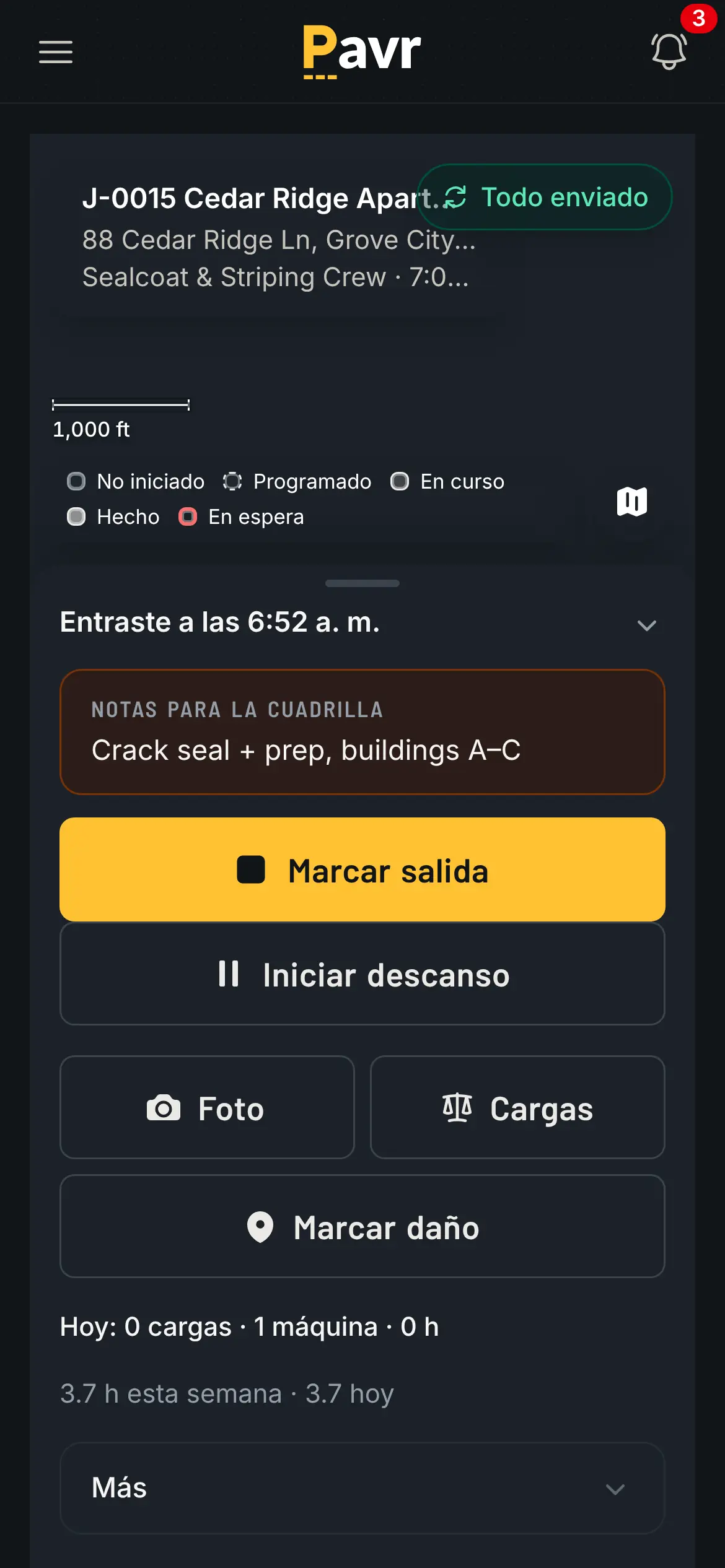
Gloves on, sun overhead, four words on the screen.
Job costing
Jobber puts job costing on Grow and automated job costing on Plus [2]. Pavr includes it at every
seat and ties it to the estimate: approved hours, material off the daily log, receipts and sub invoices
land against the estimate line by line, by cost type, while the job is open. Yellow at 5% over, red
at 10%, both numbers yours. See job costing.
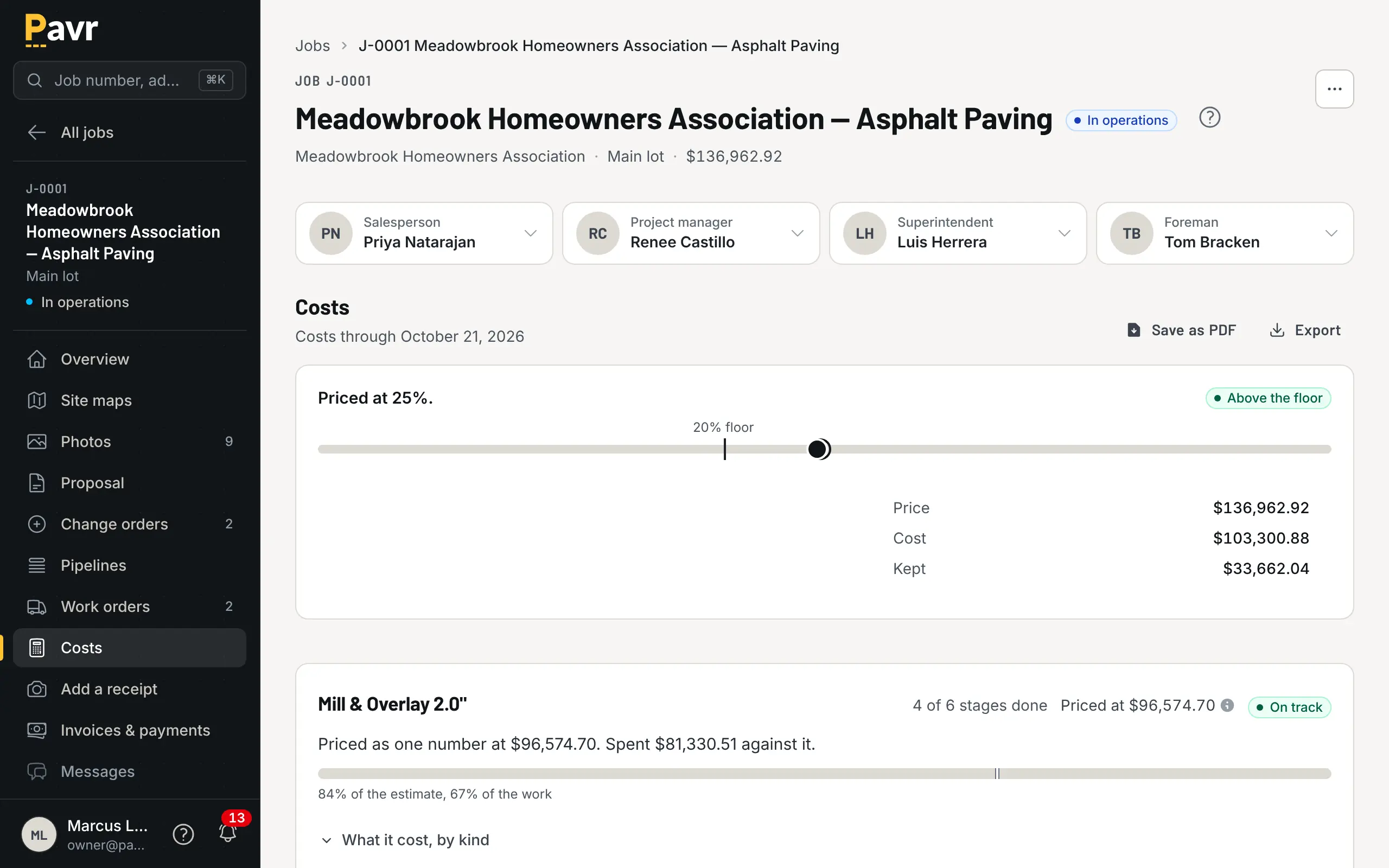
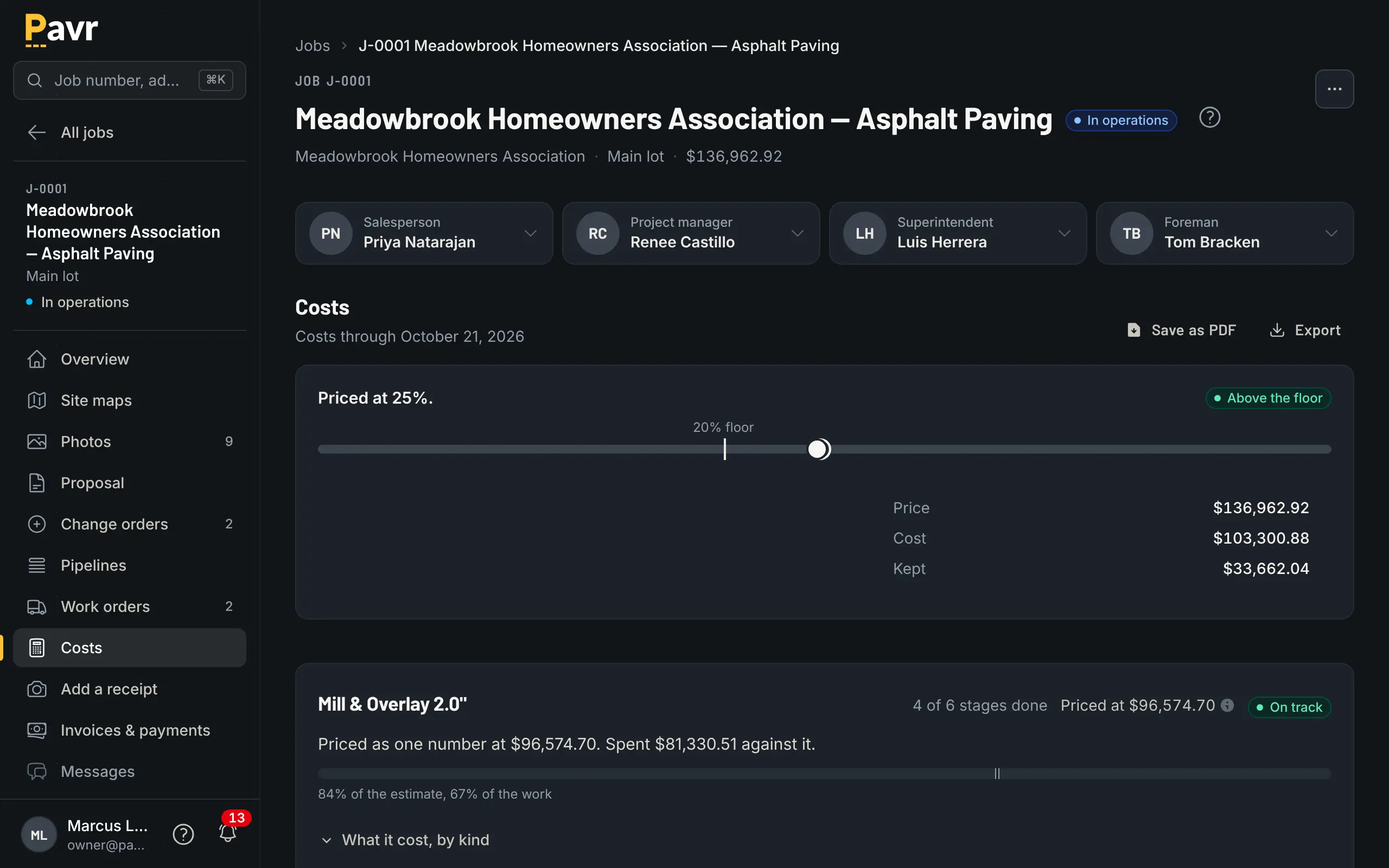
The line that's running over, while there's still time to do something about it.
Billing and getting paid
Jobber is strong here [1][2]. It sends one-click invoices with follow-ups, takes card and bank-transfer payments with instant payouts on every plan, and adds automatic payments and connects to QuickBooks Online from Connect [1][2]. It also bills in stages: "Progress invoicing is available on all plans," with a payment
schedule split by percentage or fixed amount [4]. If you want the money collected inside the tool, Jobber does that on every plan [2]. Pavr does it only when you turn on Pavr Payments; otherwise the Pay button goes to wherever you already take payments.
Pavr is built for the invoice that has to match a contract. It comes from the signed proposal plus
signed change orders once the punch list closes. Deposits credit themselves. Bigger jobs get a
schedule of values from the signed proposal, pay applications by percent complete per line, retainage
held and released, and a G703-style continuation sheet. T&M work bills weekly against a
not-to-exceed and stops there. Reminders go at 7, 14 and 30 days, late fees if your terms allow
them, statements on request. The Pay button hands off to your QuickBooks Online payment page or
wherever you already take payments, with no fee from Pavr. Or turn on Pavr Payments and the customer
pays on the invoice, by bank transfer or card, into your own Stripe account, for 1% plus Stripe's
rates. How Pavr bills.
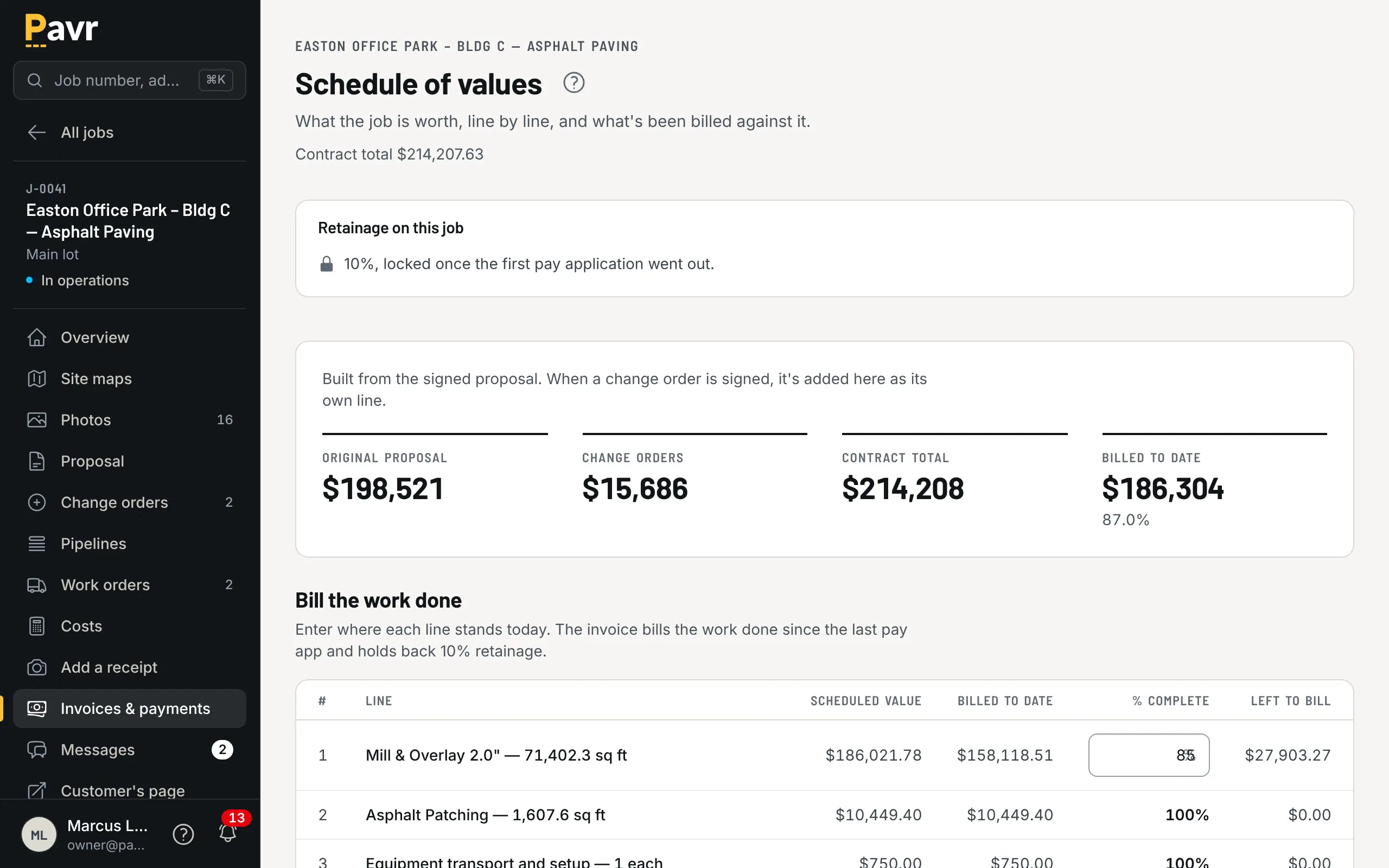
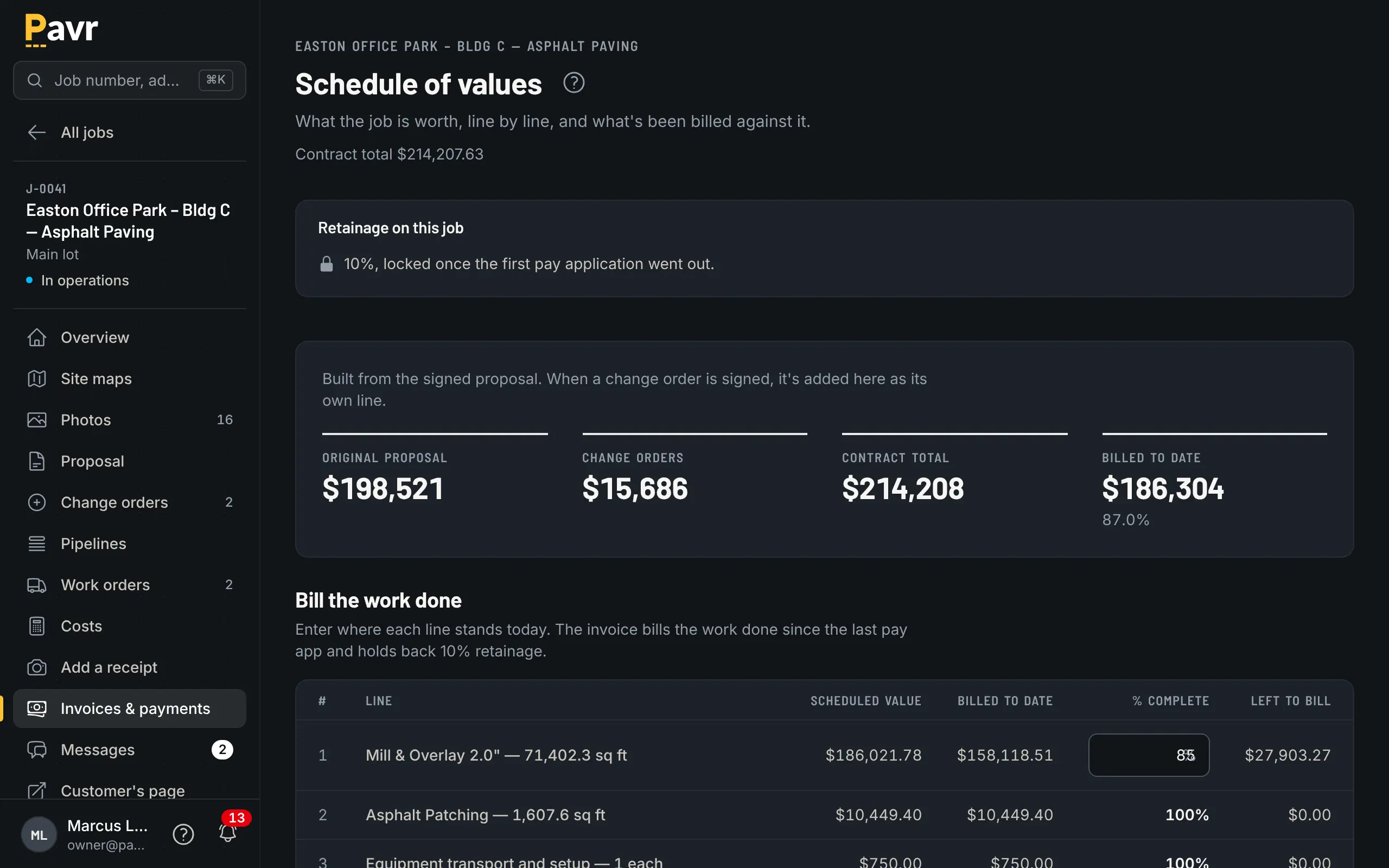
Pay app by line: this month's percent, the retainage, the balance to finish.
Retainage, pay applications and T&M caps aren't listed on Jobber's site as of September 18, 2026
[2][4]. If you work for GCs, read working for general contractors: pay
apps and then ask them.
Price
Jobber publishes its prices [2]. Core is one user at $49 a month with no commitment, $39 on a 1-year
commitment or $29 billed annually [2]. Connect, Grow and Plus are priced by team size [2]. With no
commitment, five users cost $199 on Connect, $299 on Grow and $499 on Plus; fifteen users cost $399,
$499 and $699 [2]. A 1-year commitment or annual billing costs less, and "Add users for $29/mo each"
[2]. The trial is 14 days on Grow with no credit card [2].
Pavr is $85 a month for each person who estimates, schedules or runs jobs in it. Crew who only clock in,
and customers who sign and follow their jobs, are free. Try it for 14 days with no credit card.
Two worked examples. A one-truck sealcoat operation where the owner quotes everything:
Jobber Core at $49 a month, Pavr at $85 [2]. Jobber is cheaper [2].
A company with an owner, an estimator, an office manager, two foremen and eighteen crew: Pavr is
5 × $85 = $425 a month, and the crew clock in free. On Jobber, Grow is the first plan with job
costing [2]. If only the five in the office and the trucks need accounts, Grow is $299 a month with
no commitment [2]. If all twenty-three need one, it's the 15-user Grow price of $499 plus 8 × $29 =
$232, or $731 a month [2]. It turns on how many of those people need an account.
Where Jobber is the better fit
You're small and residential. Driveways, sealcoat, a two-person crew, one person quoting. Jobber
costs less and covers online booking, a website and card payments on every plan [2].
You want to collect payments in the same tool. Jobber takes card and bank transfer with instant payouts
[1][2]. Pavr hands that off to where you already take payments, unless you turn on Pavr Payments, which takes bank transfer or card on the invoice for 1% plus Stripe's rates.
Routes matter more than sequence. Jobber's routing, from the Connect plan up, builds the day's
route for the crew [1][2]. Pavr doesn't have it, and a sealcoat route business feels that every
morning.
You want marketing in the same subscription. Jobber sells a Marketing Suite as a $99-a-month
add-on, included on Plus, and review content on quotes needs its Reviews add-on [2]. Pavr has a request list and a notice
when a proposal goes unsigned, and stops there.
Switching: what moving actually looks like
Price first, bill later. You don't have to move everything. Put your next commercial lot through
Pavr — takeoff, estimate, proposal, signature — while the rest of the business keeps running where
it is. The pricing is where the difference shows up first.
Your prices come in from the lists you keep. Bring in your material, crew-rate, equipment and sub price lists from a file, check them before anything is saved, and type the markups once against the 131 built-in services. An afternoon.
Your customer list. Pavr doesn't bulk-import customers. When an invoice goes to QuickBooks
Online, it matches a customer of the same name rather than creating a duplicate, so your books stay
tidy.
Getting back out. Export your data gives the owner a ZIP with one CSV per record type and a
README that explains each file. Pull it whenever you want, including the week you sign up.