Who each one is for
Bitumio is estimating, scheduling and job costing software for asphalt contractors [1]. Its home page
names three trades: Asphalt Paving, Asphalt Maintenance and Line Striping [1]. The math in the
estimate is aimed at that work — "preconfigured calculations", and the transfer trucks, the trucking
cost and the travel times worked out for you [1] — and the built-in map puts measurements into the
proposal [4].
Pavr is written for a company that does that work and pours concrete too, usually for property
managers, HOAs and general contractors: five to sixty people, an office manager, a foreman on each
crew, a sub for milling or striping, and QuickBooks.
So this isn't a case of one tool being bigger. It's a case of two tools drawing the boundary in
different places. If your season is routes of sealcoat and crack fill with a striping crew behind
it, Bitumio draws the boundary where you work [1]. If half your lots need base repair and ADA ramps
and the customer is a GC who wants a pay application, Pavr draws it there.
Every claim below about the other tool carries a numbered source from its own site, and the list
at the bottom has the date we read each one.
The walk and the price
Estimating is where Bitumio's site puts its weight [1][5]. The built-in map puts "accurate map
measurements into your proposals" [4], the calculations come preconfigured [1], and each proposal
auto-calculates travel time, job time, material, labor, equipment and trucking time [5]. For a
sealcoat crew pricing twelve properties on a Sunday night, that's the right machinery.
Pavr's estimate starts the same way and then gives you more room. You draw the lot on the satellite
view, set a scale on a GC's PDF plan and draw on that, or type in what you walked with the wheel.
Then you drop the work onto what you drew from 131 built-in services across paving, concrete, sealcoat, striping and site work, each priced from your plant price, your
crew rates and your equipment, with a markup slider per line and the sell price and margin beside
you the whole time. That's how estimating works in Pavr.
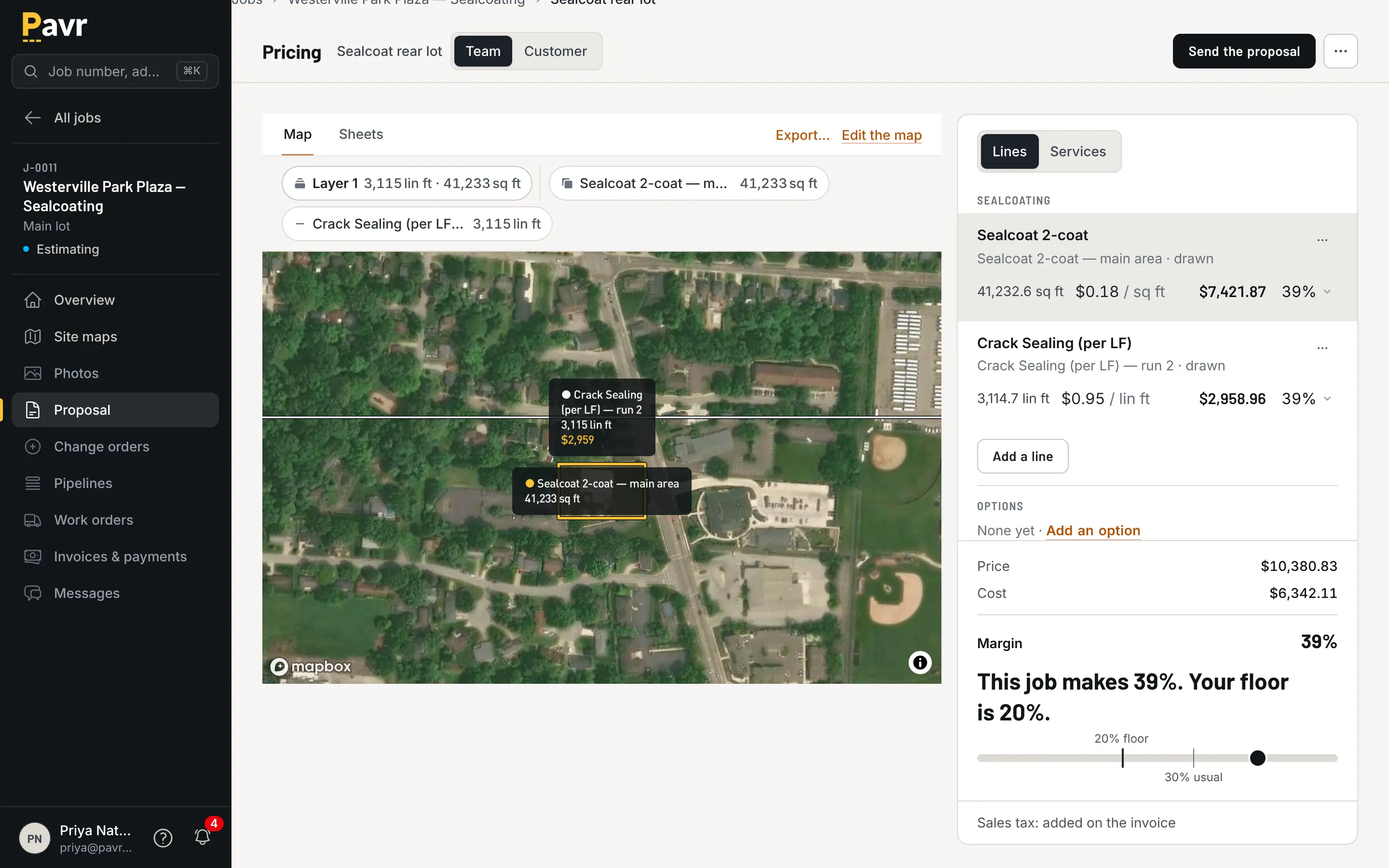
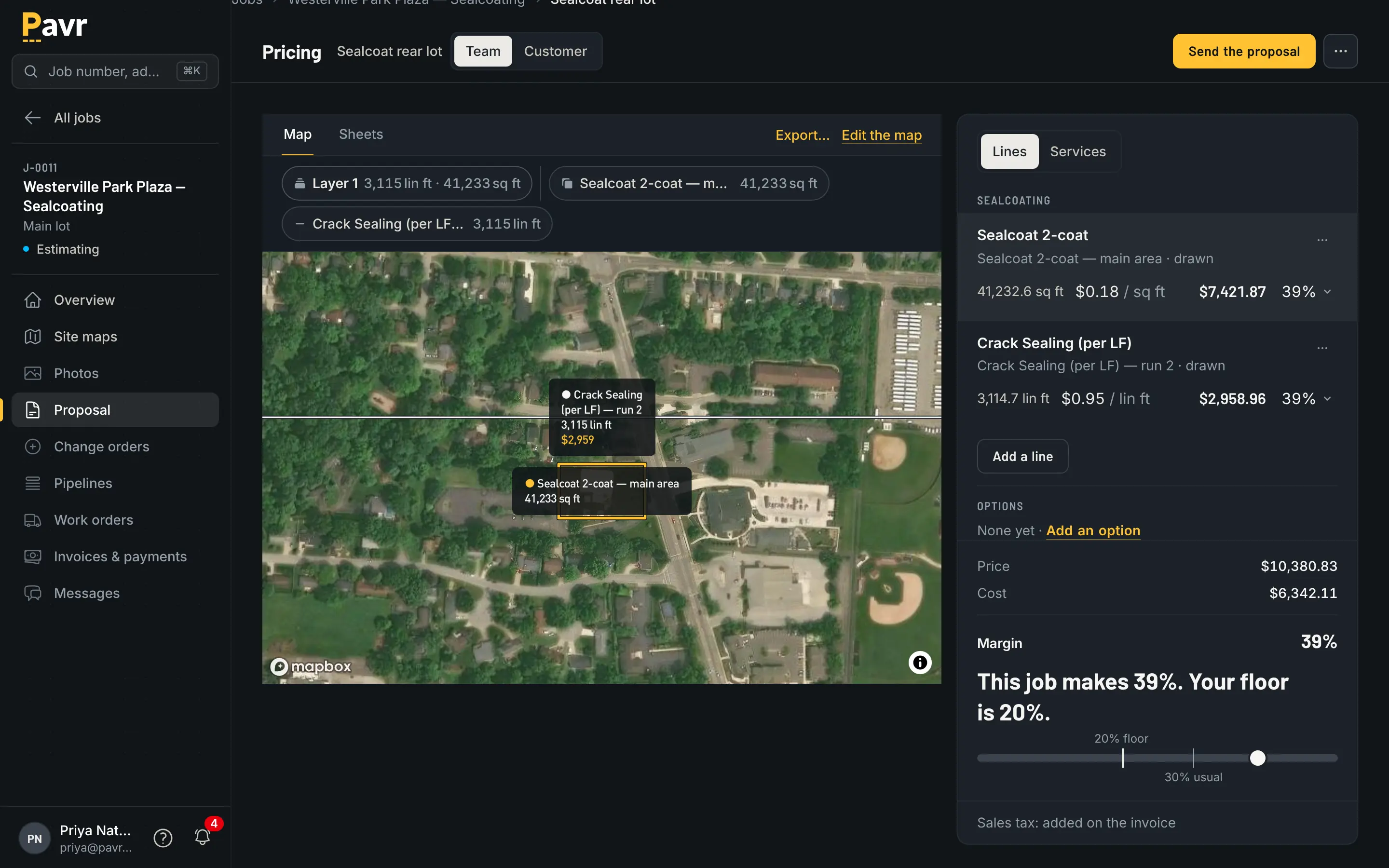
The takeoff and the price in one screen: what you drew, what it costs, what it sells for.
The practical difference is the lot that needs four trades. One Pavr estimate carries the overlay,
the ADA ramps, the sealcoat and the restripe. One proposal groups them by trade with subtotals. One
job comes out of it, with a part for each crew and waits in between — see one job across
trades. Bitumio's home page doesn't list concrete among the trades it
serves as of September 18, 2026 [1]. The one place concrete shows up is its map measurements page,
which describes measuring asphalt, concrete and paving [4].
If pricing the maintenance side is the job at hand, how to price sealcoating
jobs and how to price crack
filling are the arithmetic, and the asphalt tonnage
calculator is the one number people still get wrong.
The signature
Bitumio creates proposals "in just a few clicks" [1]. What isn't listed on their site as of
September 18, 2026 is an electronic signature [1][2][6].
In Pavr the proposal goes out under your company's name, opens on the customer's phone from the
email with no password, and gets signed by typing or drawing. The signature is tied to the exact
version they were shown, and the price on it is the price you sent — a plant increase never moves a
proposal that's already out. Signing wins the job. Here's what the customer
sees.
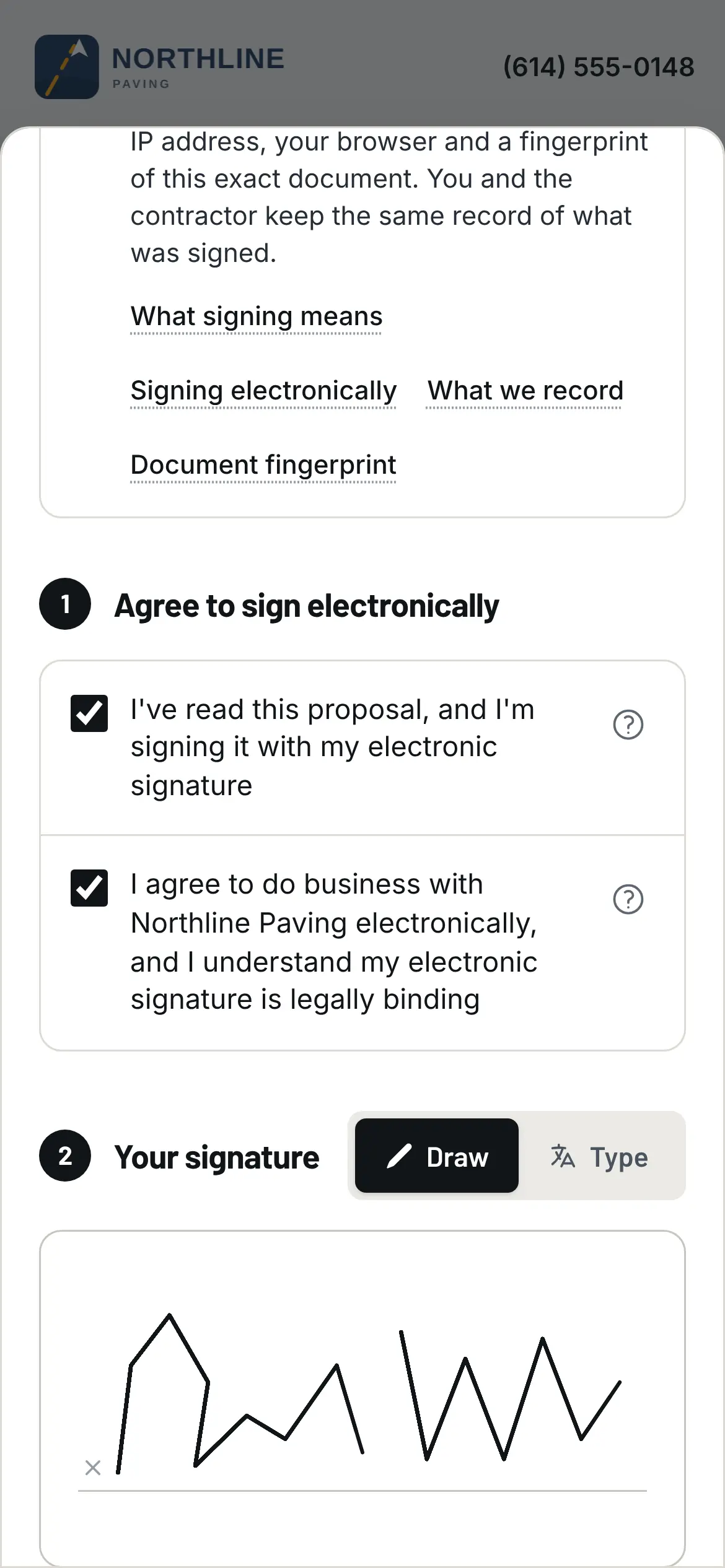
Signed in the parking lot, on the customer's phone, from the email.
For maintenance work sold to a property manager, "reply to this email with your approval" often
survives fine. For a six-figure reconstruction, the version the customer signed is the whole argument
— which is the point of writing a paving proposal customers
sign.
Change orders
Bitumio has change orders, and describes them as tracking: "keep track of change orders as they
happen and have your budget immediately updated", and "Any change is quickly communicated to the
field" [6]. Their page doesn't describe a customer signature on one as of September 18, 2026 [6].
Pavr treats a change order as a small proposal. It's priced from your current catalog with the
markup the customer already agreed to on the proposal, emailed for signature the same way, and the part
of the job it covers waits until it's signed. Once signed, it's on the invoice, or on the schedule
of values as its own line.
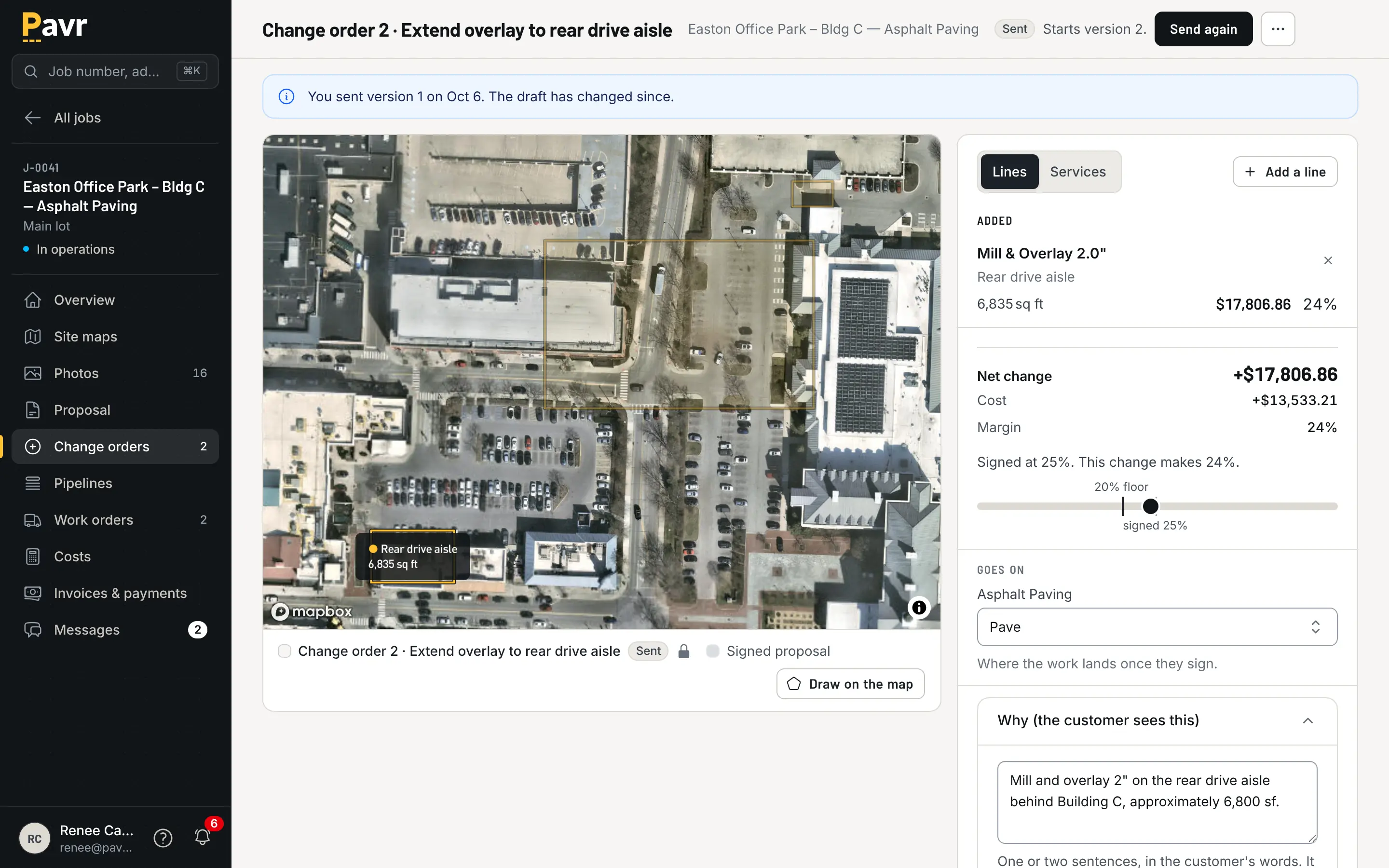
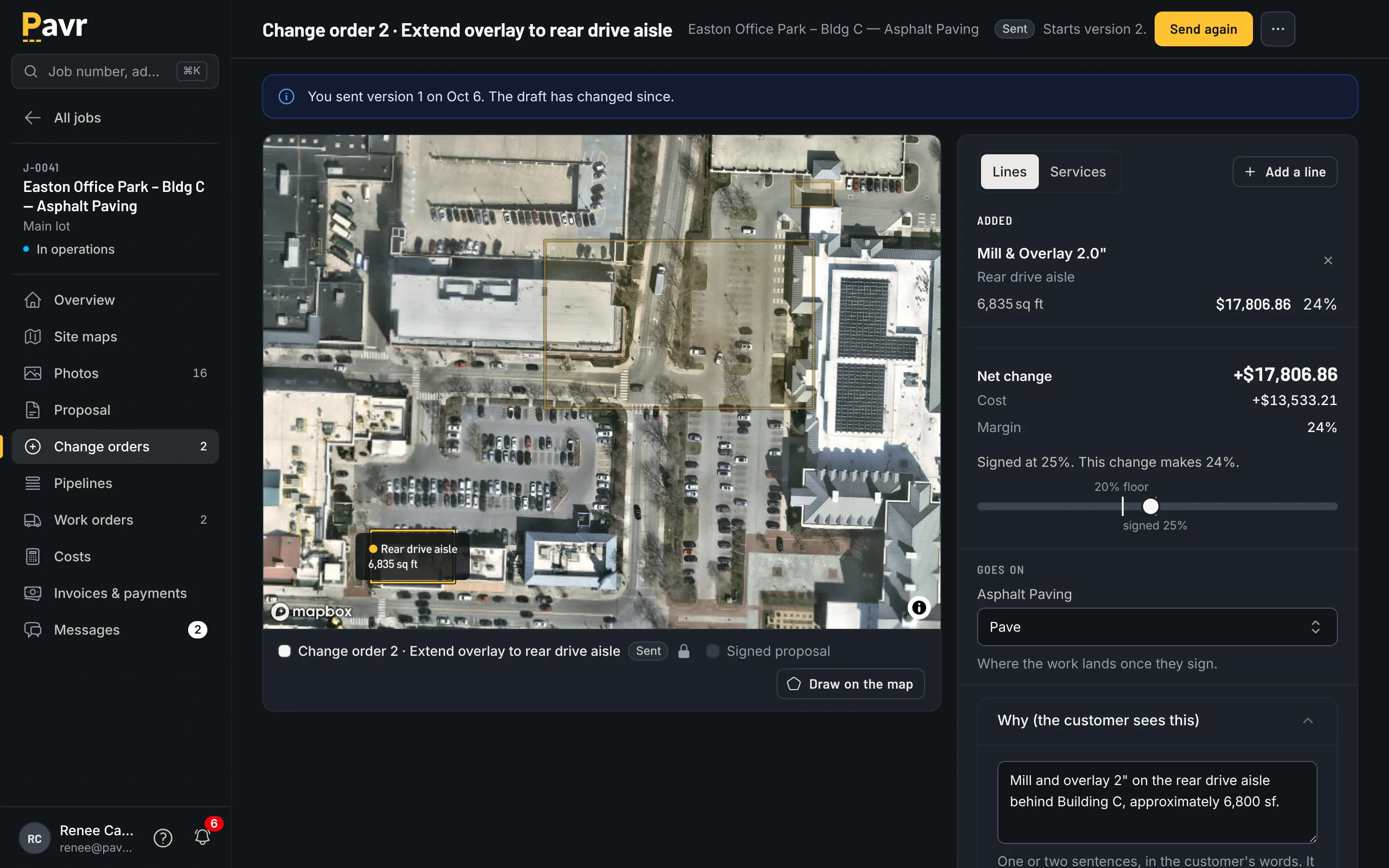
The extra work sits until the signature comes back.
That difference matters most on big lots with an owner's rep on them. On a driveway, a phone call
is a change order. On a 400-stall lot with a GC, it isn't.
The week before the crew rolls
Both tools put the schedule in one view — Bitumio: "Easily schedule jobs and crews in one view" [1].
Its job management page adds automatic notices to clients when jobs are scheduled, started and
completed [7].
Pavr's schedule knows the weather rules. Asphalt, sealcoat and striping want 50°F and no rain,
concrete 40°F, and you can change any of it. The forecast flags jobs that won't make the rule. A
rain day moves as one batch to the next day that passes. Sealcoat waits 30 days for new asphalt to
cure; striping waits 24 hours after sealcoat; striping waits on the paving. Double-booked crews and
equipment show up before dispatch, and dispatch buzzes the foreman's phone.
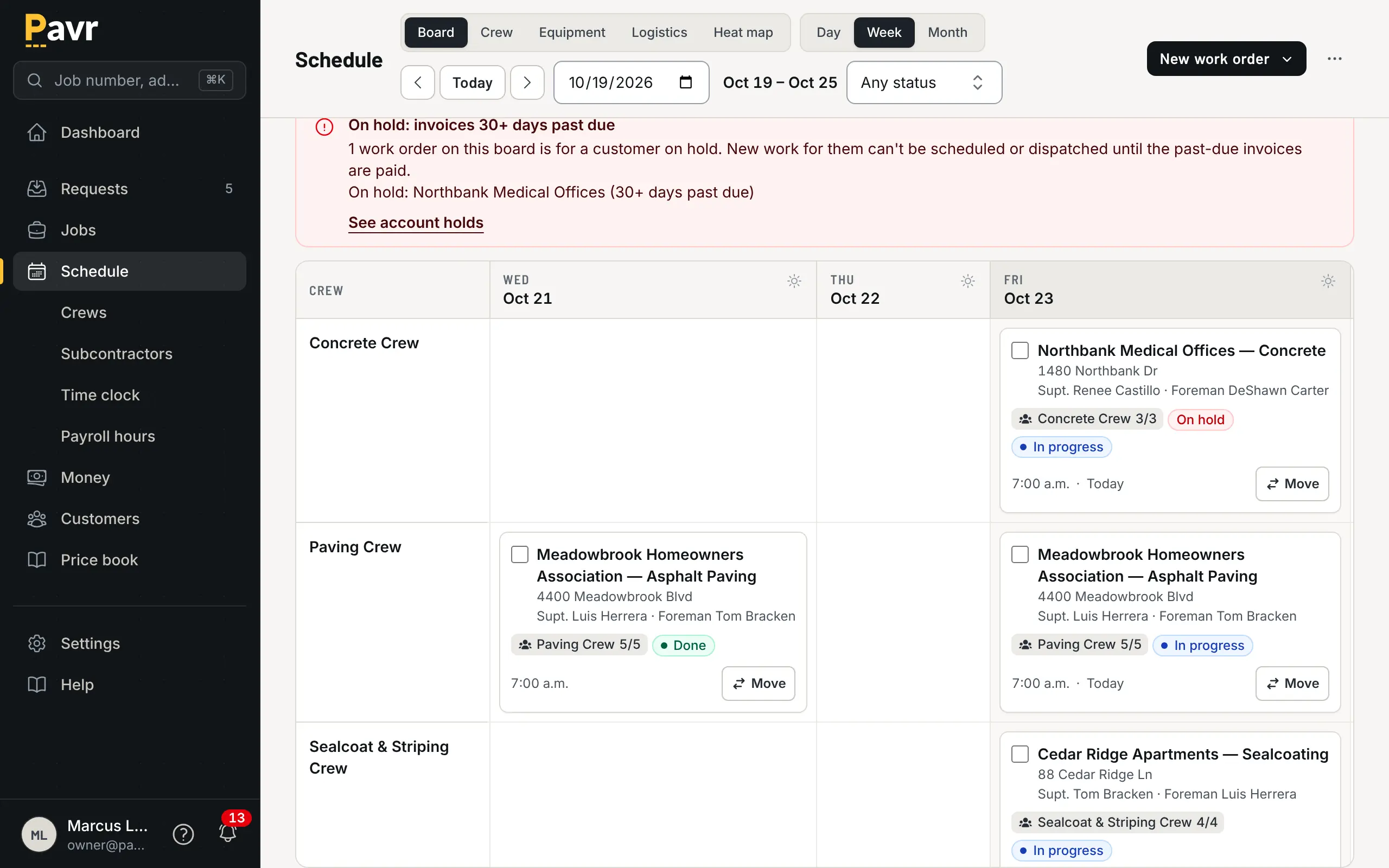
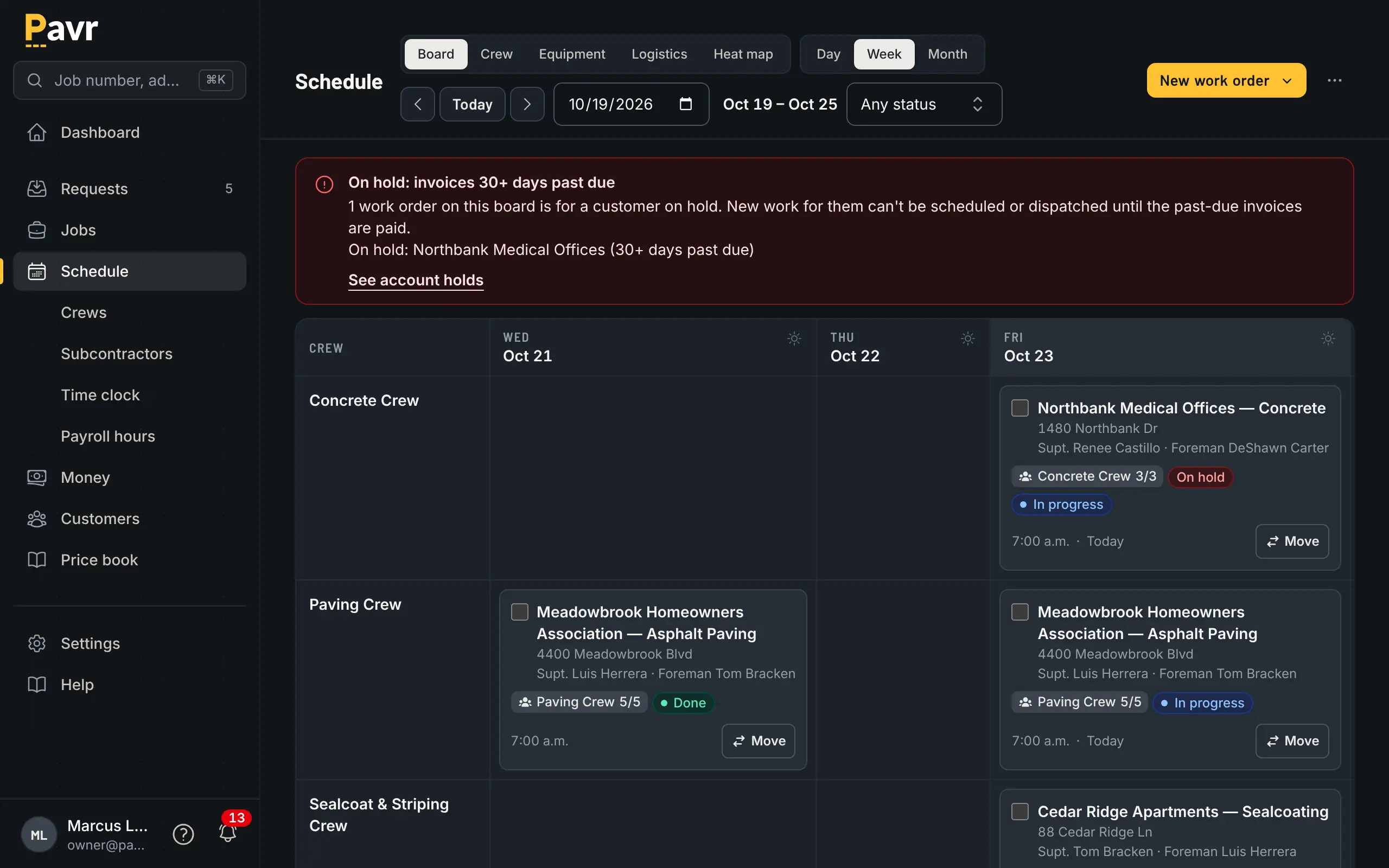
A rain day moves as one batch, not as eleven cards you drag at 5 a.m.
Weather rules and cure waits aren't listed on Bitumio's site as of September 18, 2026 [1][2][7].
For a sealcoat company in October, the temperature cutoff is the whole business — see fall
sealcoating temperature cutoffs.
Crew hours
Bitumio's mobile app, on iPhone and Android, puts "all the Job details in the palm of your hand"
[1]: start time, address, main contact, the material, equipment and crews needed, notes and images
[8]. Employees who only use the app don't count toward your users [8], and daily vehicle
inspections are logged from it [1]. Its job costing page tracks "labor and equipment times" [9].
A crew time clock, offline use and Spanish aren't listed as of September 18, 2026 [1][2][8].
Pavr's crew side is a time clock first: clock-in with location, the foreman clocking the whole crew,
lunch off, daily logs with photos and material used, punch list items from the lot. It all saves on
the phone with no signal and goes up when there's some, and nothing is sent twice. Approved hours
come out as a payroll CSV with the overtime split at 40 hours a week, and those same hours are what
land on the job's costs. The crew screens are in Spanish.
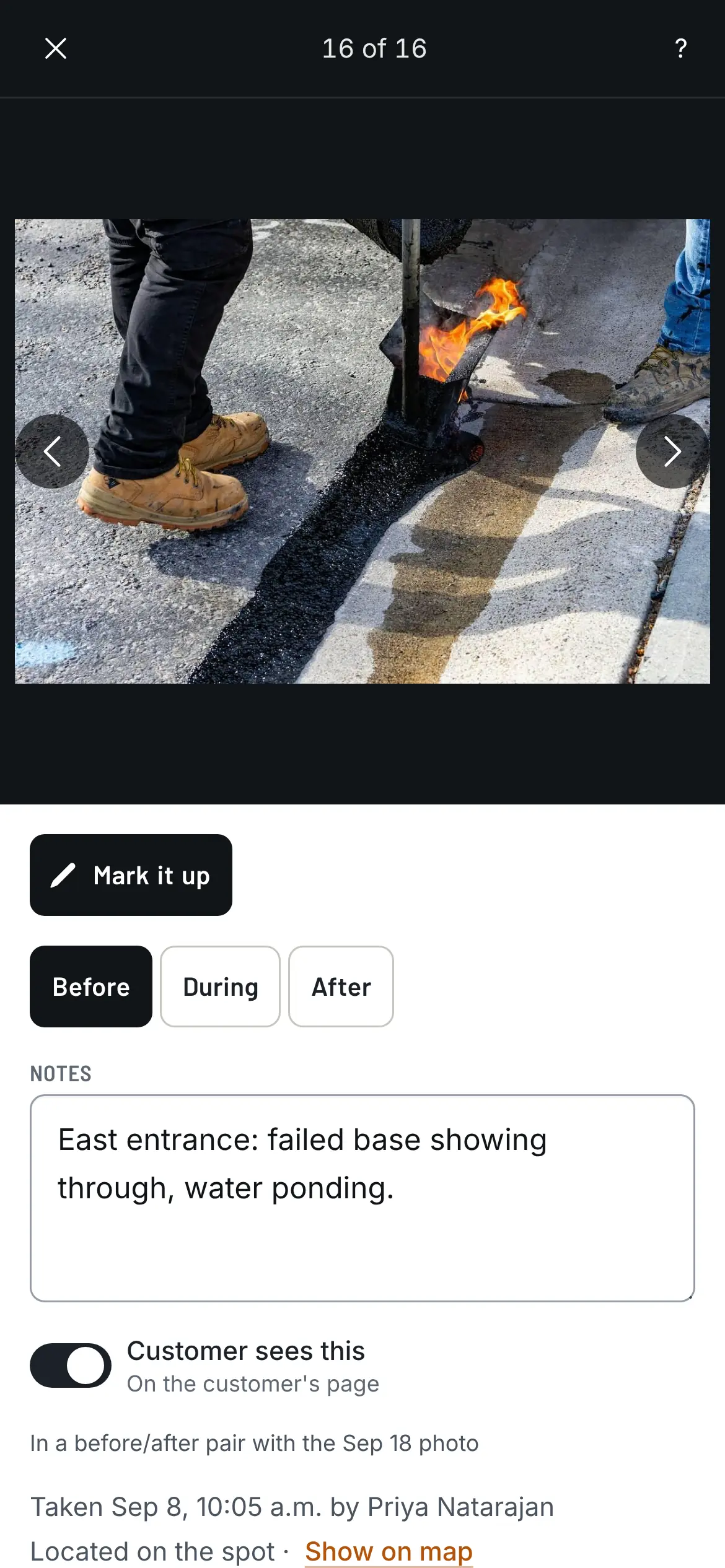
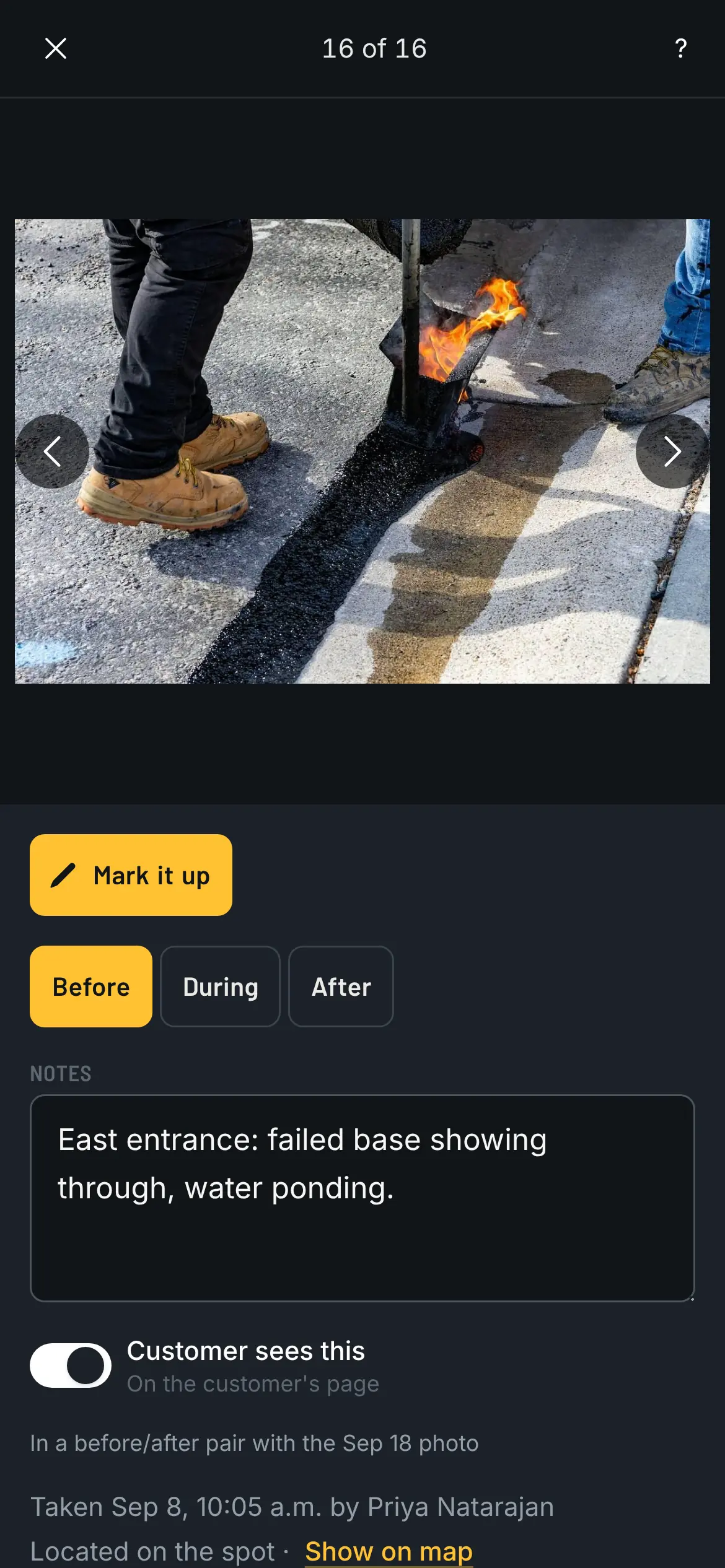
A photo from the lot, with where it was taken and which way the phone faced, saved with no bars.
Job costing
Both track costs against the estimate. Bitumio: "Track equipment, labor, material, and subcontractor
expenditures and compare estimated and actual job costs" [9].
Pavr posts approved hours, material off the daily log, receipts, sub invoices, mileage and equipment
hours against the estimate line by line, by cost type, while the job is still open. Yellow at 5%
over the estimate, red at 10%, and both numbers are yours to set in job costing.
The season's version of that report — which job types made money this
season — is the one that changes next
year's prices.
Billing and getting paid
This is the widest gap on the page.
Bitumio names QuickBooks Online and QuickBooks Desktop Pro among its integrations [1], which is a
real advantage if your books are on Desktop — Pavr only works with QuickBooks Online. Its job
costing page mentions "real-time billing, change orders, and payroll data" [9], but invoicing isn't
listed as a feature of its own as of September 18, 2026 [1][2]. Progress billing and retainage
aren't listed either [1][2][9].
Pavr bills the way paving gets paid. The invoice comes from the signed proposal plus the signed
change orders, once the punch list is closed. A deposit comes off the final invoice on its own.
Bigger jobs get a schedule of values built from the signed proposal, pay applications by percent complete
on each line, retainage held and released, and a G703-style continuation sheet. T&M work bills
weekly against a not-to-exceed and stops at it. Reminders go out at 7, 14 and 30 days past due, late
fees are there if your terms allow them, and the customer can pull their own statement. The Pay
button goes to your QuickBooks payment page or wherever you already take payments, with no fee from
Pavr. Or turn on Pavr Payments and the customer pays on the invoice, by bank transfer or card, into
your own Stripe account, for 1% plus Stripe's rates.
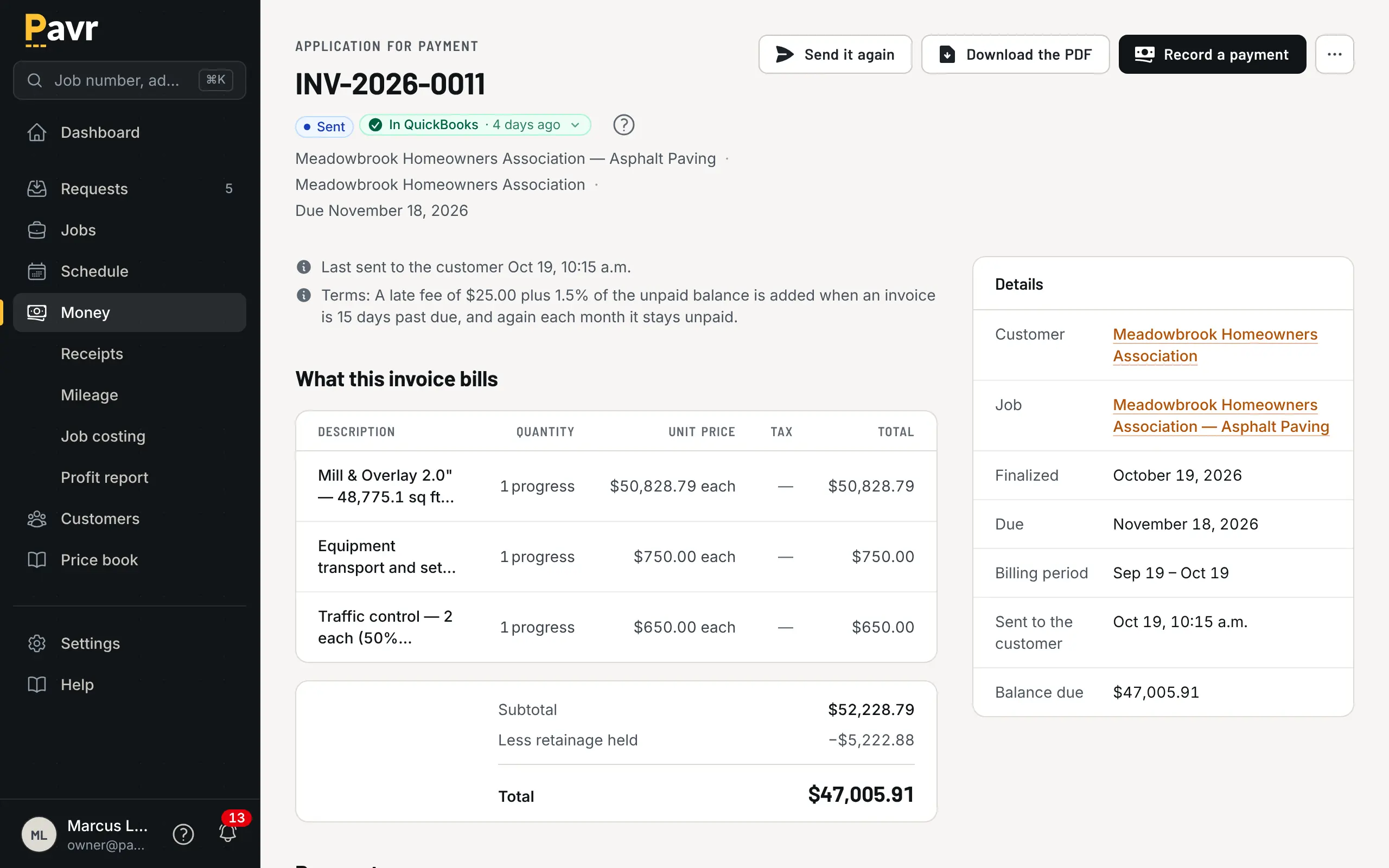
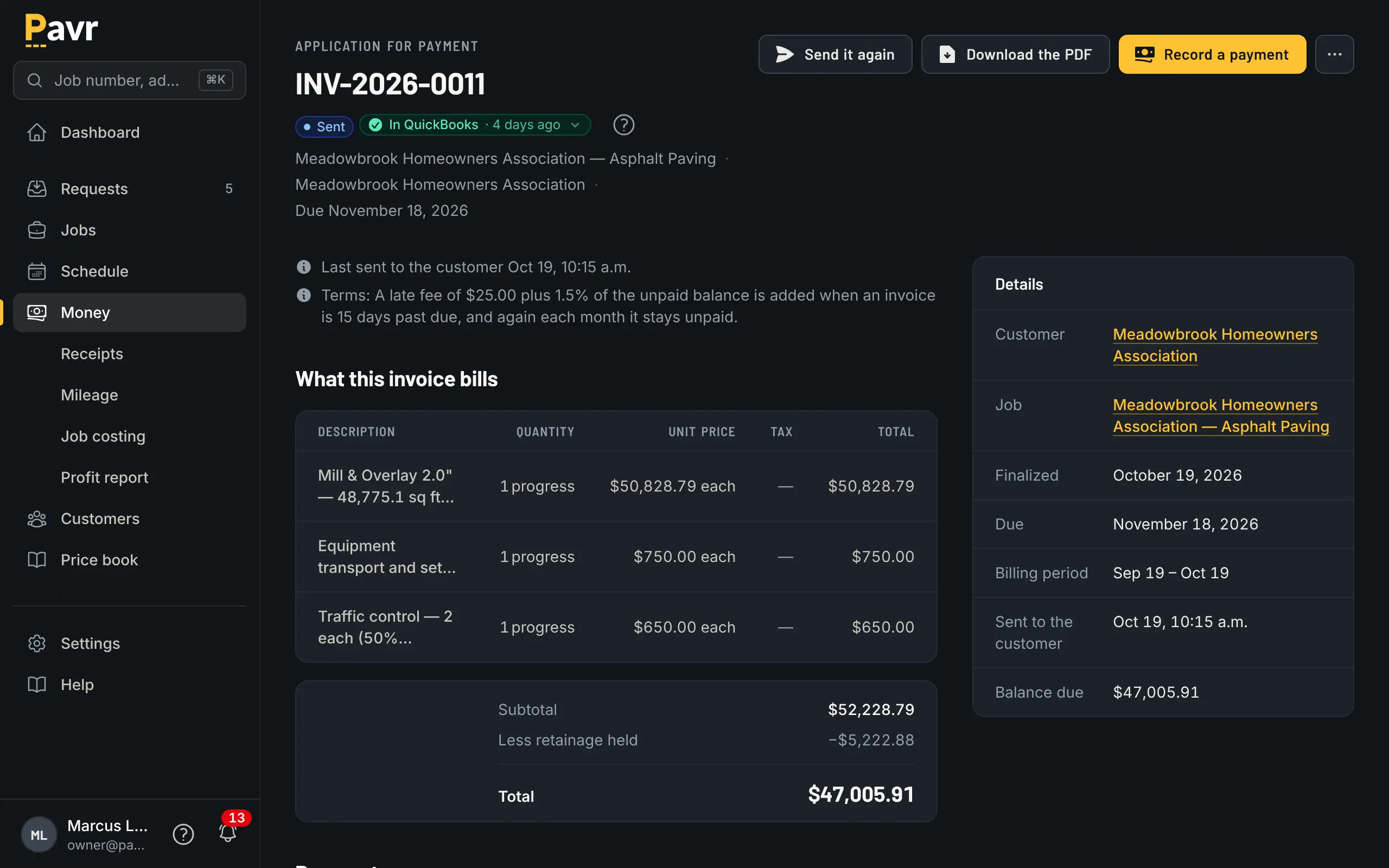
Percent complete by line, retainage held, and a customer copy ready to send.
Price
Bitumio publishes its price: $149 a month per user for admins, estimators, office managers and
foremen, with "Employees who need access to their schedule and job details via the Mobile App are
FREE!" and savings offered on yearly agreements [3].
Pavr is $85 a month for each person who estimates, schedules or runs jobs in it. Crew who only clock in,
and customers who sign and follow their jobs, are free. Try it for 14 days with no credit card.
Same shape, different number. An owner, an estimator, an office manager and two foremen who schedule
and write change orders: $745 a month on Bitumio's published rate [3], $425 on Pavr. Crew who only
use the app are free on theirs [3], and crew who only clock in are free on Pavr.
Where Bitumio is the better fit
Your books are on QuickBooks Desktop. Bitumio names QuickBooks Desktop Pro [1]. Pavr connects to
QuickBooks Online only. That alone can decide it.
You're maintenance-first and want the material math done for you. Preconfigured calculations
[1], and travel time, material, labor, equipment and trucking time worked out for each proposal [5],
are exactly what a sealcoat and crack fill operation prices on. Pavr computes tonnage, gallons, yards
and crew hours from your measurements and your rates, but it won't choose a plant by transport distance for you.
Your trucks are part of the job. Daily vehicle inspections are logged from Bitumio's app [1].
Pavr doesn't do vehicle inspections.
You want a published per-user price and a short evaluation. Both of us publish; theirs is a
single number with free mobile users [3]. If you're comparing against tools that make you sit
through a demo to learn the price, that's worth noticing.
Switching: what moving actually looks like
Your price lists come in from a file. Material, crew rates, equipment and subs are read from the lists you keep, and you check every row before anything is saved. The 131 built-in services give you the shape (sealcoat by the square foot, crack fill by the foot, stalls by the stall, mill and overlay by depth) and you set the markups once. An afternoon.
Take the routes first. If most of your work is repeat properties, put the ten you price most often
into Pavr, price next season's renewals from them, and see whether the proposals go out faster than
they do now.
Don't move history. Finish open jobs where they are. Start clean.
Your data comes back out. Export your data hands the owner a ZIP with one CSV per record type
and a README explaining each file. Pull it on day one if you like.